
WooCommerce Update Order Status from Odoo
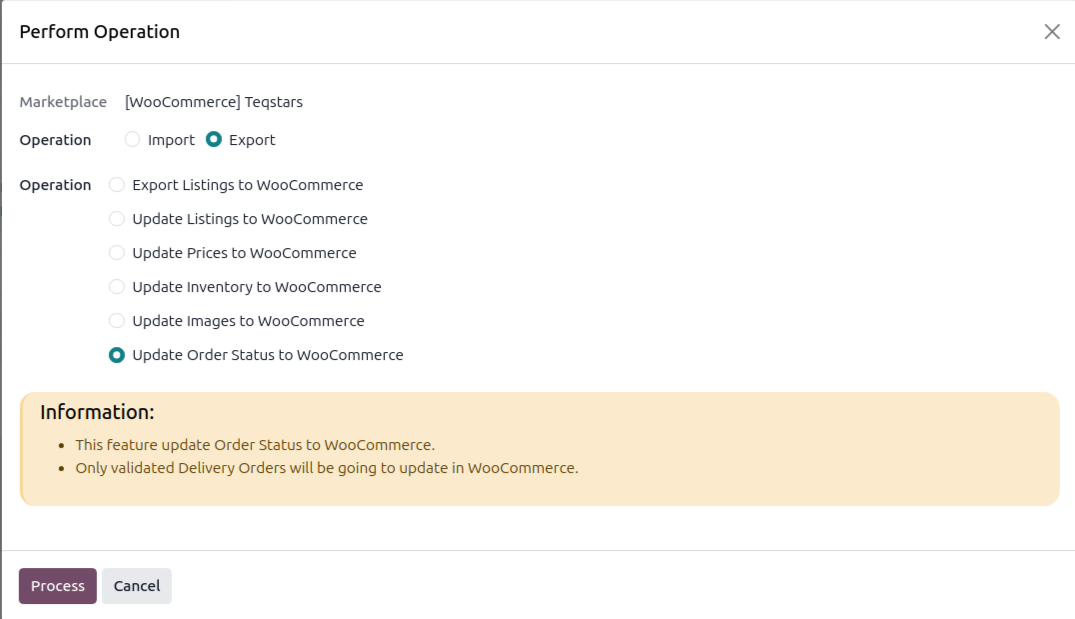
When you ship an order in Odoo, the connector marks the WooCommerce order as completed. Only fully validated delivery orders are pushed back.
Method - 1: Manual Update Order Status
Run the Operations wizard (Export → Update Order Status to WooCommerce) to push all eligible orders, or open a delivery order and click Update in Marketplace for a single order.
Method - 2: Automatic Update Order Status
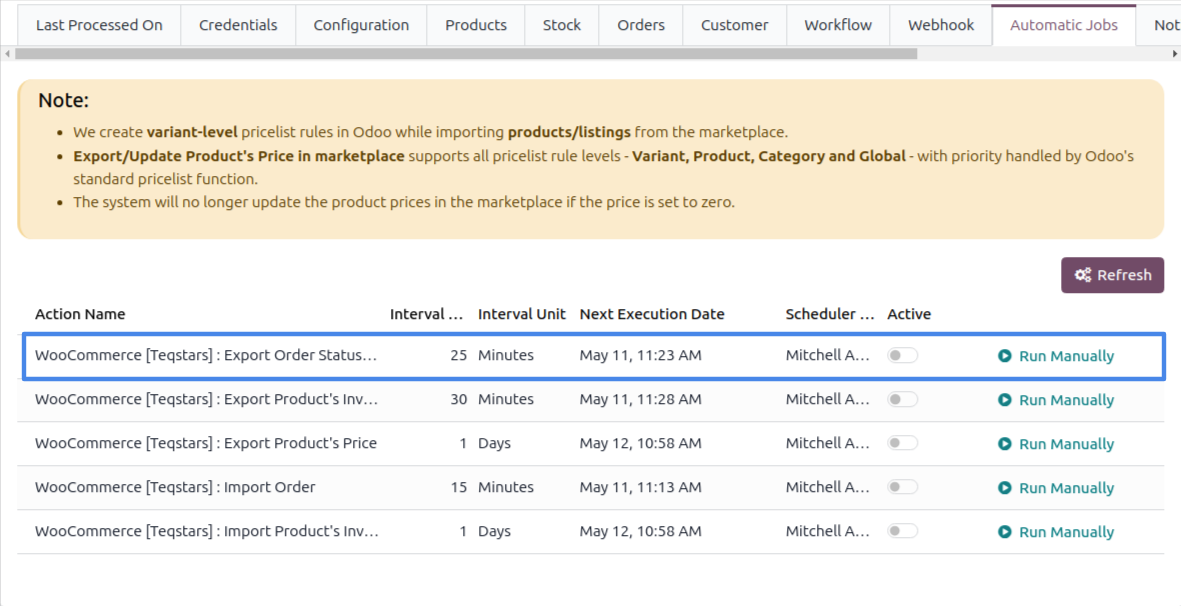
Enable the Export Order Status/Tracking Information scheduled action on the instance (every 25 minutes by default).
Note
An order is updated only once its delivery is fully validated, the WooCommerce status is then set to completed.
See also