
Export Products From Odoo
With Export Listings, you can publish a new product to PrestaShop in one operation, including pricing, inventory and images. To export listings from Odoo to PrestaShop, follow these steps.
Step 1: Add Products To Listings
Go to and select the products you want to publish to PrestaShop.
From the action dropdown, choose Add to Listing.
In the popup, select the PrestaShop instance(s) and click Add to Listing.
The selected products now appear in . From there, complete each Listing’s PrestaShop fields — categories, brand, tags, summary, visibility — and make sure every variant has an Internal Reference (SKU).
Step 2: Choose An Export Method
You can export listings in two ways:
Method - 1: From The Operations Wizard
Go to the menu in Odoo.
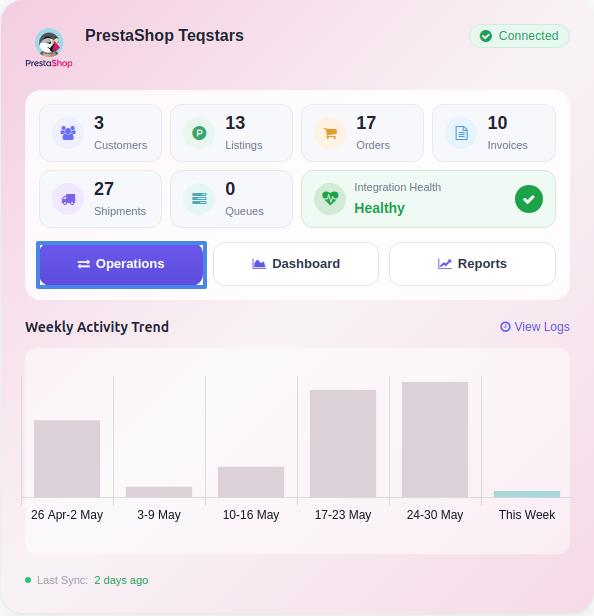
Click the Operations button from the instance record.
Choose Export as the operation type, then from Export Operation, select Export Listings to PrestaShop.
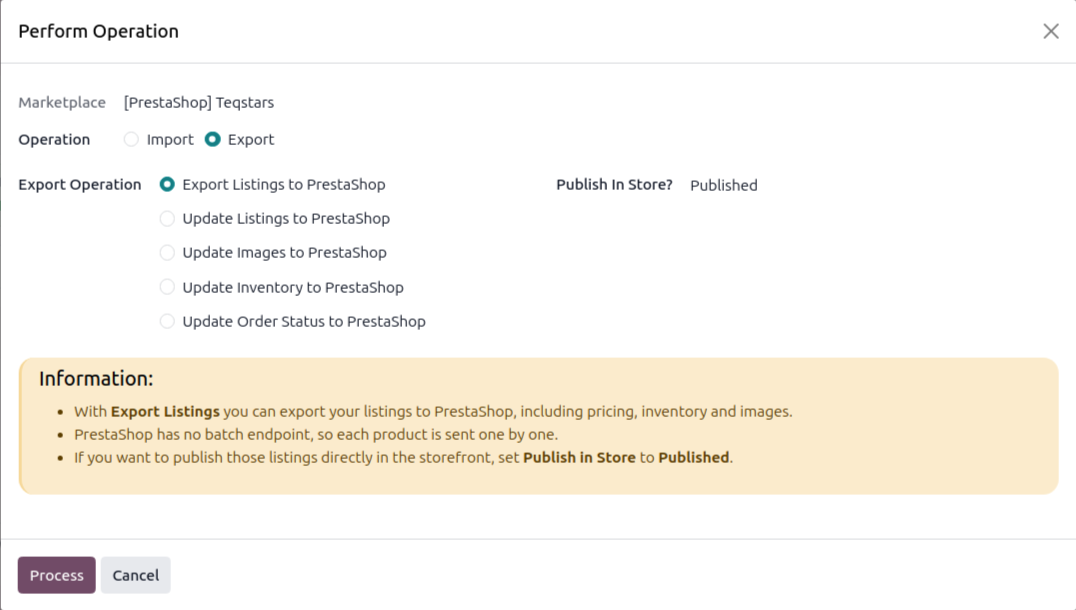
Choose whether to publish the listing with Publish In Store? to publish the listings immediately (Published) or send them to PrestaShop as inactive (Unpublished).
Click Process.
Method - 2: From The Listing View
Go to the menu in Odoo.
Click the Listing button from the instance record to open where all your product listings are managed.
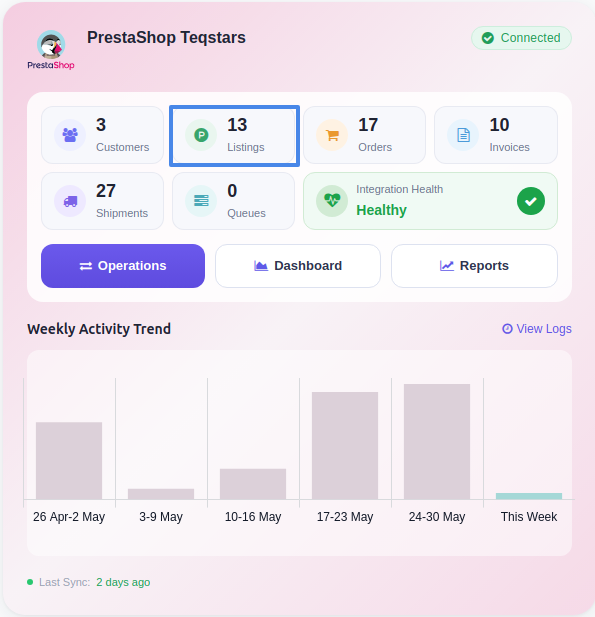
Select one or more Listings that have not yet been exported (Listed? is false).
Open the Actions menu (gear icon) and choose Export/Update Listing in Marketplace.

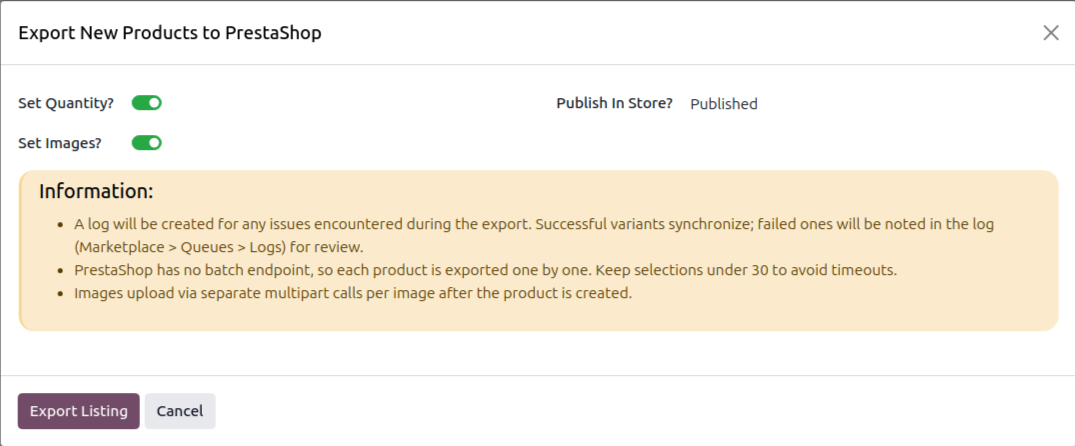
The connector detects that the listings are not yet exported and opens the Export New Products to PrestaShop wizard. Choose what to include (inventory, images, publish state) and click Export Listing.
What Gets Exported
A successful Export Listings call sends the following information to PrestaShop:
Listing Name, Description and Short Description (per active language)
Reference (SKU) and Barcode (EAN13), variant references travel with each combination
Weight, converted from Odoo’s weight to the store’s configured Weight Unit
Price (from the instance pricelist) and wholesale price (cost)
Stock for variants with Manage Stock enabled
Images
Categories and Brand (the brand/manufacturer is exported automatically if it has no PrestaShop id yet)
Attributes (product options) and their values (combinations)
Visibility and Published / Unpublished status
Note
You can export up to 30 listings in a single operation. PrestaShop has no batch endpoint, so each product is sent one by one.
Every variant must have an Internal Reference (SKU).
Both simple and combination (variant) products are supported.