
Activity Logs & Troubleshooting
Every interaction with ShipStation is captured in a dedicated log view so you can investigate failures without enabling extra debug options. This page covers where the logs live, what each entry contains, and the most common errors you may run into.
Open the Activity Logs
Go to .
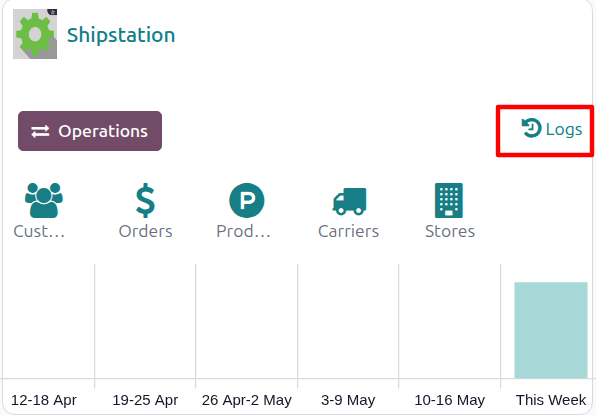
On the target account’s kanban card, click the Logs link.
The log list opens pre-filtered to that account.
What Each Log Entry Stores
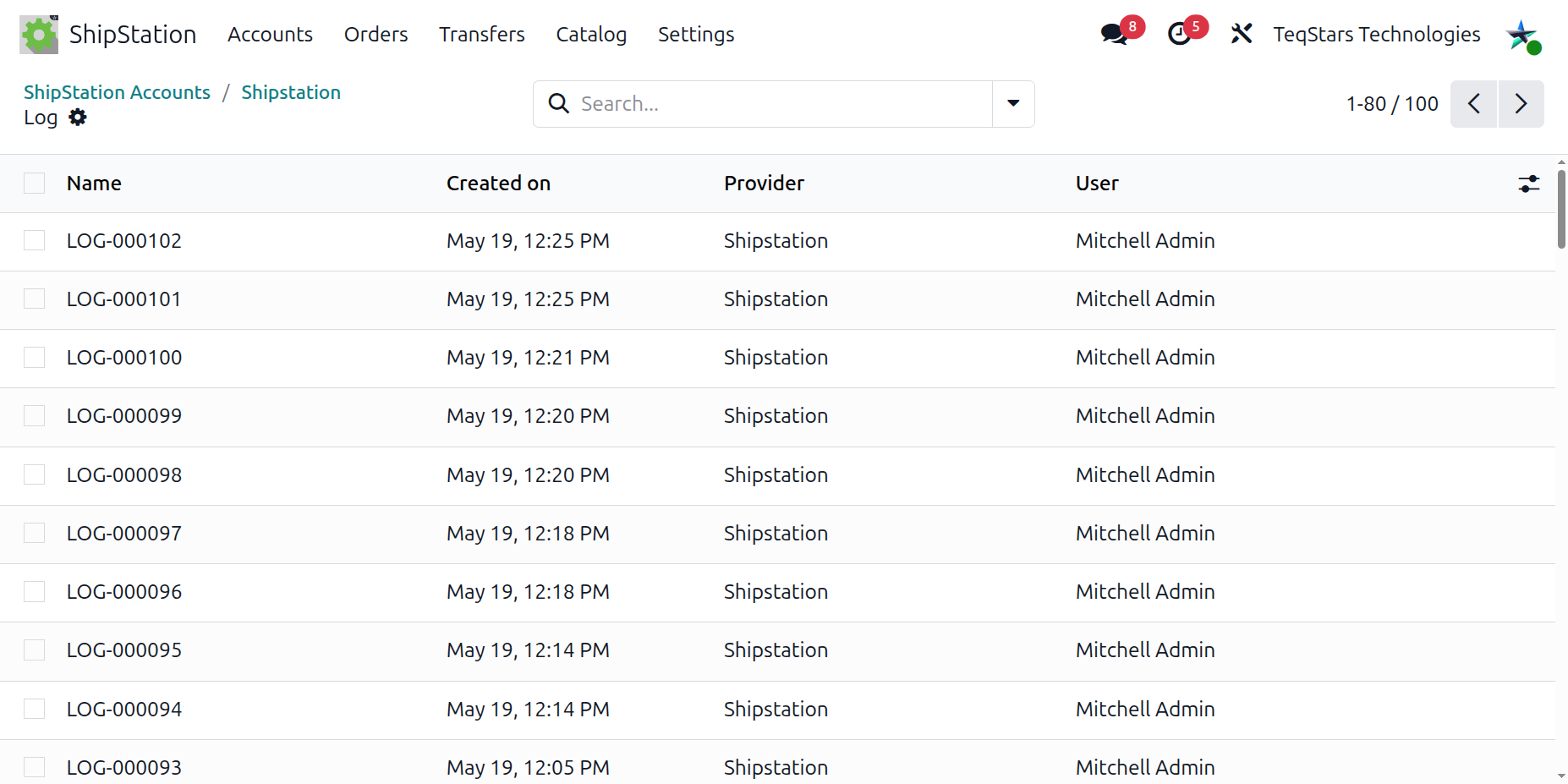
Each row exposes the following fields:
Name: sequence number (for example
LOG-000123). The prefix isLOG-and the number is padded to 6 digits.Provider: the ShipStation account that triggered the action.
User: the user that triggered the action. Empty when a scheduled action ran the operation.
Request URL: the endpoint the connector called.
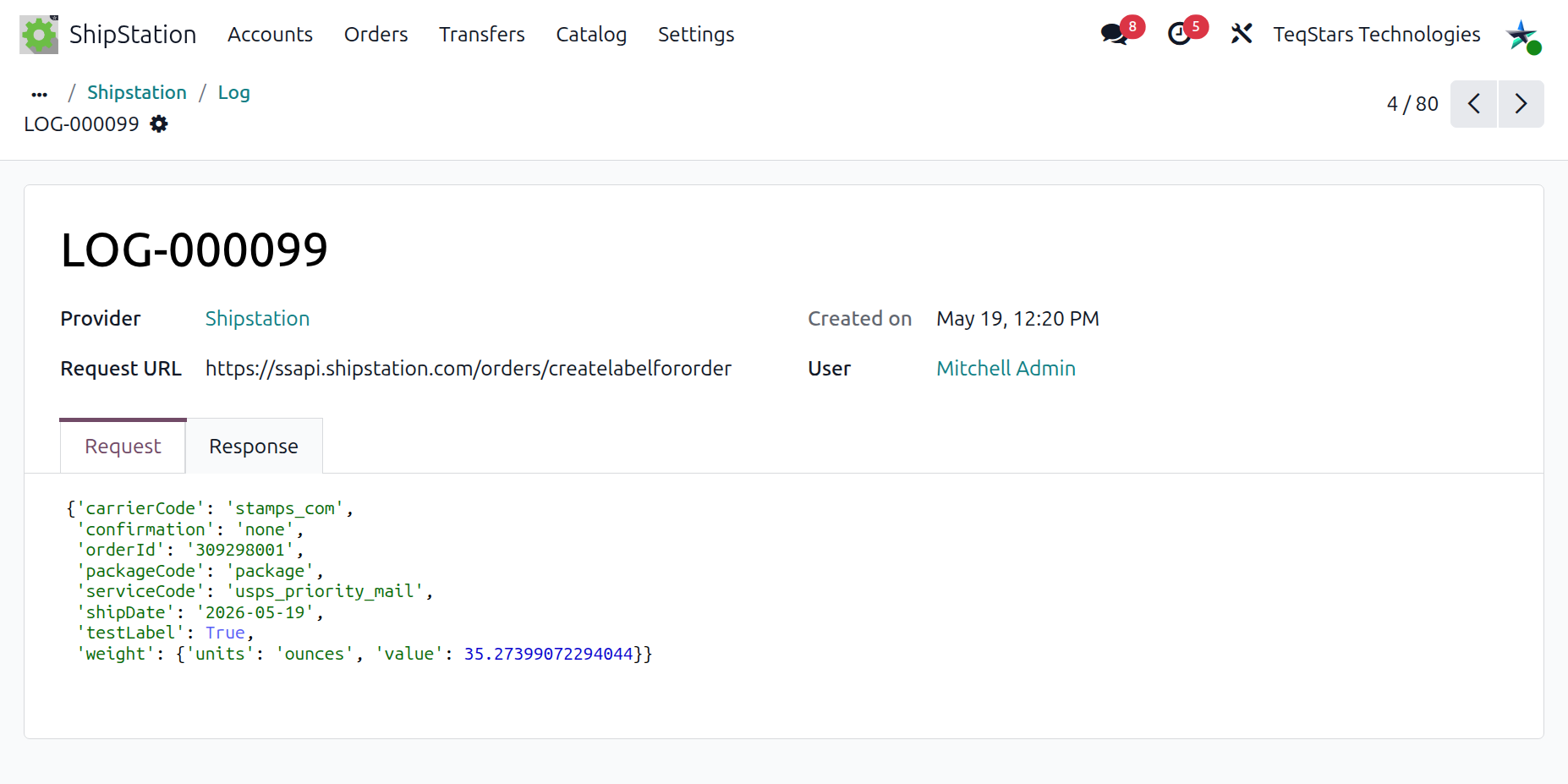
Request Data: the data sent (empty for read-only lookups).
Response Data: what ShipStation returned.
Open any entry to see the full request and response side-by-side.
Common Errors
The connector surfaces a clear message for each error category:
Category |
Typical Cause |
|---|---|
Unauthorized |
Invalid or revoked API Key / API Secret. |
Bad request |
Bad data. Review the Request Data field of the log. |
ShipStation server error |
Transient ShipStation outage. Retry after a few minutes. |
Connection error |
Outbound network blocked by your host or firewall. |
Unreadable response |
ShipStation returned a maintenance page instead of normal data. |
Validation Errors (raised before sending)
For rate lookup, label generation, and order export, the connector validates inputs before sending anything to ShipStation. These errors are shown directly on screen and do not create a log entry. Common messages:
“Please define following details in shipping address: {fields}”
“Please define following details in warehouse address: {fields}”
“Please define Weight in products” (with the SKU list)
“Please define ShipStation Store in delivery method”
Log Retention
A daily cleanup removes log entries older than 10 days. If you need long-term retention for compliance or auditing, export the entries to an external system before they age out.
Tip
When opening a support ticket, attach the Name of one or two failing log entries together with the delivery order or sales-order reference. The connector’s full request and response is then immediately available to the support engineer.