
Product Categories
Etsy organizes every listing under a category (taxonomy node). The category tells Etsy what kind of product you sell - for example Jewelry > Rings or Home & Living > Candles. Buyers use these categories to browse and search, and Etsy uses them to decide which attributes (item specifics) should appear on the listing.
What Odoo imports
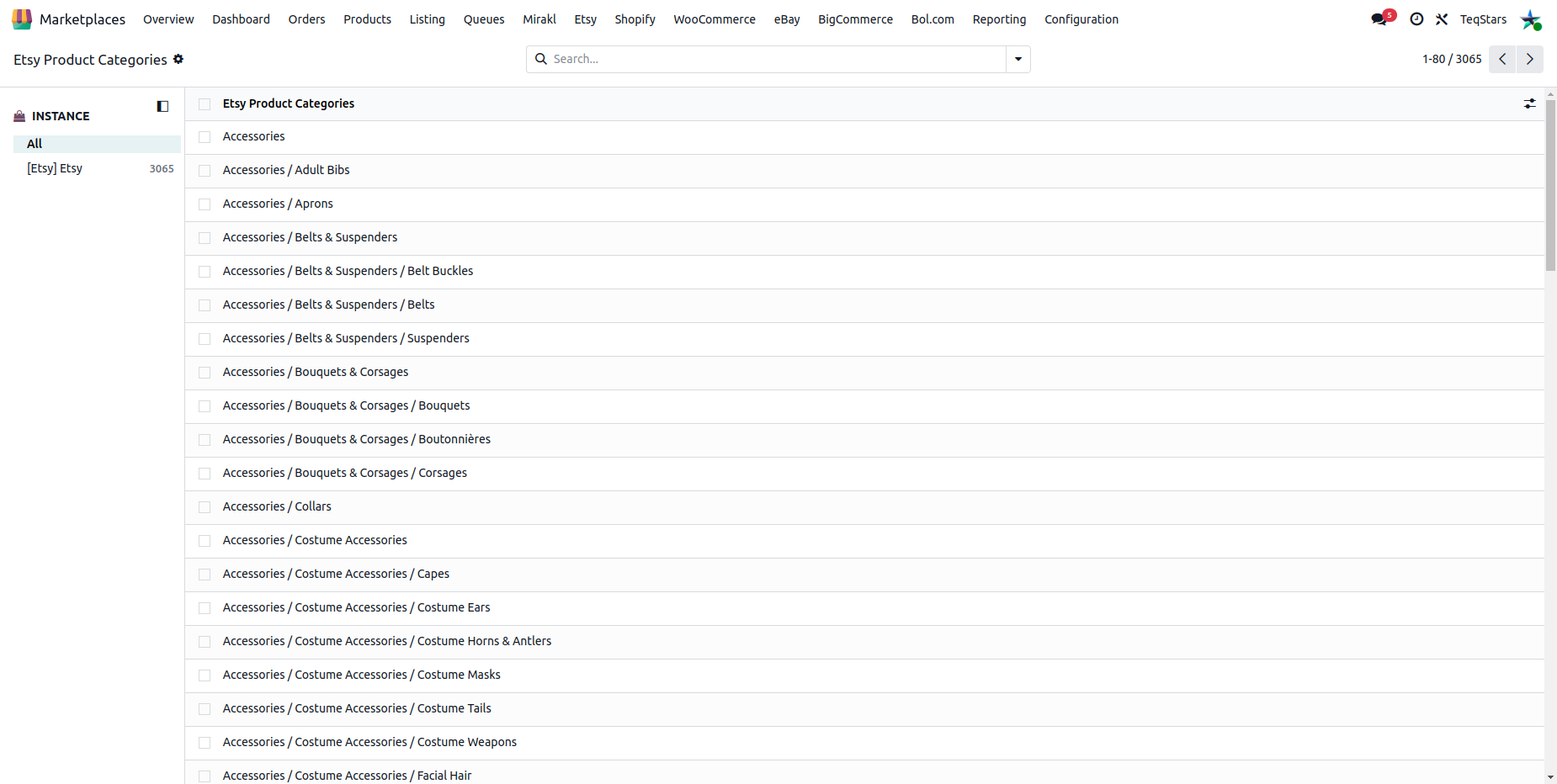
When you run the Master Data import, the connector fetches the full Etsy category tree and stores each category as a record in Odoo with the following information:
Category Name - the display name of the category (e.g. Rings).
Parent Category - the parent in the Etsy hierarchy, so the full path is preserved (e.g. Jewelry > Rings).
You can browse the imported categories from .
Category on a listing
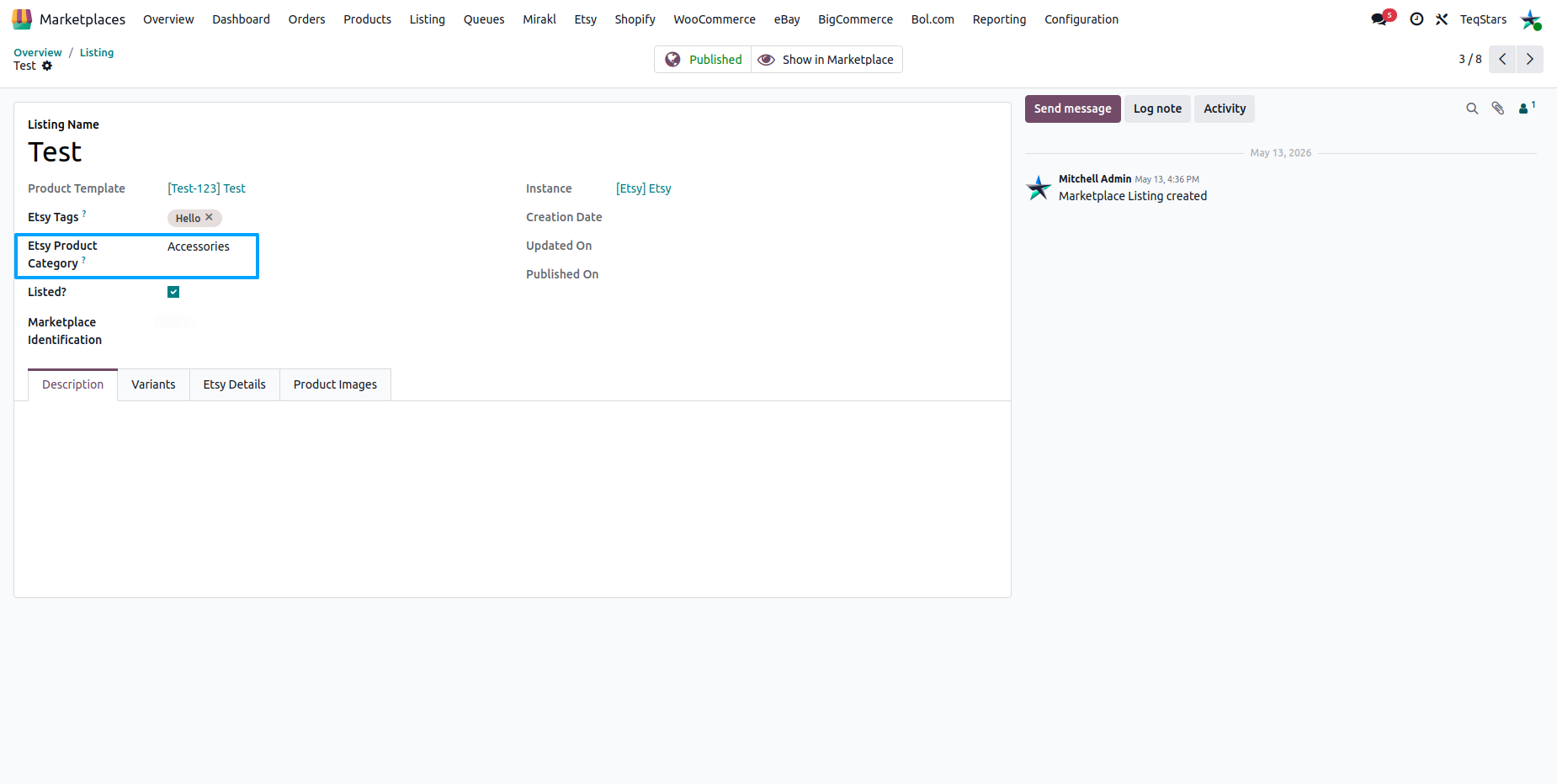
When you create or edit an Etsy listing in Odoo, the selected Etsy category is shown on the listing form. The category controls which attributes (properties) are exposed on the listing and is sent to Etsy when the listing is exported.
Per-category attributes (properties)
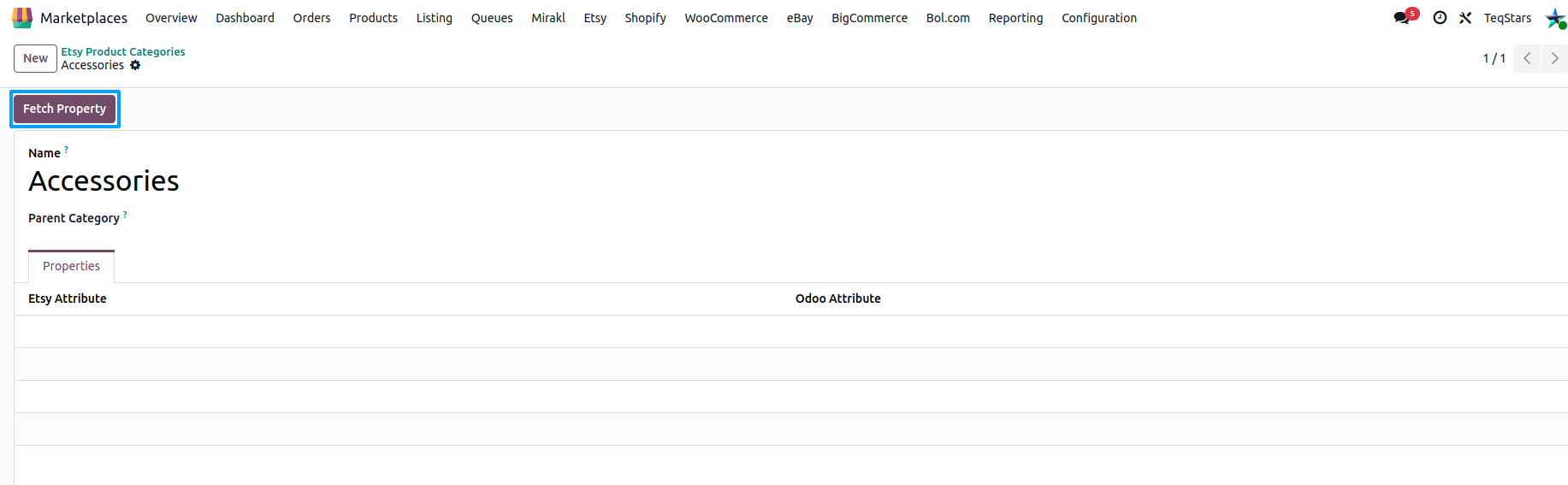
Once the categories are imported, you can fetch the attributes (properties) Etsy allows for each category you sell in. Open a category in Odoo and click the Fetch Property button on the category form (or select several categories in the list view and use the same button). Etsy only returns properties for bottom-level categories.
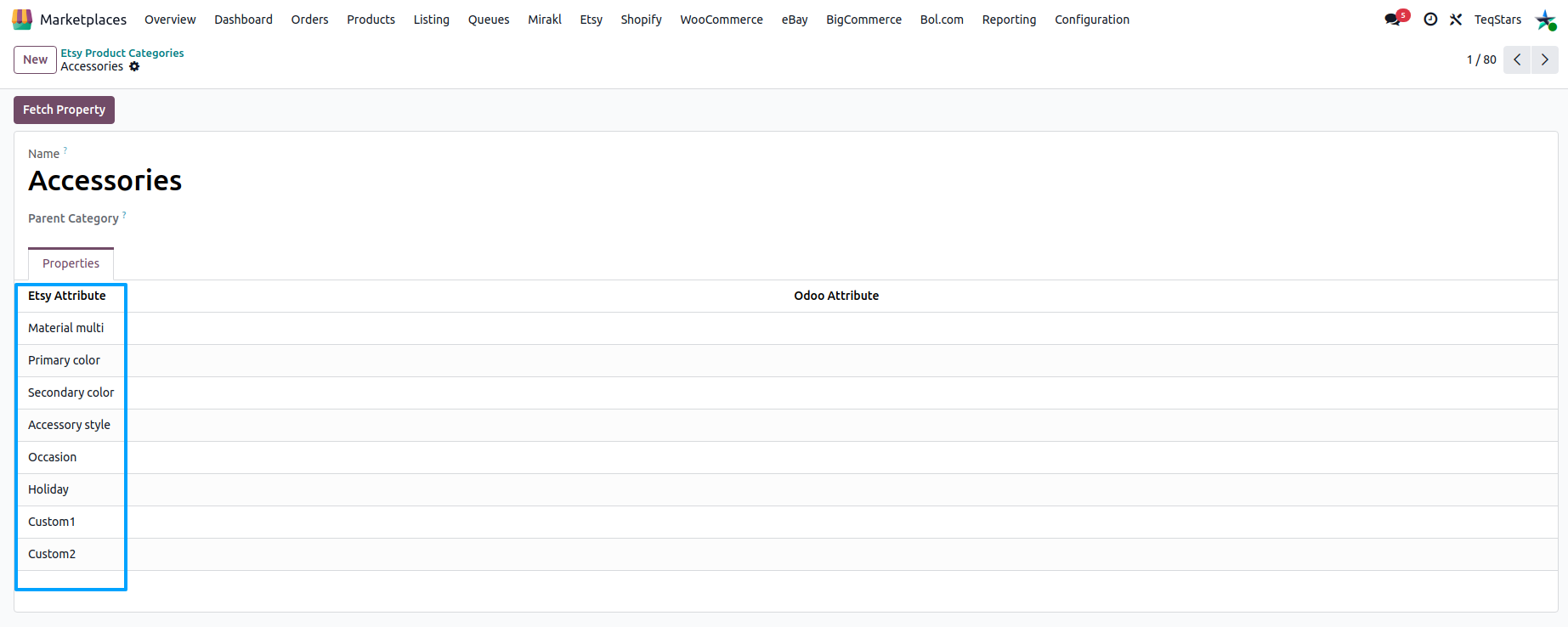
After the fetch completes, the properties and their allowed values appear on the category form. These feed your category-level Product Attribute Mapping and Product Attribute Value Mapping. See Product Attribute Mapping.
How to maintain it
Categories are imported from Etsy - you do not create them manually in Odoo.
On first instance confirmation, the connector imports the category tree and offers a wizard so you can pick the categories you use and fetch their properties.
Re-run the Master Data import if Etsy adds new categories or you cannot find the one you need.
To pull (or refresh) the properties of an existing category, open the category in Odoo and use the Fetch Property button.
Tip
Pick the most specific category that matches your product. A more accurate category exposes the right attributes, helps buyers find your listing on Etsy, and avoids export errors caused by missing required properties.