
Record Permissions
Record Permissions control what users can do with an entire record type, such as Contacts, Sales Orders, or Invoices. You can control whether users can view, edit, create, or delete records.
To configure them, go to the role and open . Add a separate permission line for each record type.
Configuration
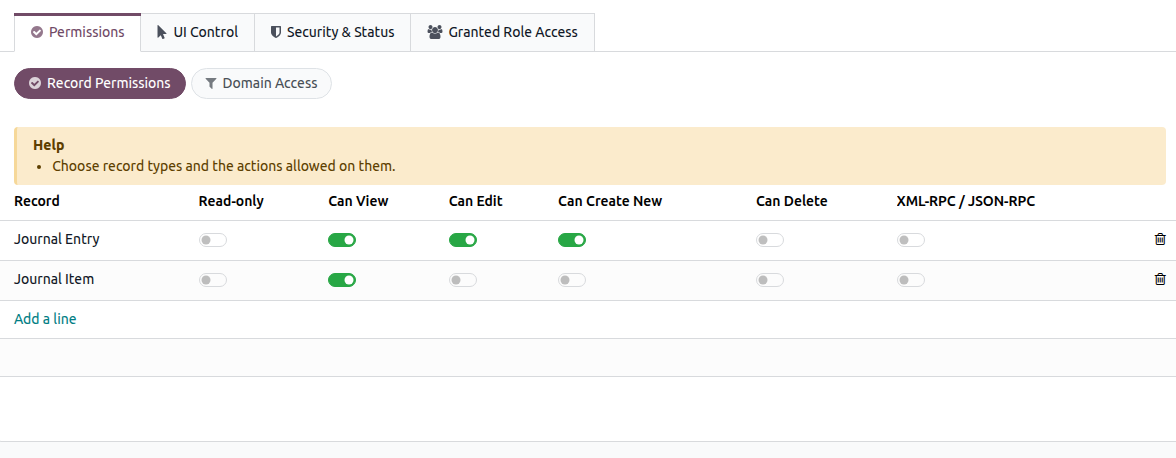
Record — Select the record type to which the permission applies.
- Read-only —Enable this to allow users to view records while preventing them from editing, creating, or
deleting them.
- Can View / Can Edit / Can Create New / Can Delete — Select the individual operations you want to allow for
the selected record type.
- XML-RPC / JSON-RPC — Restricts access through external API calls only. Users keep their normal access
through the Odoo web interface.
Options
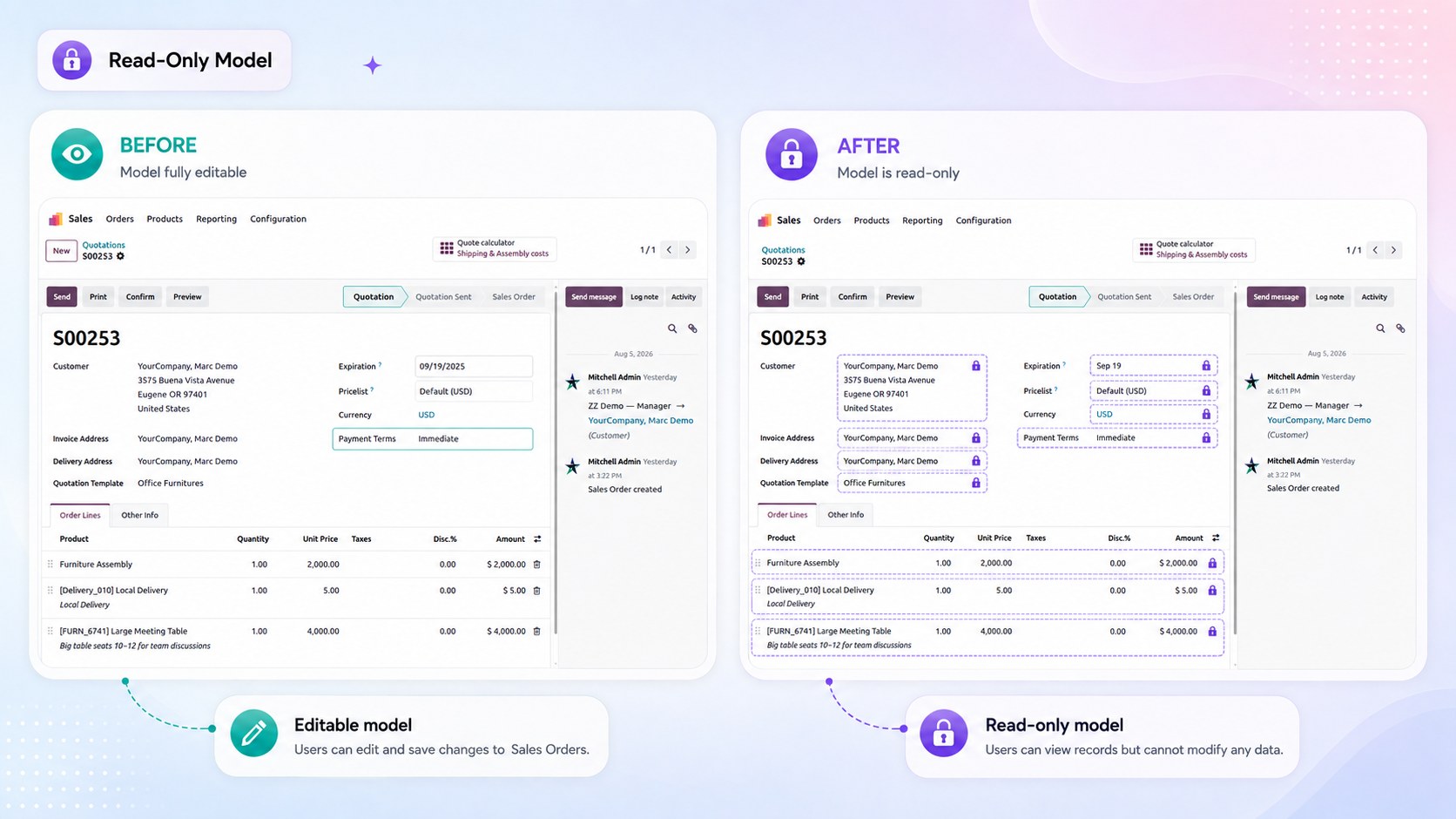
Read-only
Allows users to view records of the selected type while preventing them from creating, editing, or deleting them. This is the quickest way to give a role look-only access to a record type.
Can View
Controls whether the user can open and view records of the selected type. If Can View is disabled, the user cannot access that record type through this role.
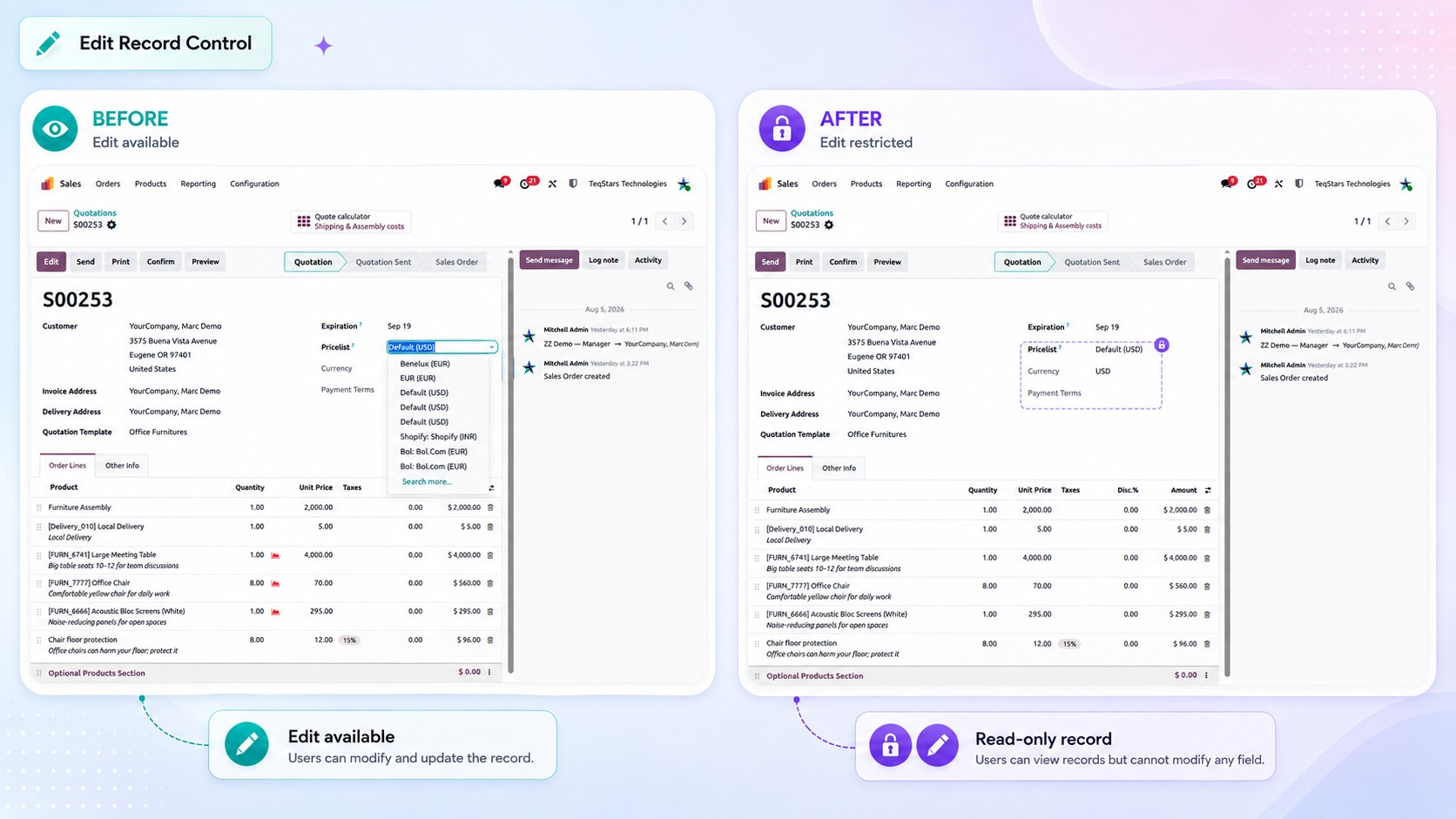
Can Edit
Controls whether the user can modify existing records of the selected type.
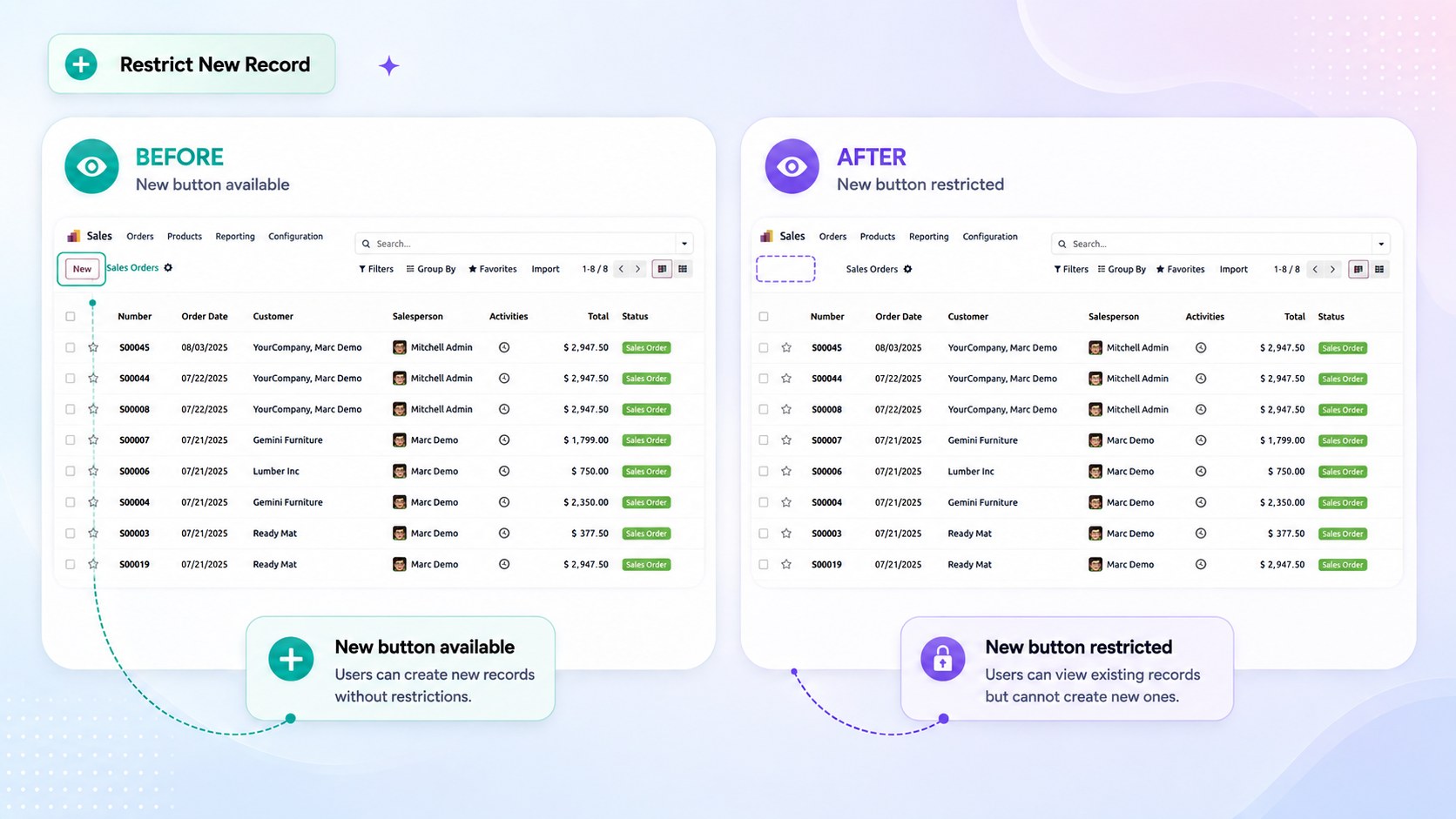
Can Create New
Controls whether the user can create new records of the selected type.
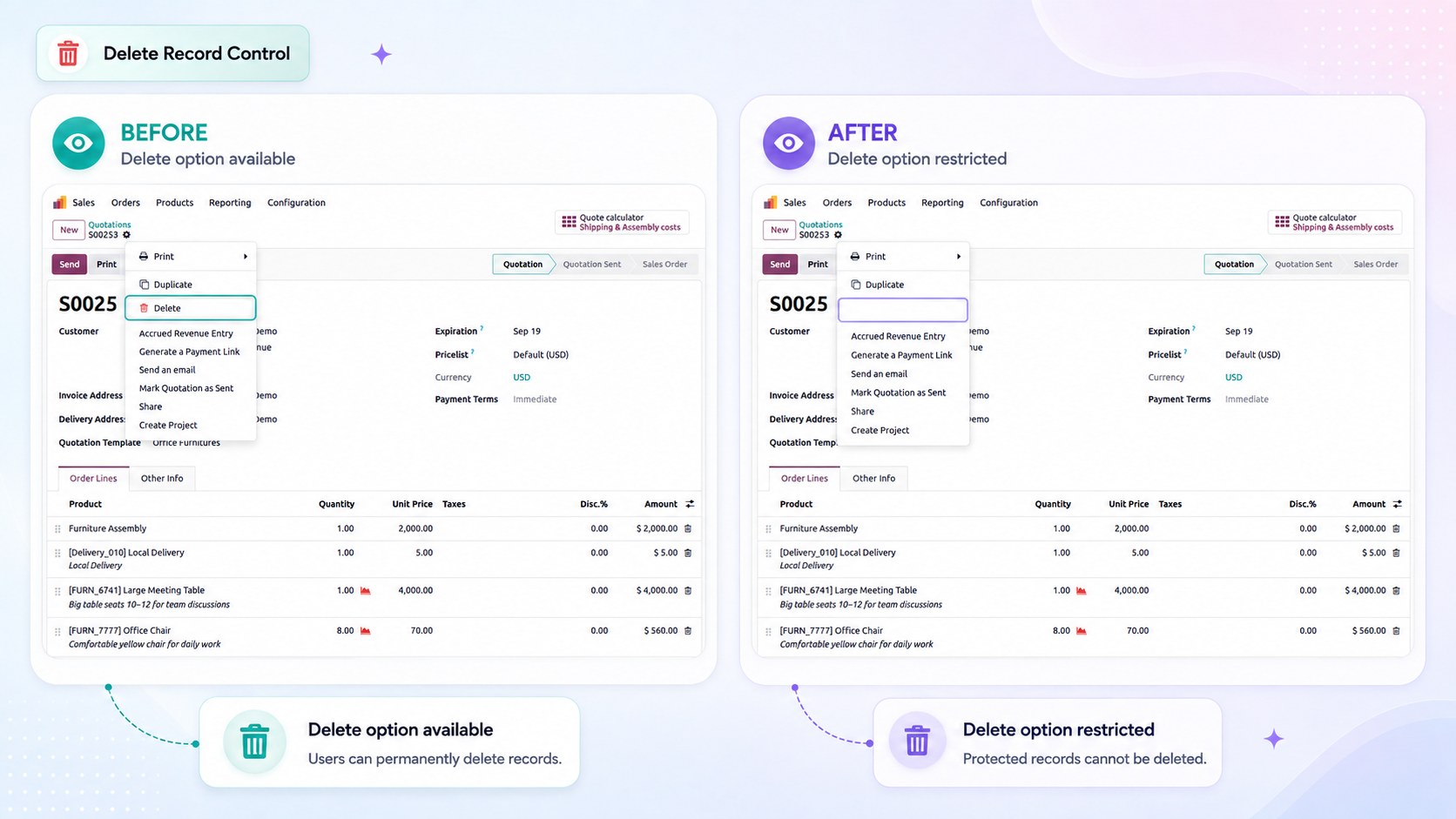
Can Delete
Controls whether the user can delete records of the selected type.
XML-RPC / JSON-RPC
Applies the permission rule to external API calls only. Users keep their normal access through the Odoo web interface.
Use this option when an integration or API account needs limited access, such as read-only access through XML-RPC, without affecting access through the Odoo interface.
Important behaviour
Important
- Record Permissions only restrict access. They do not grant permissions that the user’s standard Odoo access
rights do not already provide.
Warning
When a user has multiple roles, an operation is allowed if any role allows it If a user must remain read- only, keep that restriction in a role assigned specifically to that user, or use Global Read-Only, which cannot be overridden by another role.
See also