
Chatter Restrictions
The Chatter is the communication area on a record. It can contain customer messages, internal notes, planned activities, followers, and attachments. Chatter Restrictions let you control which parts of the Chatter a role can see or use.
You can configure these restrictions from the role under , on the relevant record type.You can also hide the Chatter for all record types at once using Block Everywhere.
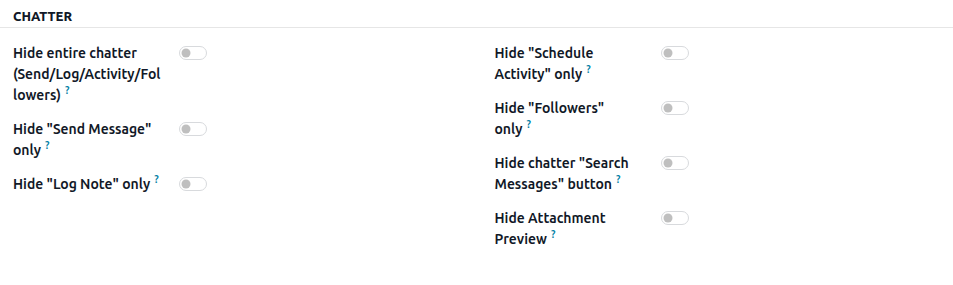
Hide the Entire Chatter
Removes the chatter from the record type’s form completely: messages, notes, activities, followers, and attachments.
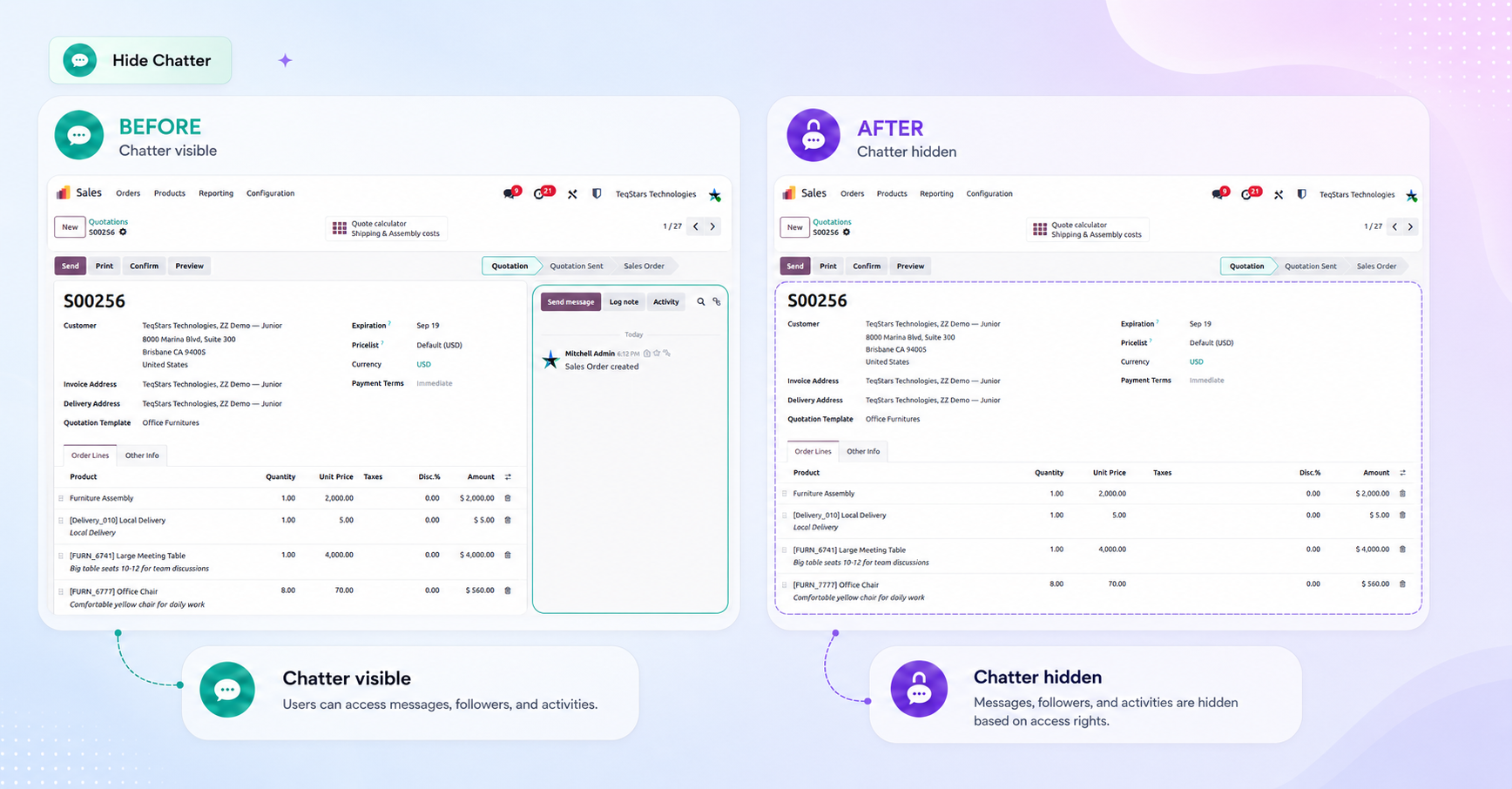
Use it for roles that only need to work with the record’s data, such as an operator or an external reviewer.
Hide Send Message
Removes the Send Message option while the rest of the chatter stays available.
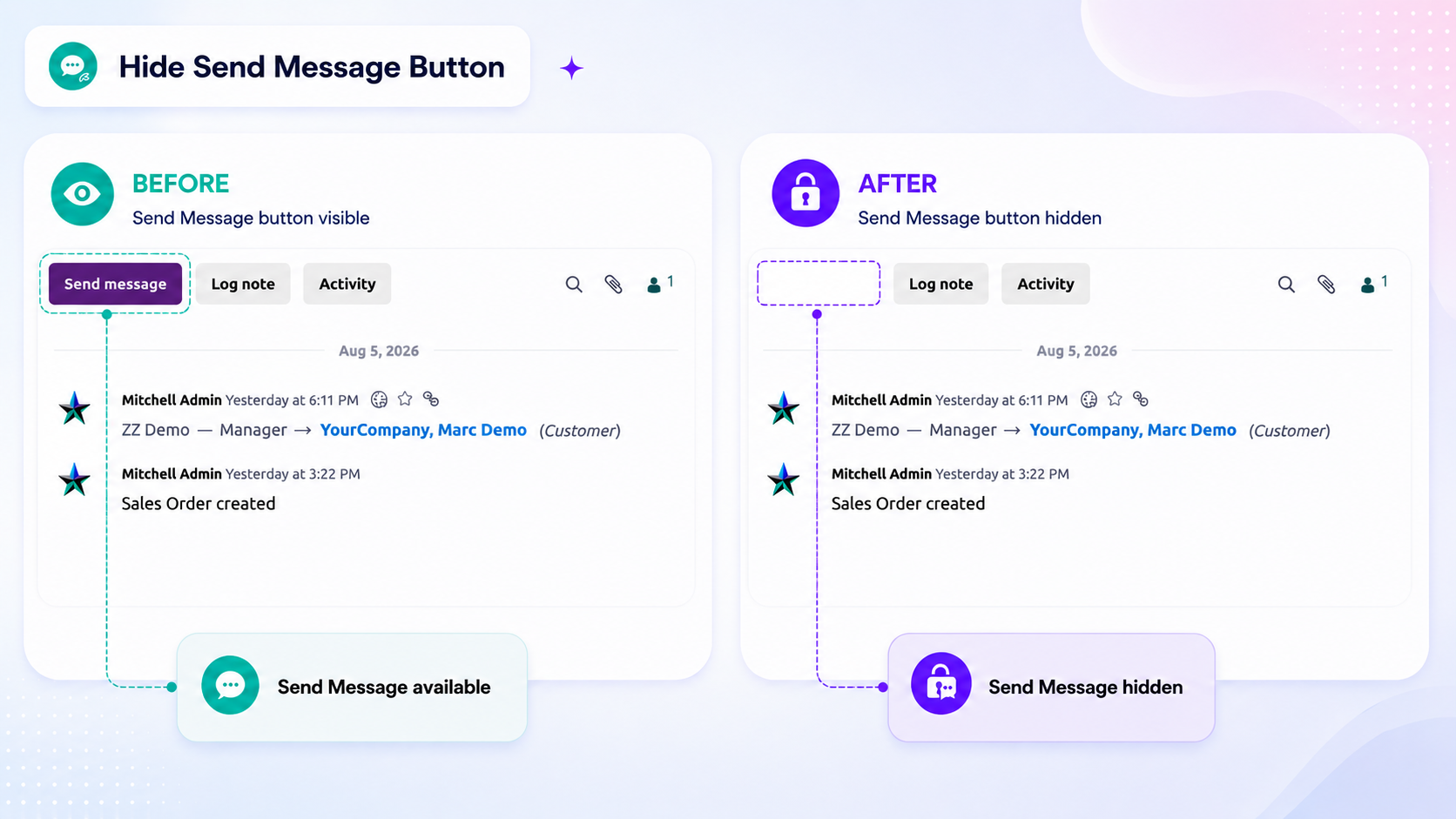
Use it when a role should read the history but must not communicate with the customer directly.
Hide Log Note
Removes the Log Note option, so internal notes cannot be added.
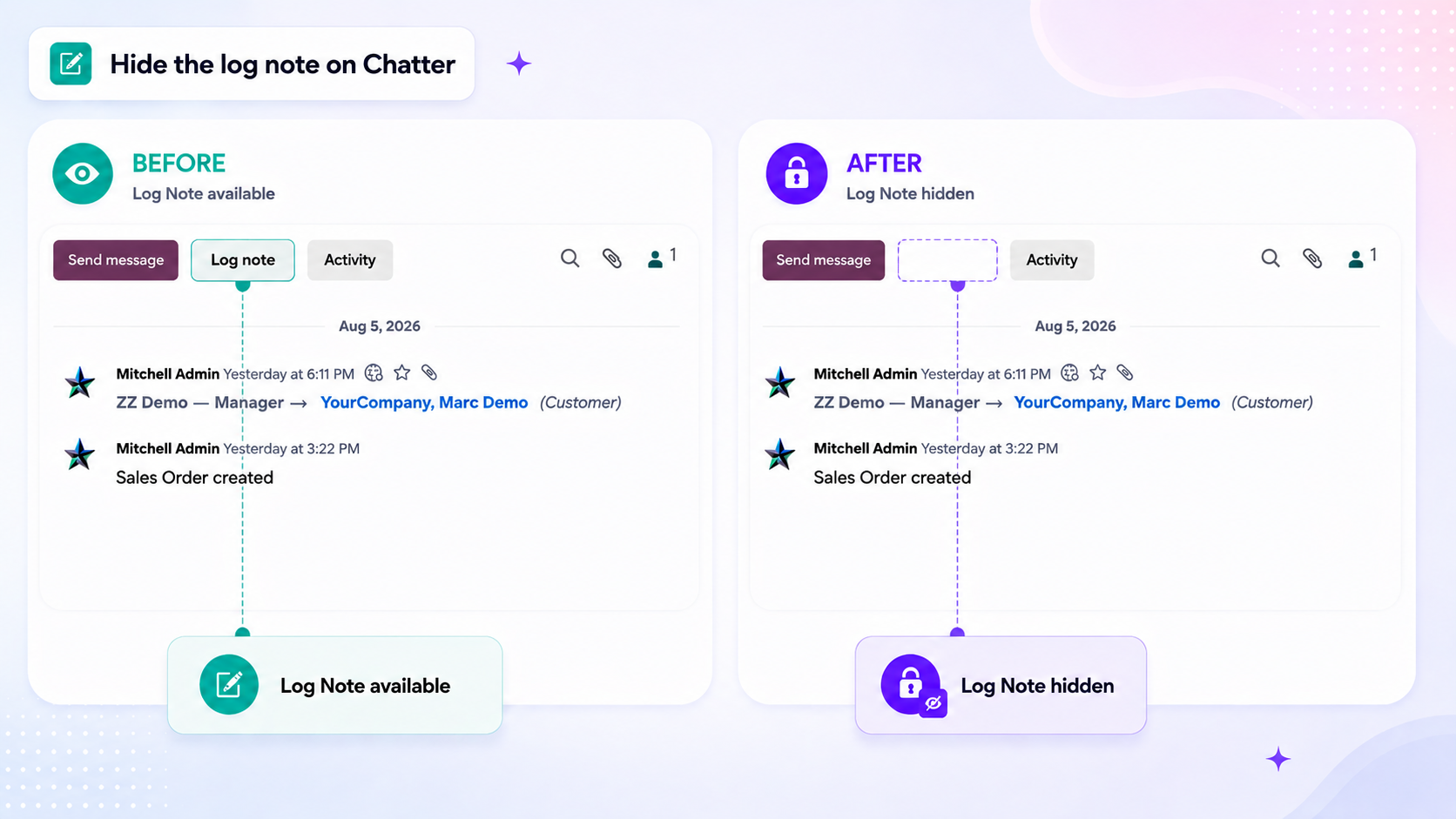
Use it where internal commentary should stay between employees, for example when consultants or temporary staff work on the same records.
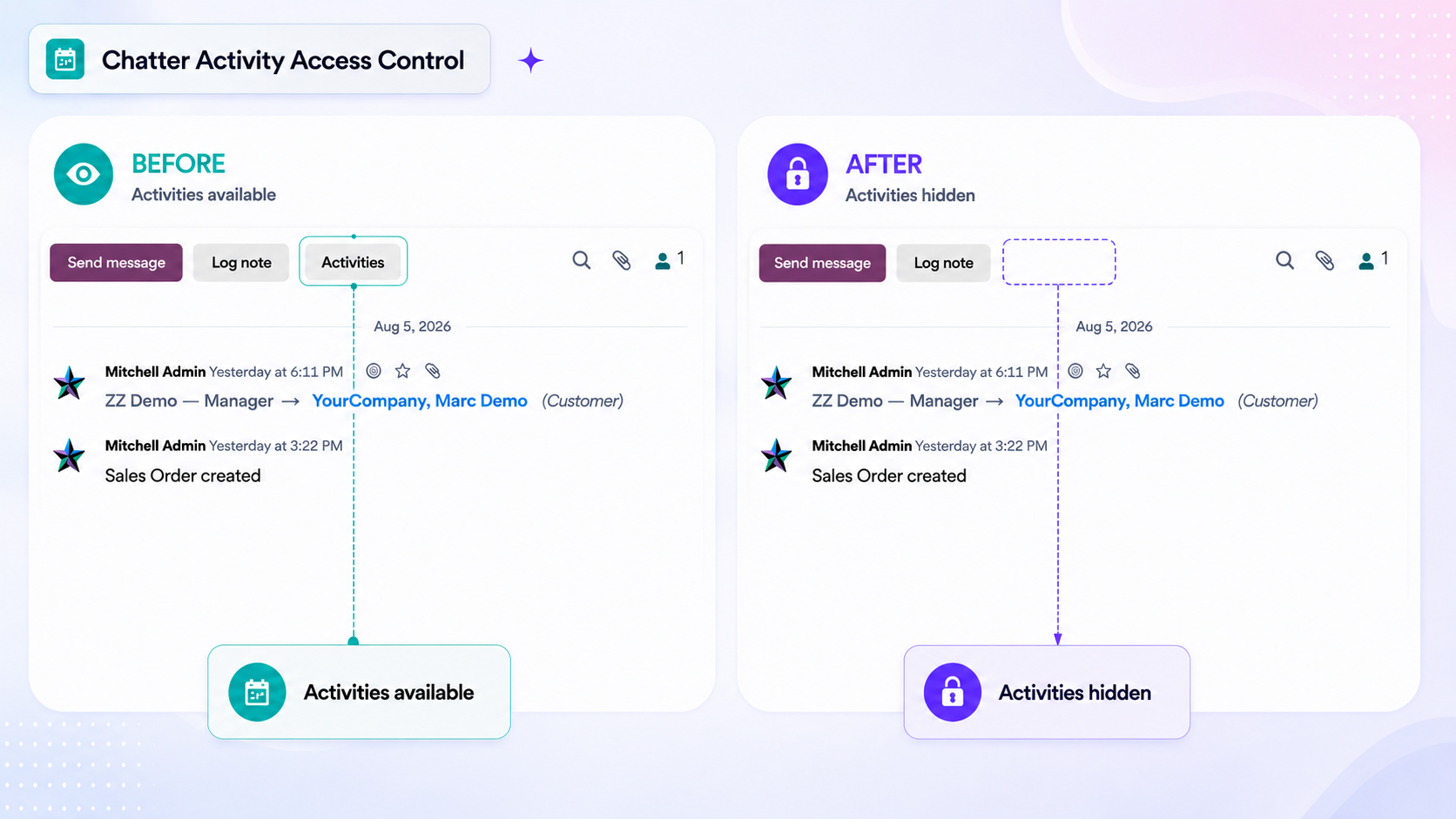
Hide Schedule Activity
Removes the Activities option, so the role cannot plan or assign follow-up actions from the record.
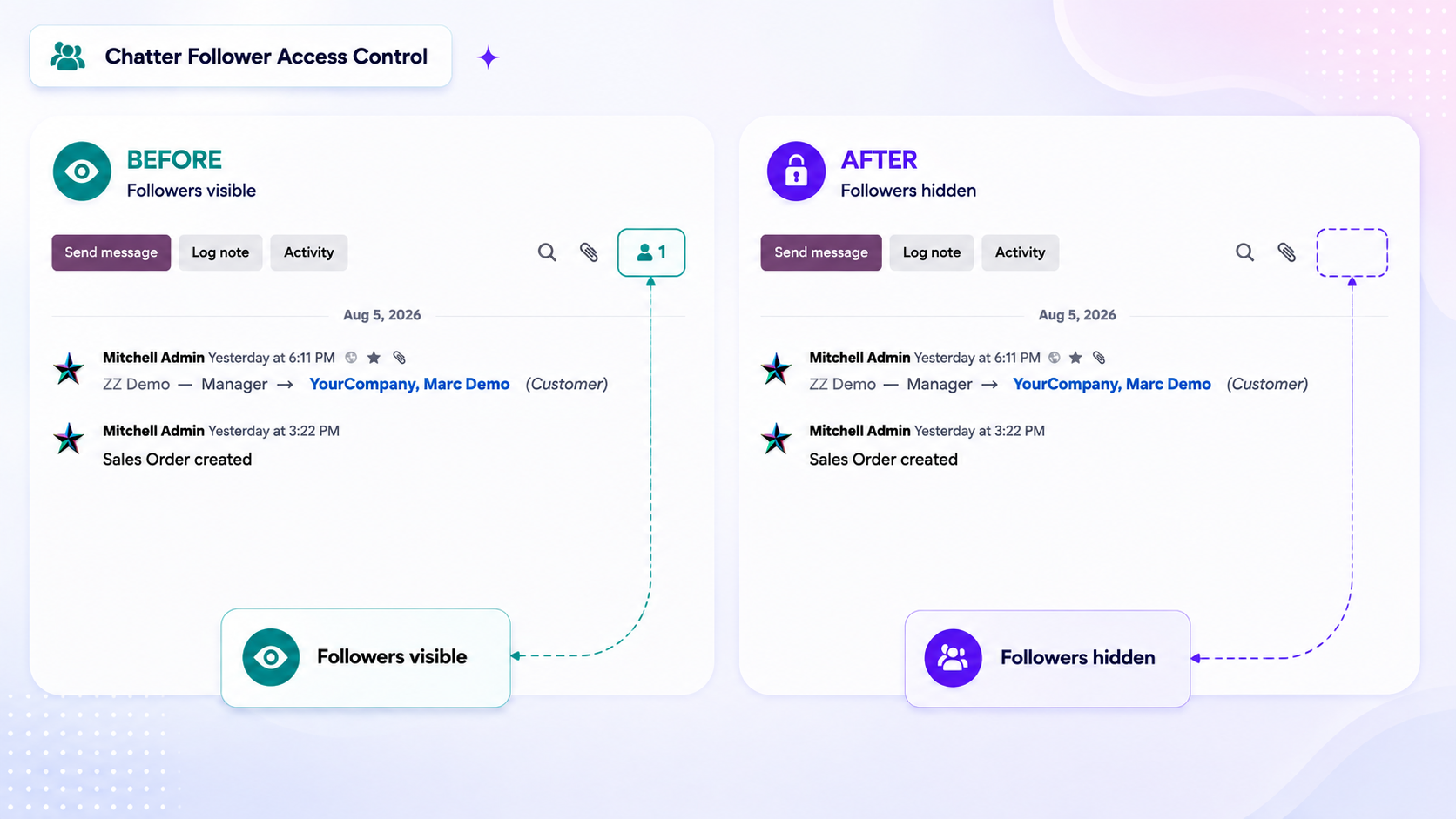
Hide Followers
Removes the followers area, so the role cannot see who follows the record or change the follower list.
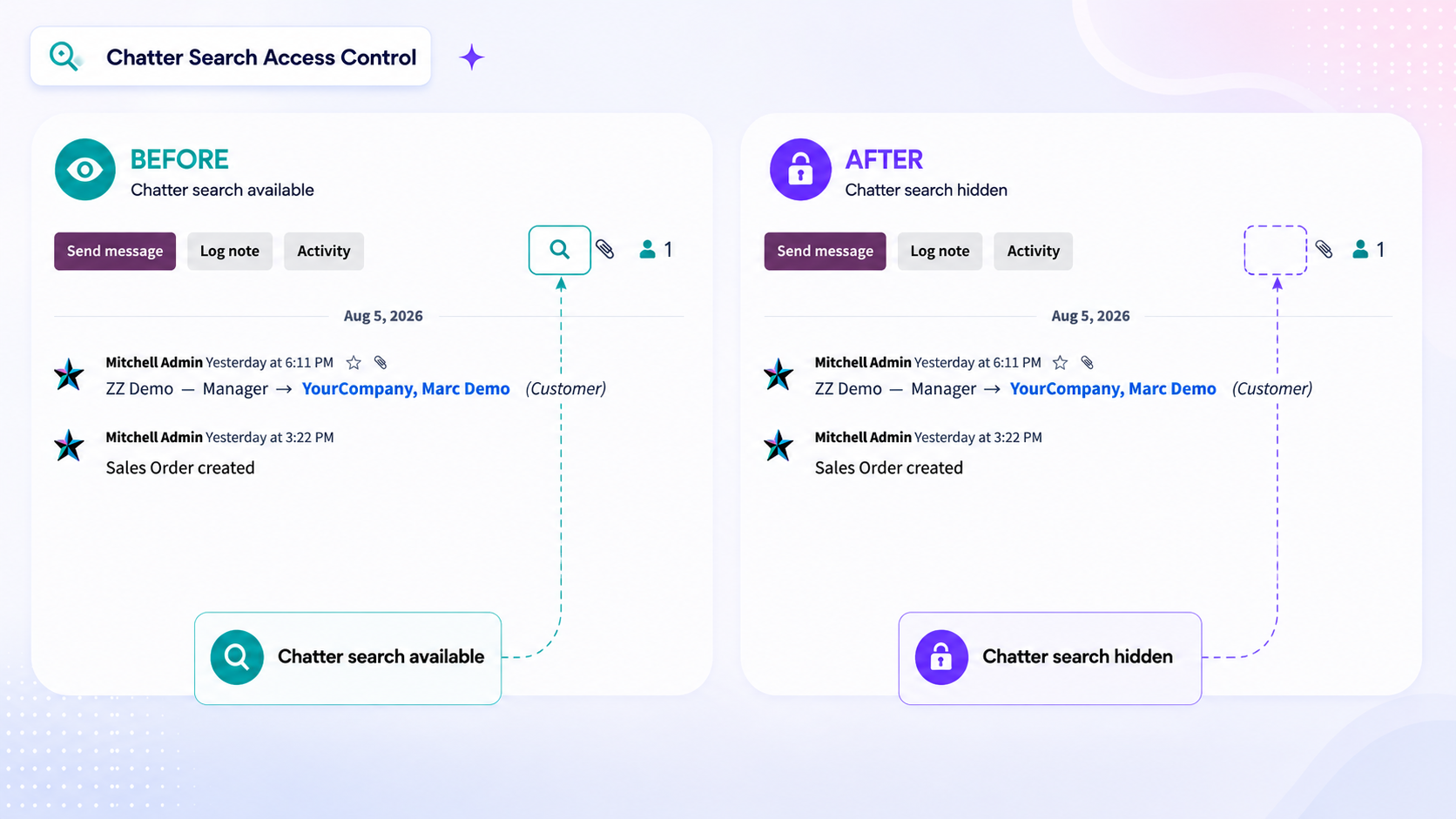
Hide chatter search
Removes the Search Messages button from the chatter top bar, so the conversation cannot be searched through.
Hide Attachment Preview
Hides attachment previews from the Chatter. When enabled, users cannot see:
Attachment file cards in the Chatter.
The paperclip attachment option.
The document preview panel on the form.
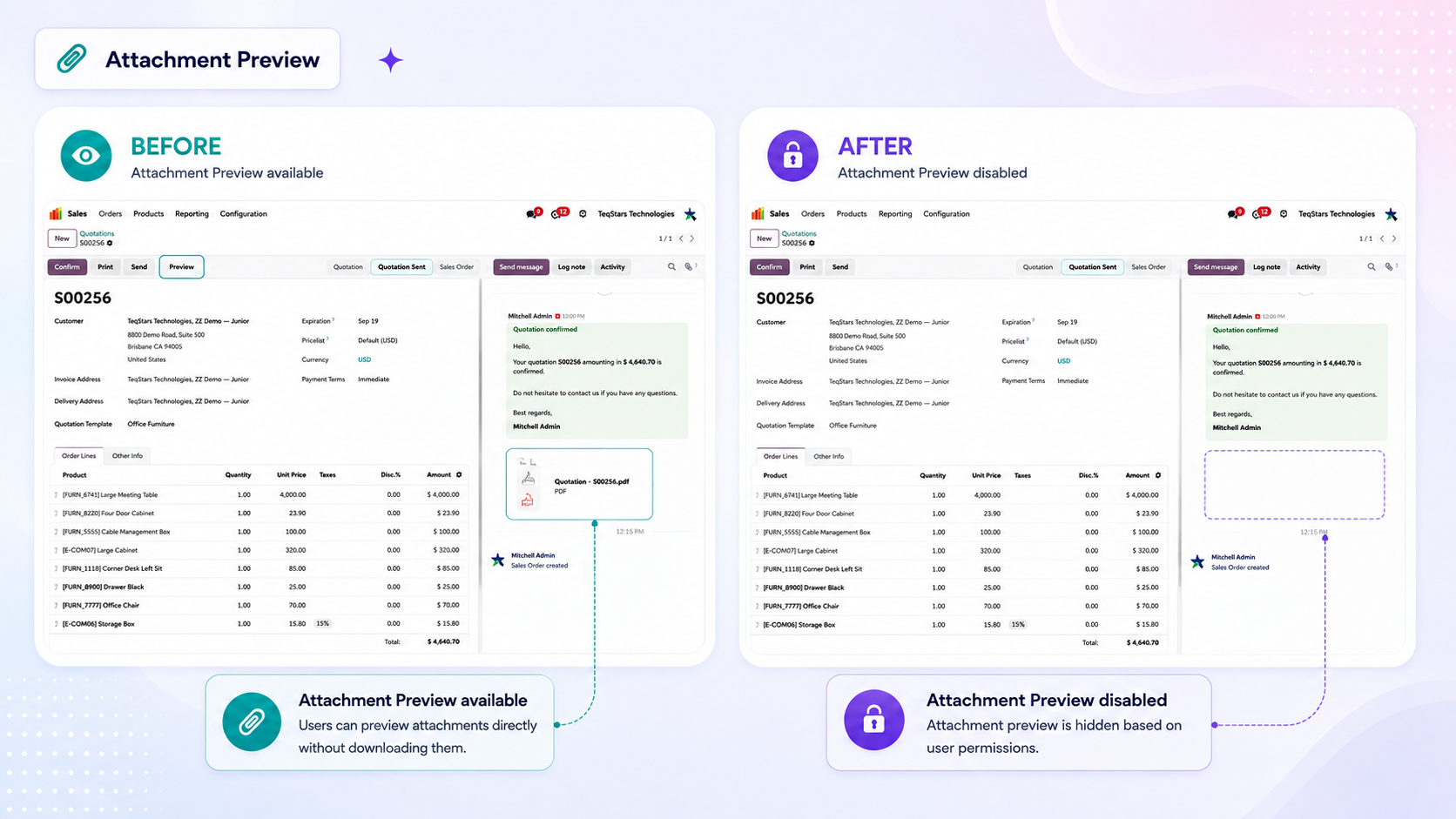
The attachments themselves remain on the record, but users with this restriction cannot access them through the Chatter or its preview panel.
Note
The options combine: hiding the entire chatter overrides the individual ones, and any role that hides a part hides it for the user, even if another role leaves it visible.
See also