
Step 4: Real-Time Webhook Setup
Webhooks ensure that background events, such as ACH payment settlements, settlement declines, disbursement exceptions, and disputes, are automatically synchronized with Odoo in real time.
Webhook Endpoint Setup
Open the Braintree - ACH Direct Debit provider form.
Under the Configuration tab, copy the value from the Webhook URL field (e.g.,
https://your-domain.com/payment/braintree/webhook).Log in to your Braintree Control Panel.
Navigate to .
Paste the Destination URL.
Select the following notification events: -
Transaction Settled-Transaction Settlement Declined-Disbursement-Disbursement Exception-Dispute Opened-Dispute Lost-Dispute Won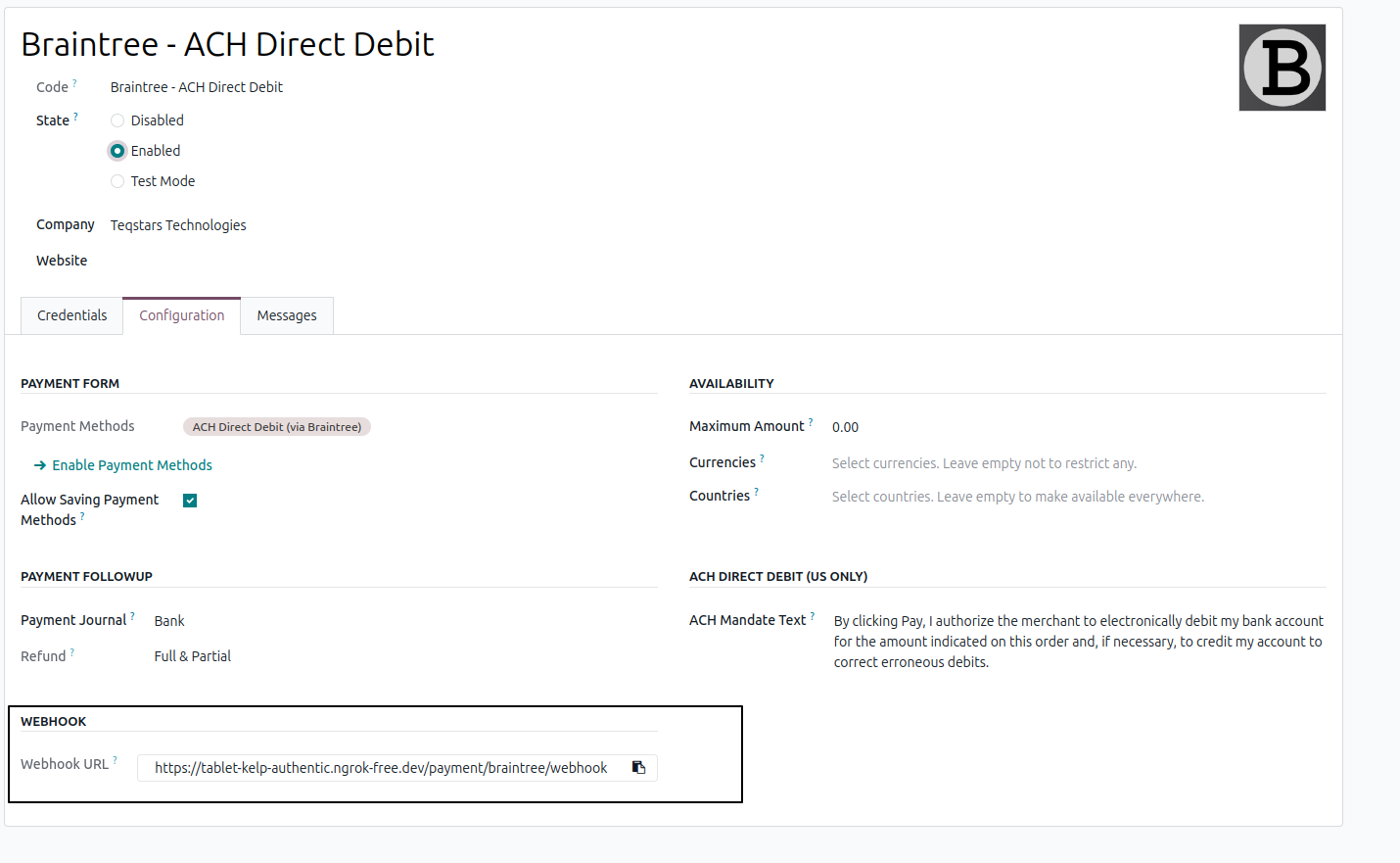
Click Save Webhook and test the URL.
Security & Validation
Every webhook request received by Odoo is verified against Braintree’s official HMAC signature to prevent unauthorized or forged requests.