Shopify Update Order Status from Odoo
This feature allows you to update order status with shipment information from Odoo to Shopify. This can be done manually or automatically using the scheduler.
Method - 1: Manual Update Order Status
One way to update the order status in Shopify is through a manual process. After a Delivery Order is validated in Odoo (indicating that the order is ready for fulfillment).
For Multiple Orders
Go to the menu in Odoo.
Click on the
Operationsbutton from the instance record.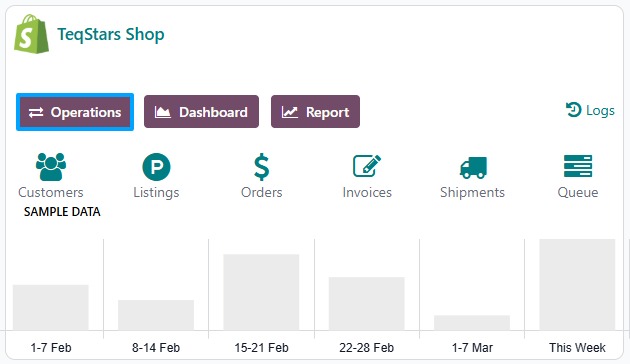
Select Export Operation and then select Export Tracking Details option.
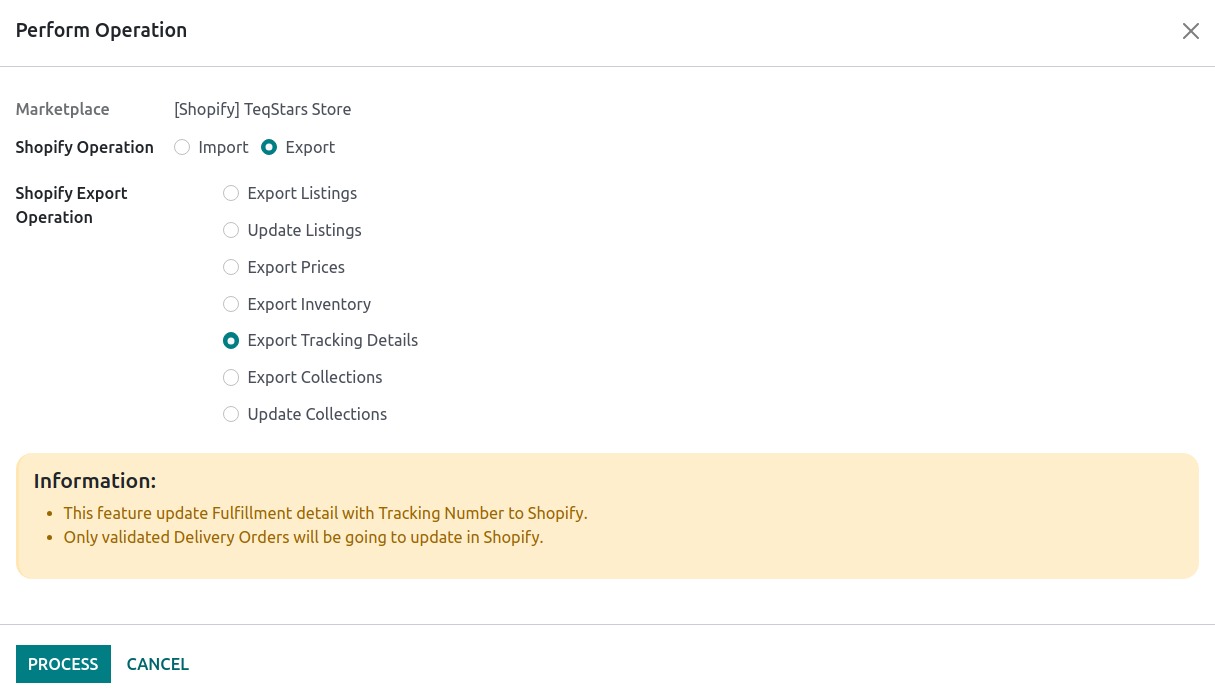
Press
PROCESSbutton to update Order status and tracking reference from Odoo to Shopify.
For Single Orders
There are two types of orders:
Update Shopify Normal Order (Non-Pickup).
Update Shopify Pickup Order.
1. Update Shopify Normal Order (Non-Pickup) From Odoo
Select Shopify Order that you wish to update.
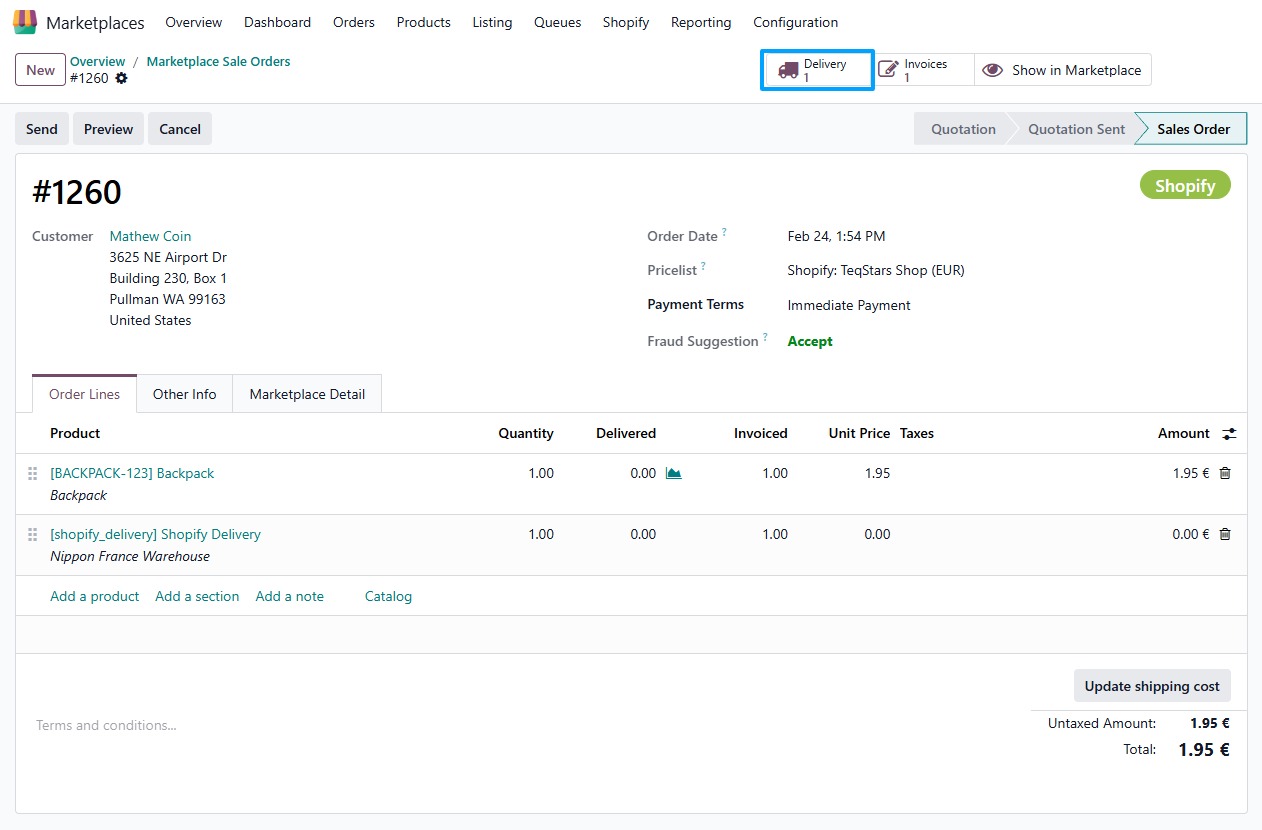
Open Delivery Order by click on
Deliverybutton.Make sure you put tracking details and then validate delivery order.
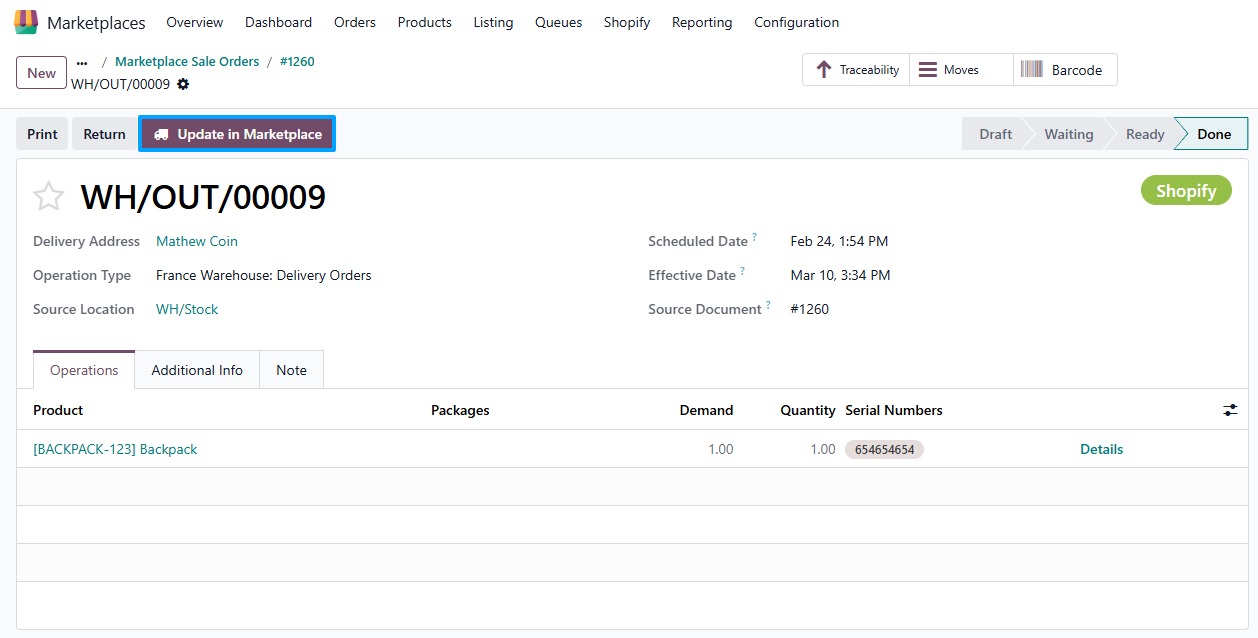
Press
Update in Marketplacebutton to update order status with tracking information in Shopify.
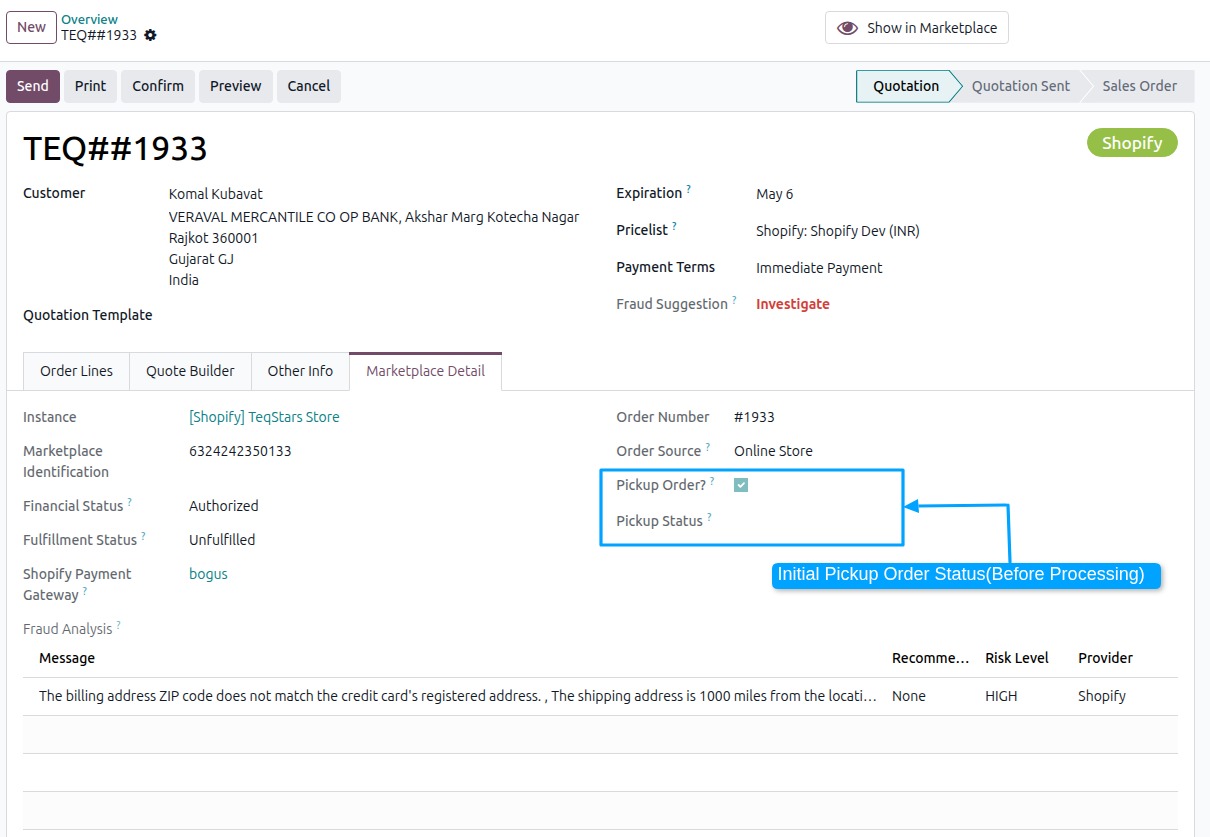
2. Update Shopify Pickup Order From Odoo
Initial Pickup Status in Odoo (Before Marking Order as Ready for Pickup).
Updating Order Status to Ready for Pickup from odoo.
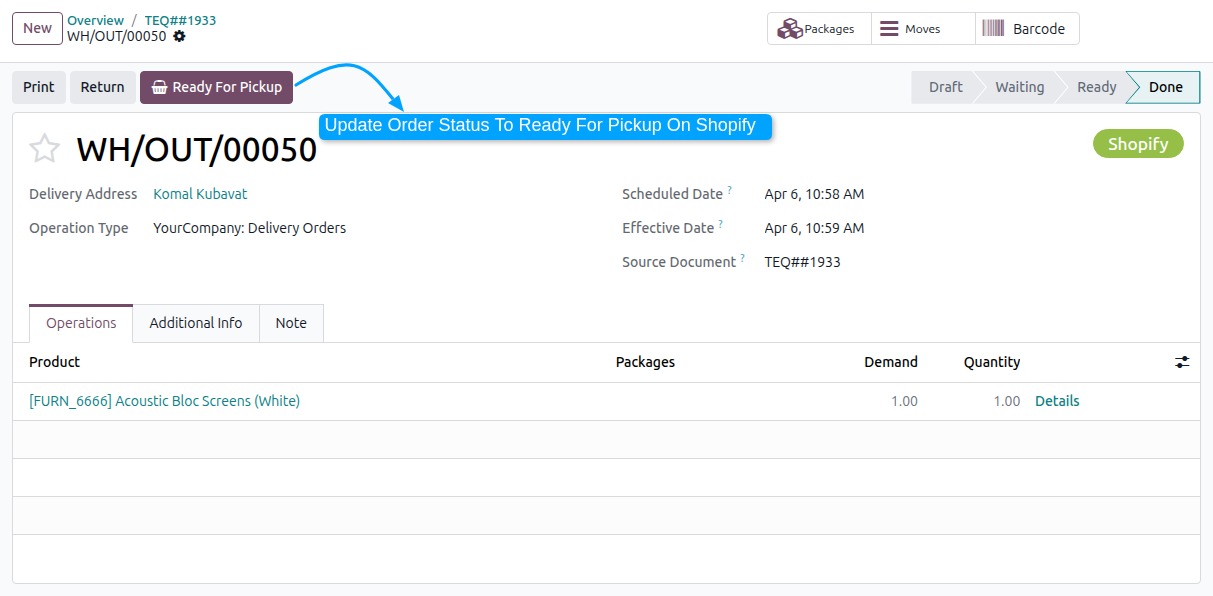
The
Ready for Pickupbutton in Odoo allows users to easily update the order status to Ready for Pickup in both Odoo and Shopify with a single click. This functionality helps streamline the order fulfillment process, ensuring that both systems are synchronized when an order is ready for customer collection at the physical store or pickup point.
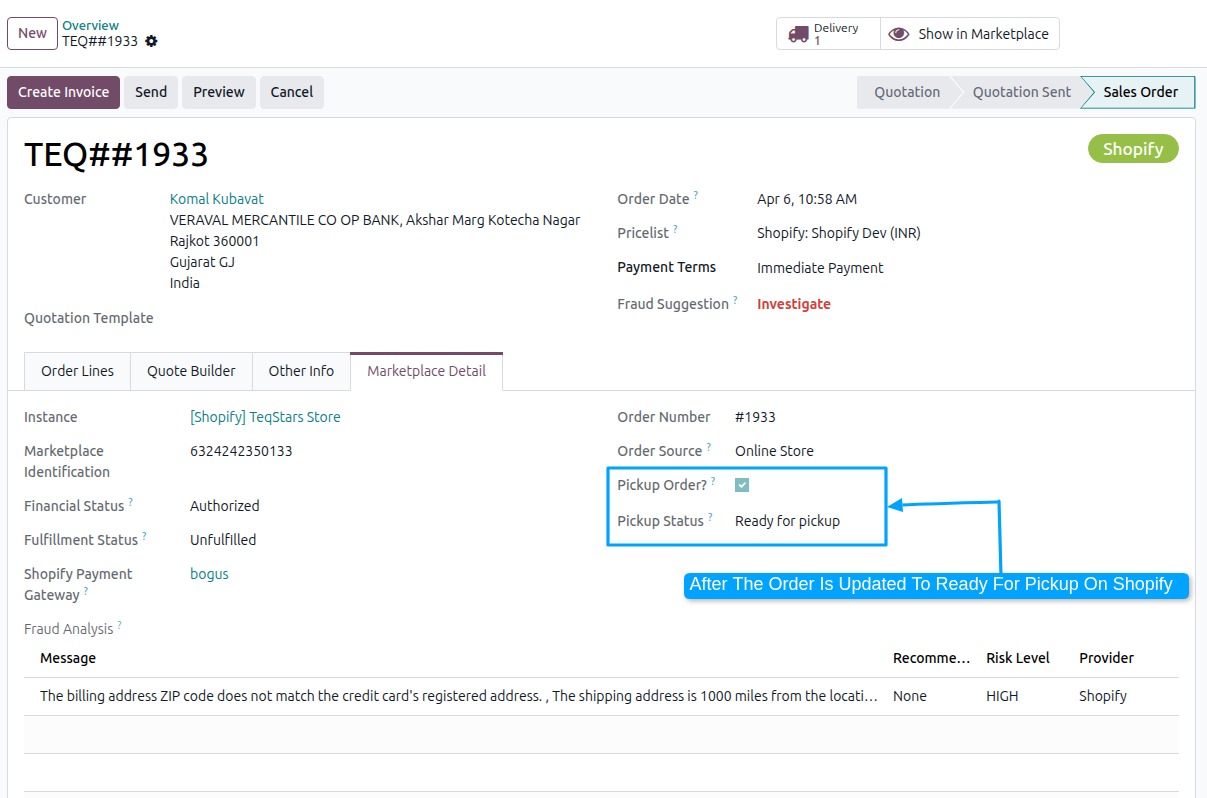
Updating Order Status to Mark as Picked up from odoo.
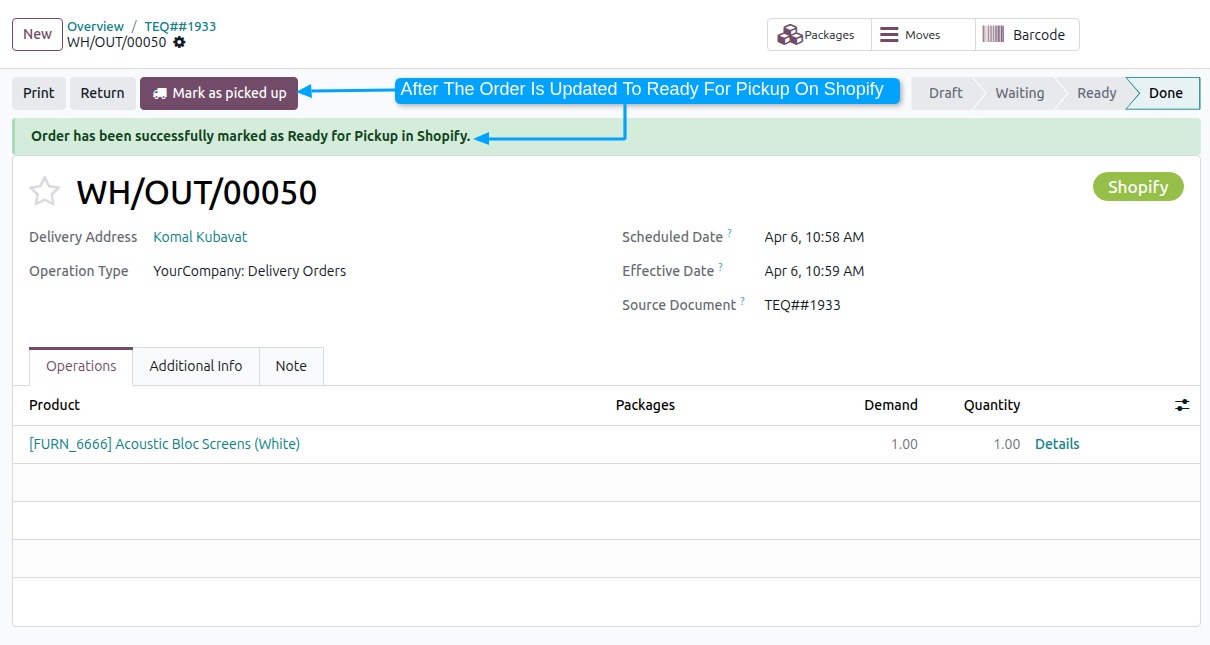
When the
Mark as Picked upbutton is clicked in Odoo, the order status is updated to Mark as Picked up in Shopify. After the pickup status is updated to Already pickup.
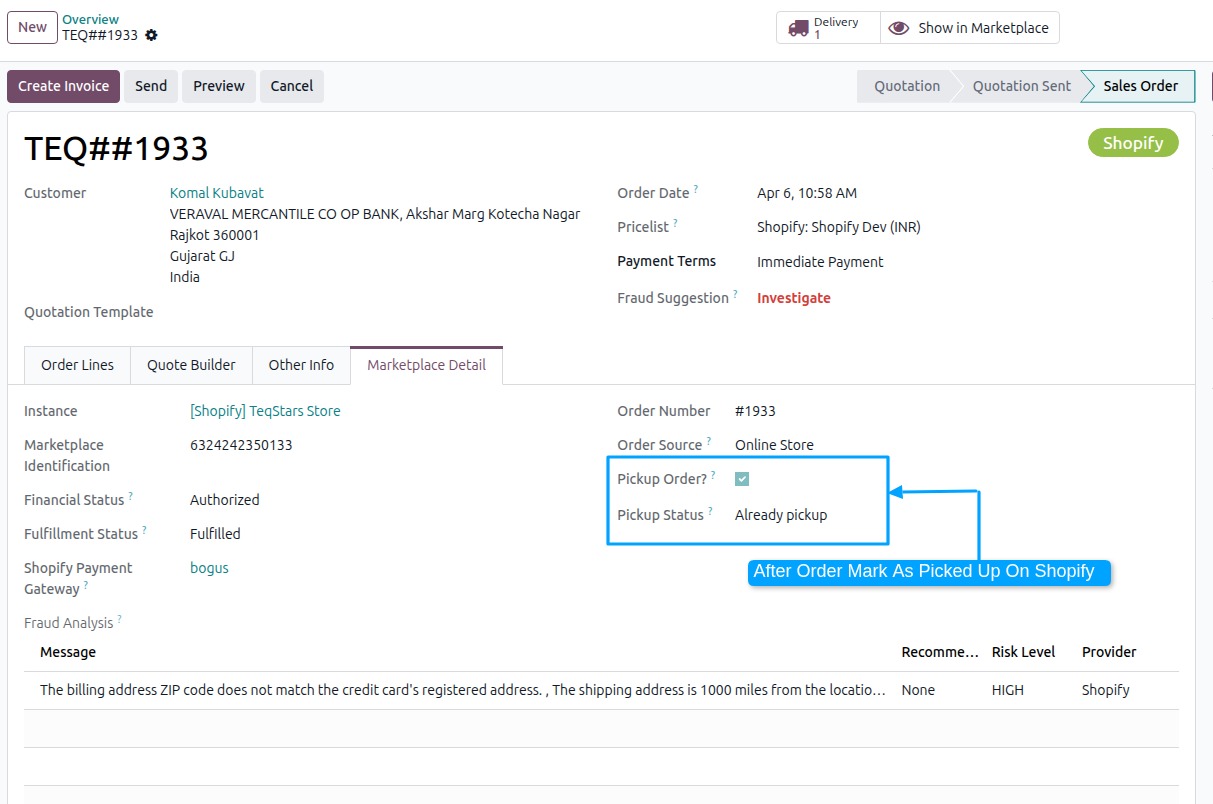
Method - 2: Automatic Update Order Status
You can automate the process of updating the order status from Odoo to Shopify using the Automatic Schedule action. This allows you to define a specific time interval for executing the Update Order process, ensuring that order status updates (including those related to Ready for Pickup) are seamlessly synchronized between Odoo and Shopify without requiring manual intervention. Here’s how it works:
Go to your Shopify instance setting by navigate to .
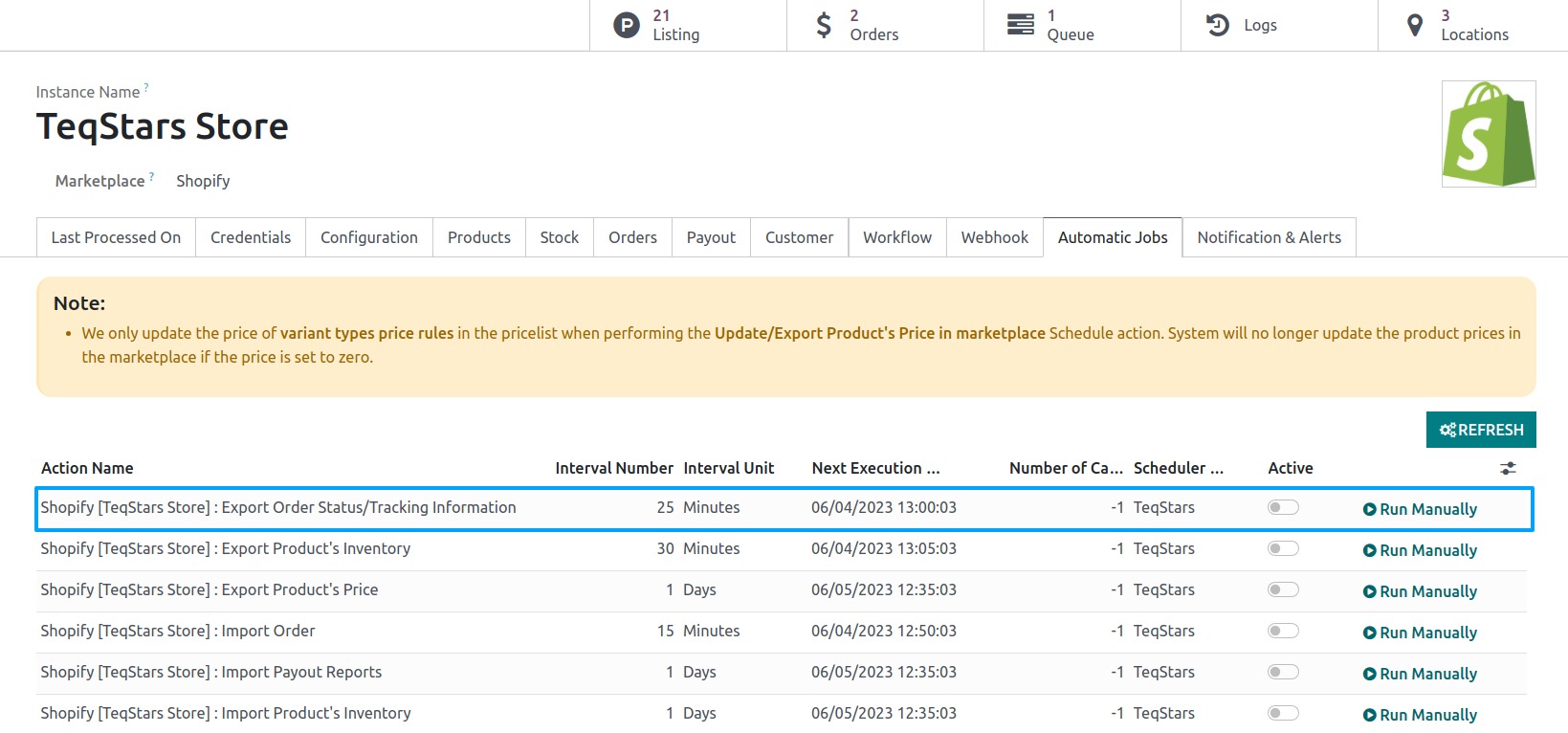
Here you will see Automatic Jobs tab. In that tab you can configure Export Order Status/Tracking Information automatic action by setting Interval Number, Interval Unit and then you can Active this scheduler.