
Relist Products
You can relist ended products directly from Odoo. This allows you to reactivate products that have ended or expired without having to create a new listing from scratch.
How to Relist a Product
Go to the menu in Odoo.
Click on the
Listingbutton from the instance record to navigate where all your product listings are managed.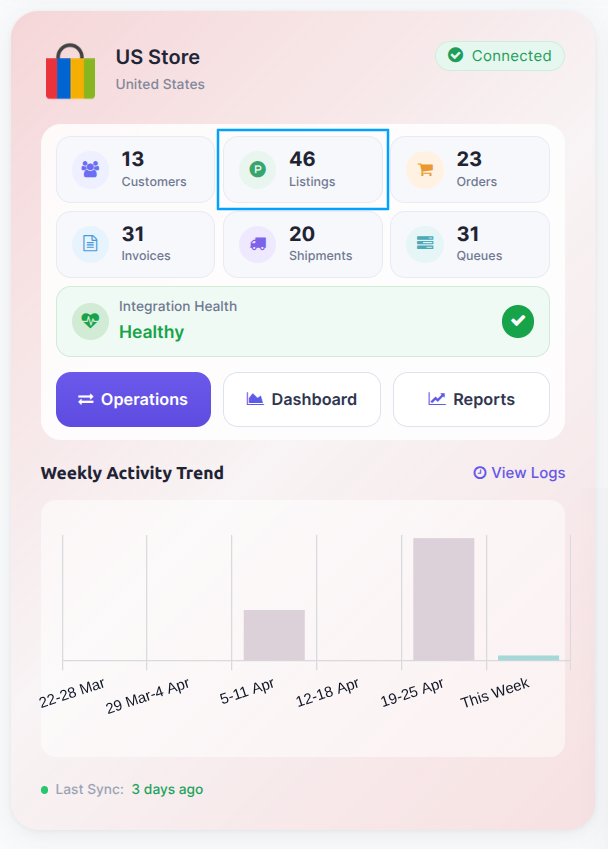
Select the ended listing you want to relist and click on the
Relist Listing in Marketplacebutton.
A pop-up window will appear with relist options. Optionally set a Publish At date and time to schedule when the relisted listing goes live on eBay (leave empty to publish immediately).
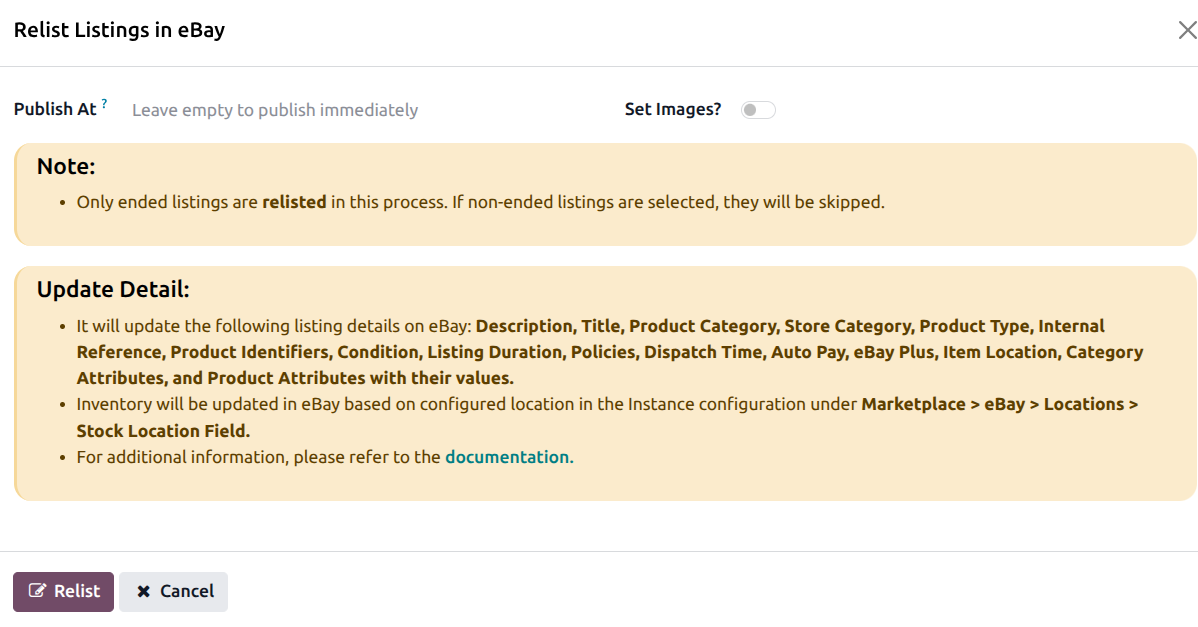
Press
Relistbutton to relist the products on eBay.
After Relist
Any fees returned by eBay (insertion fees, etc.) are automatically recorded in the product’s fee history.
Note
Only ended products can be relisted. Active products cannot be relisted.
When relisting, the connector sends the current product data (title, description, price, quantity, images, item specifics) to eBay. If any data has changed since the product ended, the new data will be used.
If the relist fails, check the error logs at .
See also