
Cancel Order In WooCommerce From Odoo
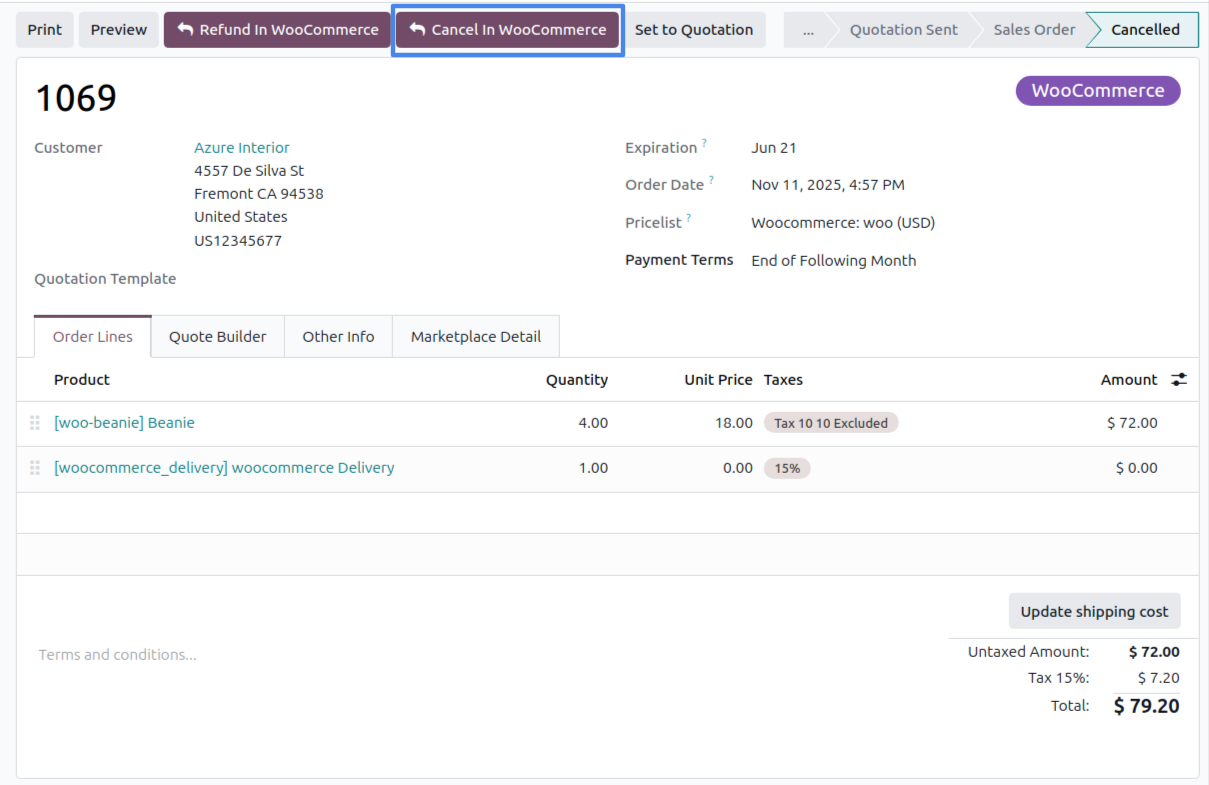
Cancel a WooCommerce order from Odoo. The WooCommerce status is set to cancelled and the Odoo order is marked as cancelled in the marketplace.
How To Cancel The Order
Open the imported sale order in Odoo.
Click Cancel In WooCommerce and confirm.
Note
When WooCommerce reports an order as cancelled or refunded, the connector also cancels the corresponding Odoo order during the next import/update.