Create a Blank Dashboard
Start from an empty dashboard when no template fits. You need the Designer role.
Create the Dashboard
Click the dashboard’s name at the top left of any dashboard to open the switcher.
Click New dashboard at the bottom.
Enter a name and click Create and add a card.
The editor opens on Add card. See Add a Card.
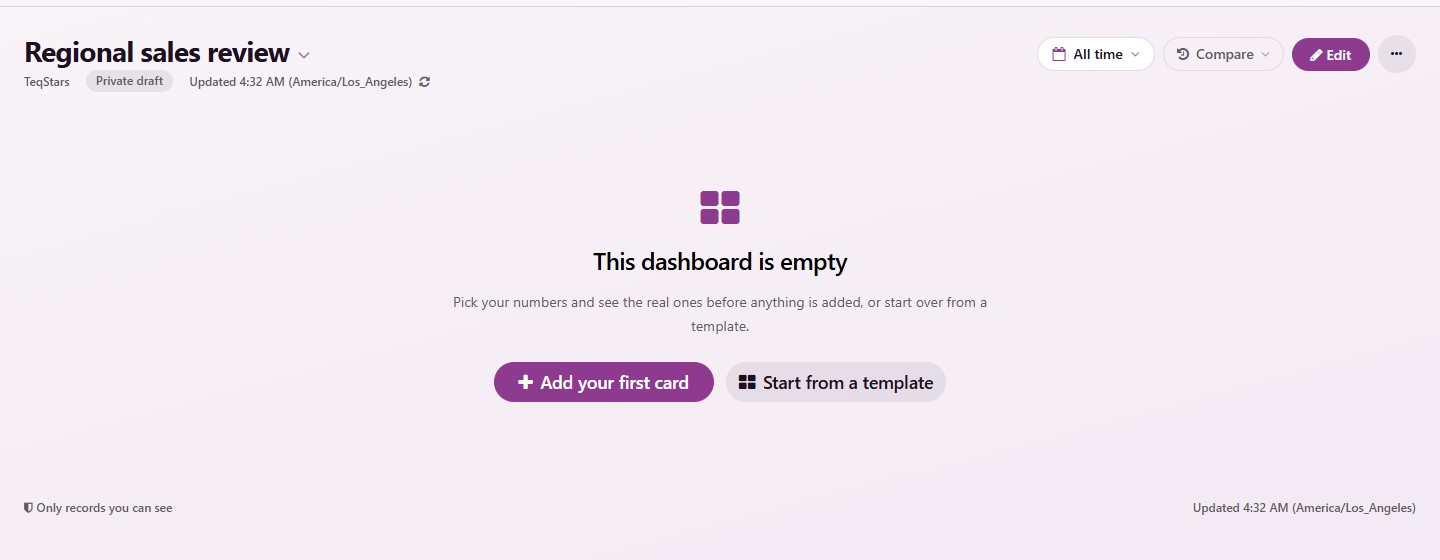
The new dashboard is a private draft: only you see it until an administrator publishes it. A dashboard holds up to 24 cards.
An Empty Dashboard
A dashboard with no card says This dashboard is empty and offers two buttons:
Add your first card: Opens the editor on Add card.
Start from a template: Opens the template gallery. See Start From a Template.