
ManoMano Carriers
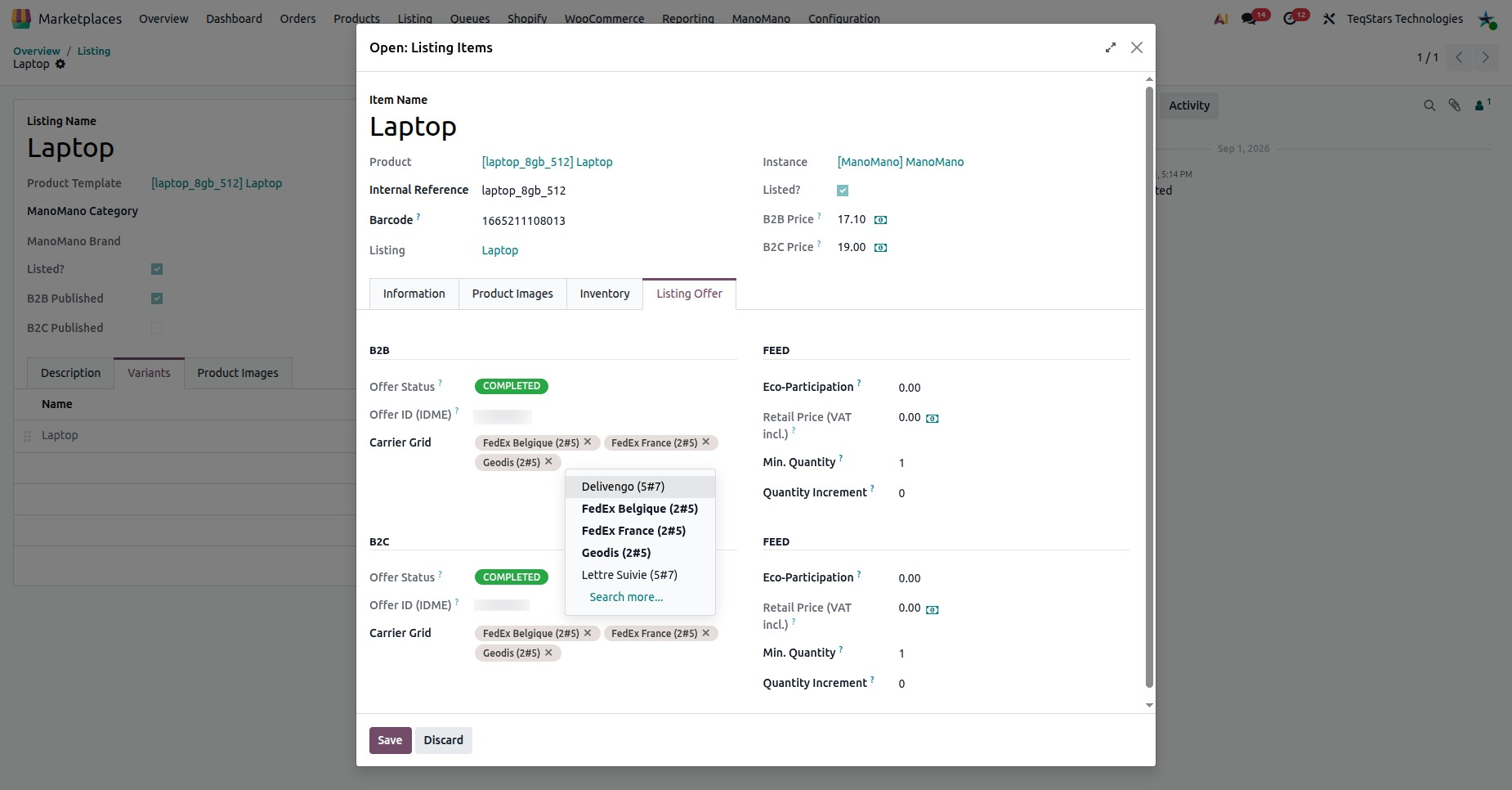
Carriers are the shipping grids your ManoMano offers use. Each one pairs a carrier with a delivery time. You see them at .
What Carriers Are Used For
A ManoMano offer needs at least one shipping grid. The shipping grid tells ManoMano how a product is shipped and how long delivery takes. The connector keeps these carriers per instance, so you can pick one on each listing.
This screen lets you view the carriers and delete the ones you no longer need.
Carrier Details
Open a carrier from the list to see its details:
Carrier: The label shown in Odoo, made of the carrier name and the delivery time, such as
Lettre Suivie (5#7).Carrier Name: The raw carrier or shipping template name, such as
Lettre Suivie. When the feed reuses imported shipping data, this name is sent as the first shipping grid of the offer.Shipping Time: The raw delivery time, such as
5#7. When the feed reuses imported shipping data, this time is sent as the delivery time of that first shipping grid.Instance: The ManoMano instance the carrier belongs to.

Where Carriers Are Used
On listings: You pick a carrier in the Carrier Grid field on the Listing Offer tab of a listing item. The offer details are described in Offer Details On A Listing.
In the product feed: A listing without a shipping grid cannot be exported or updated, see Export Products From Odoo.
On shipments: The carrier name is sent to ManoMano when a shipment is declared, see ManoMano Update Order Status From Odoo.
Delete A Carrier
Delete a carrier when you no longer ship with it.
Go to .
Click the carrier you want to remove to open it.
Click Delete.
Warning
Before you delete a carrier, check the listings that use it in their Carrier Grid. A listing needs at least one shipping grid before it can be exported or updated.
