
Actions Menu & Data Movement
Configure it on the role under , on the line for the record type. Each option also exists as a global switch under Block Everywhere.
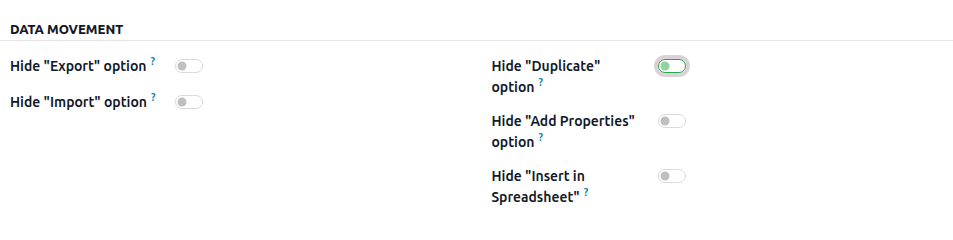
Hide Export
Removes the Export option from the Actions menu.
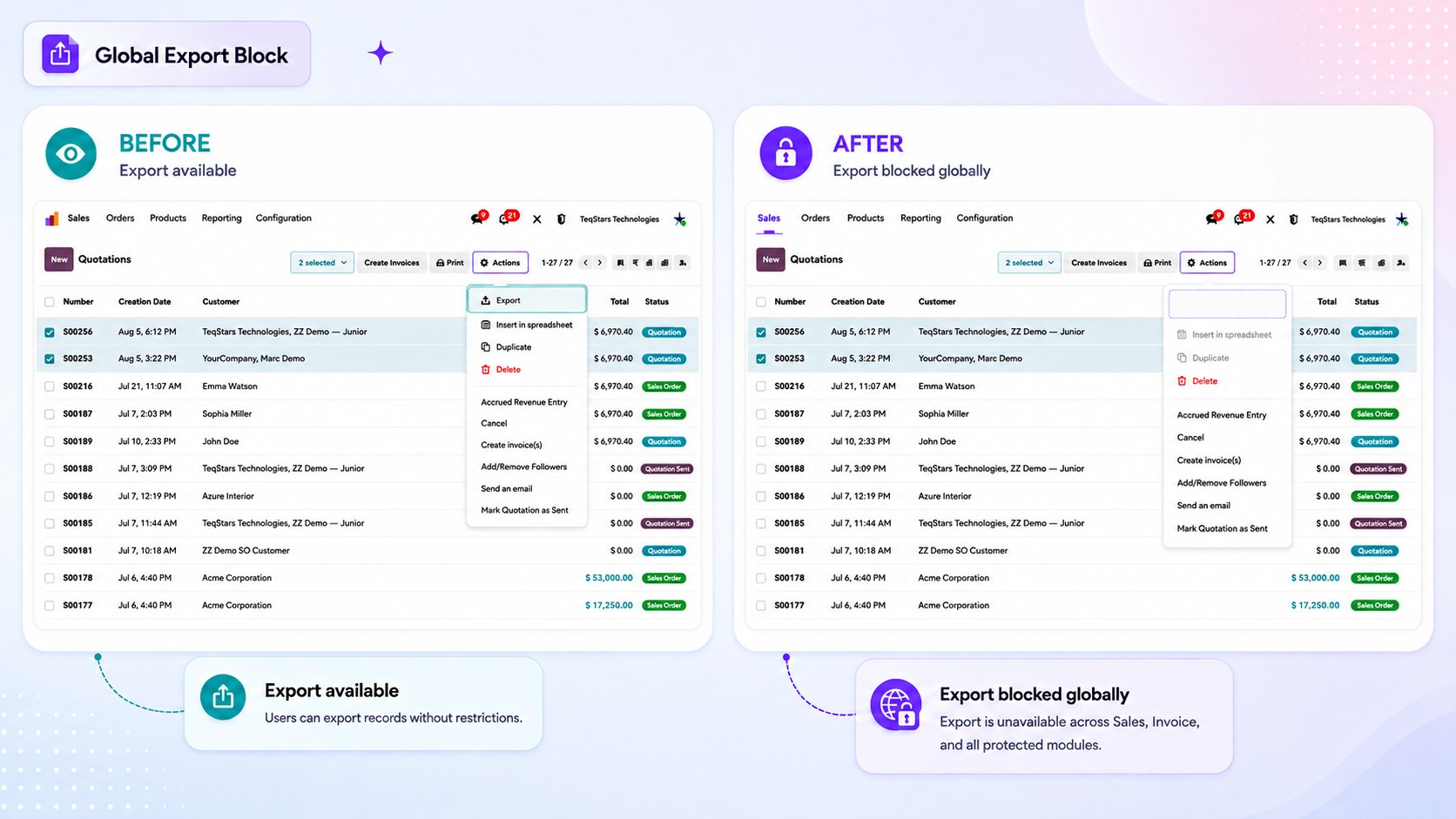
Important
The export itself is refused as well, not only the menu item — a user cannot obtain the file by sending the export request another way.
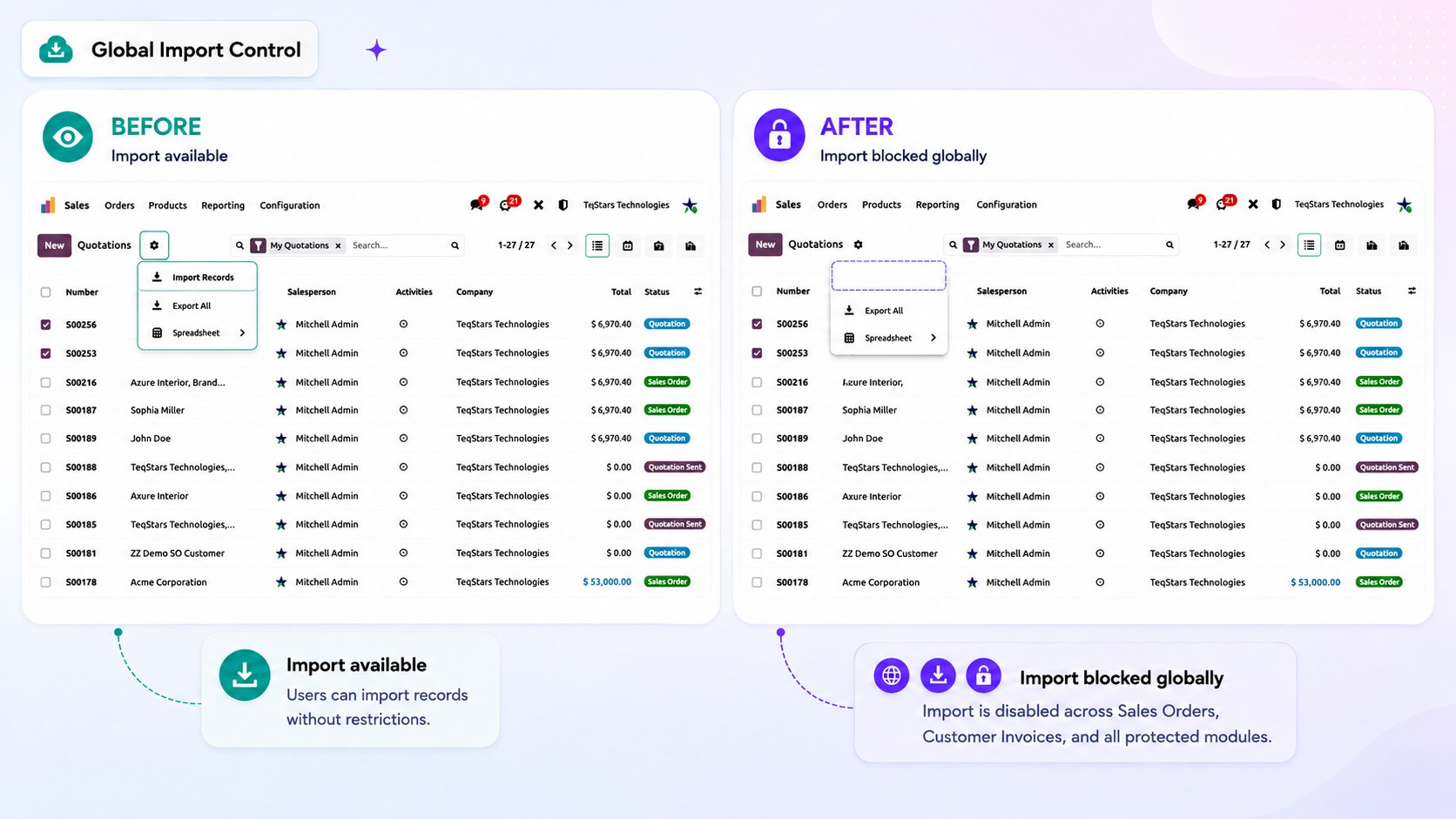
Hide Import
Removes the Import option and refuses imports on the record type, including imports triggered outside the interface.
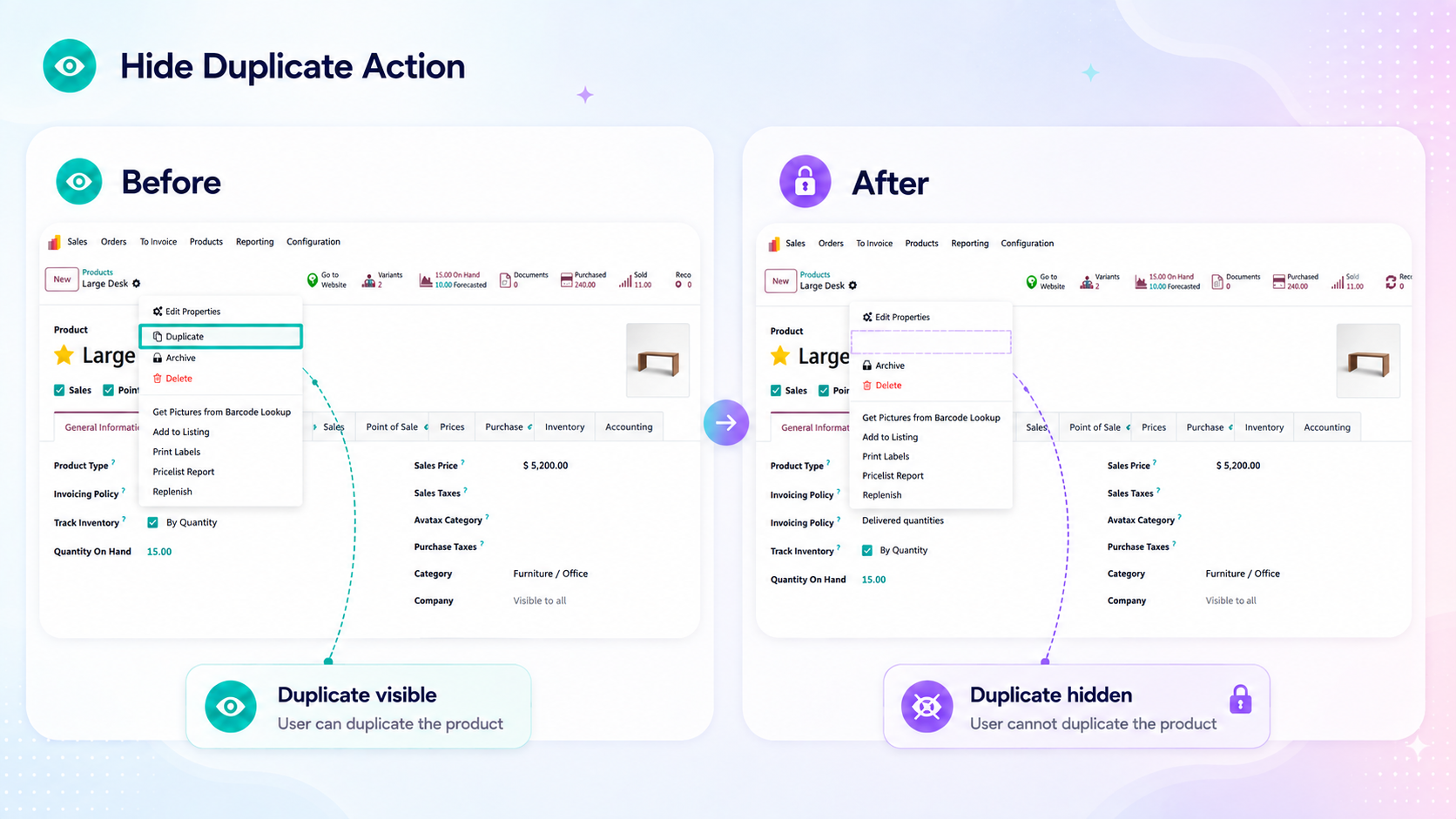
Hide Duplicate
Removes the Duplicate option and refuses record duplication. Use it where copies would create confusion, such as posted invoices or confirmed orders.
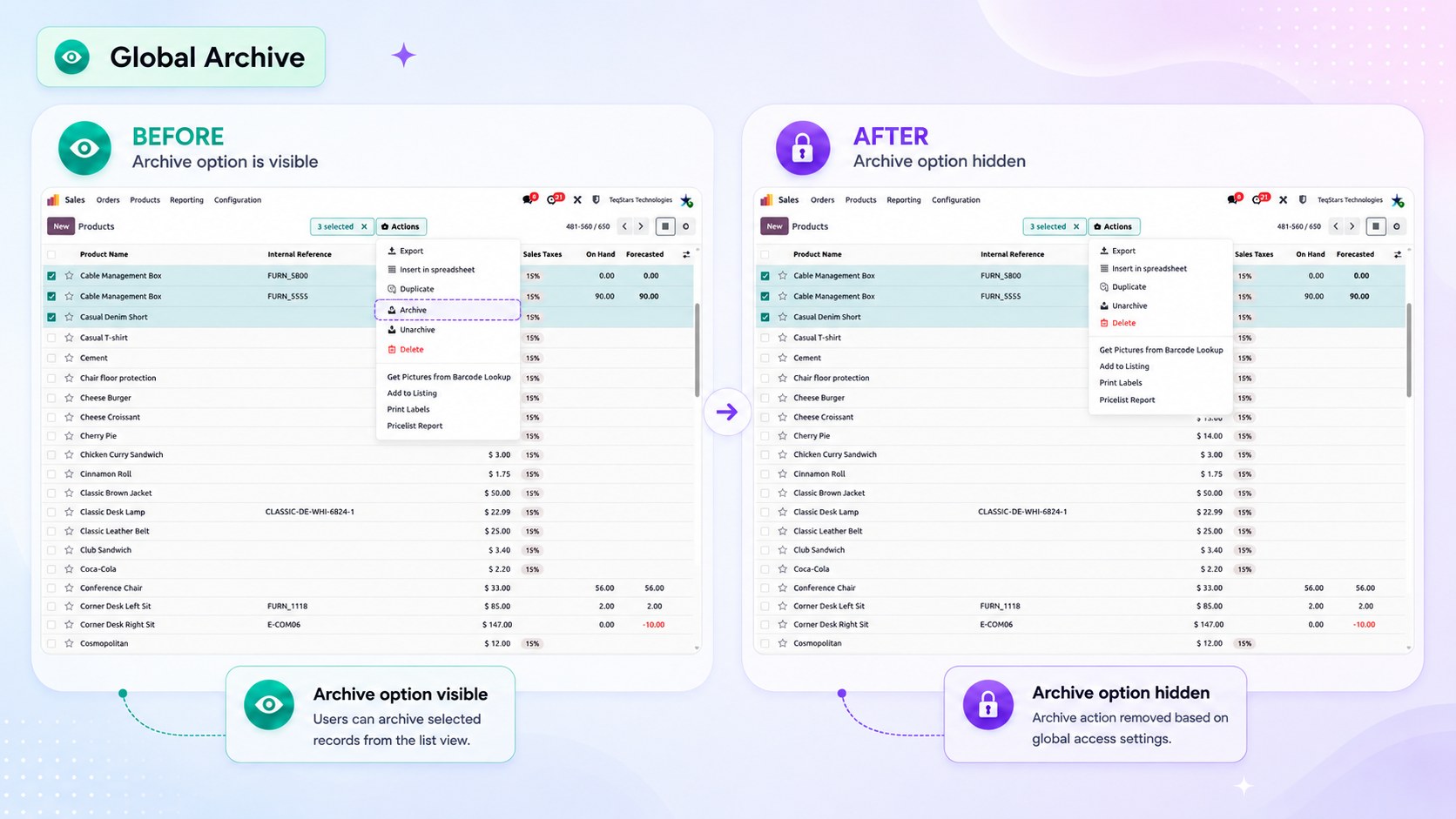
Hide Archive / Unarchive
Prevents users from archiving or unarchiving records. Both Archive and Unarchive options are removed, and archiving is also blocked through other methods. This ensures the role cannot hide records from other users.
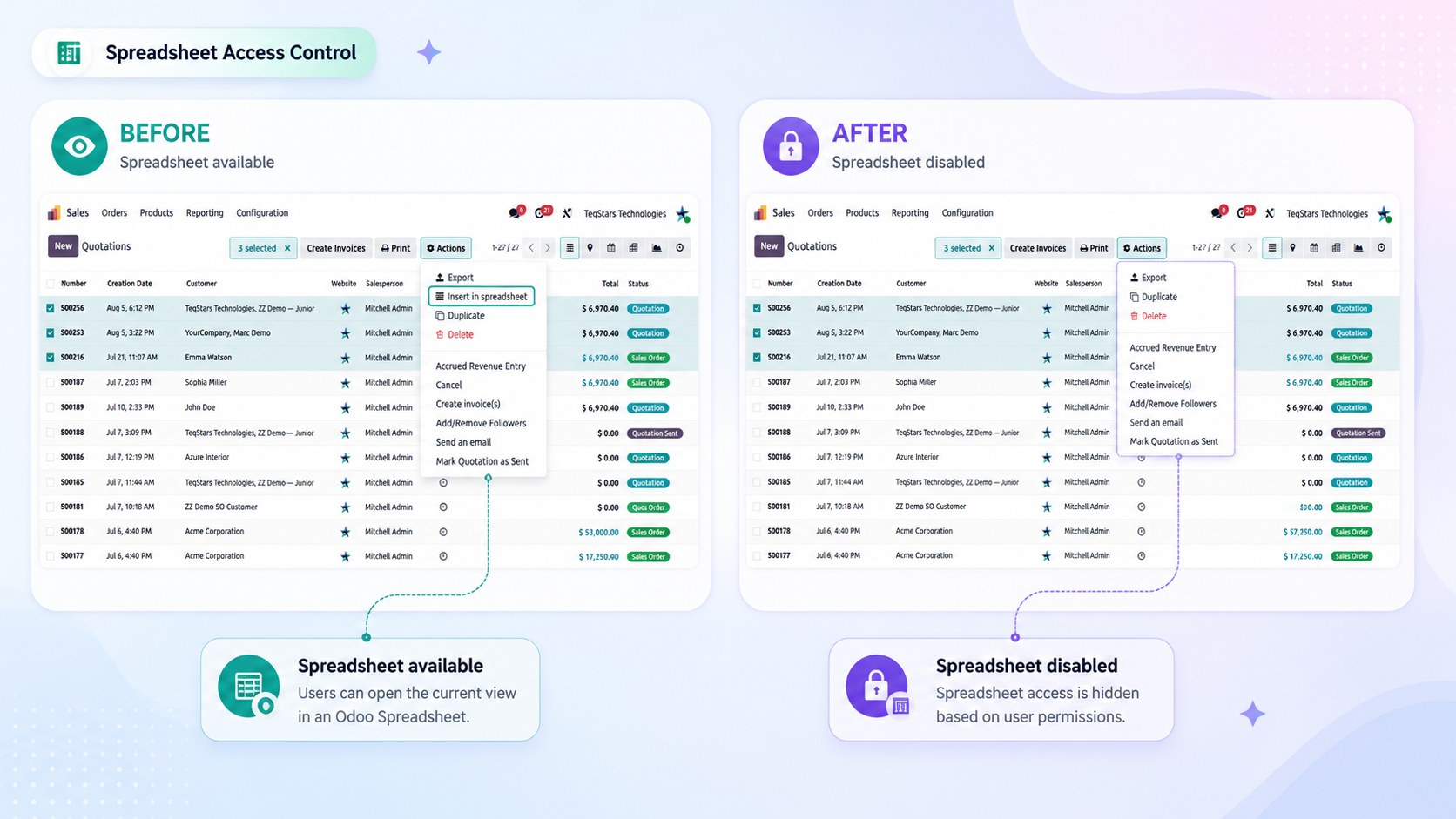
Hide Insert in Spreadsheet
Removes the Insert in Spreadsheet option, which would otherwise copy the data into a spreadsheet outside the record’s own access rules.
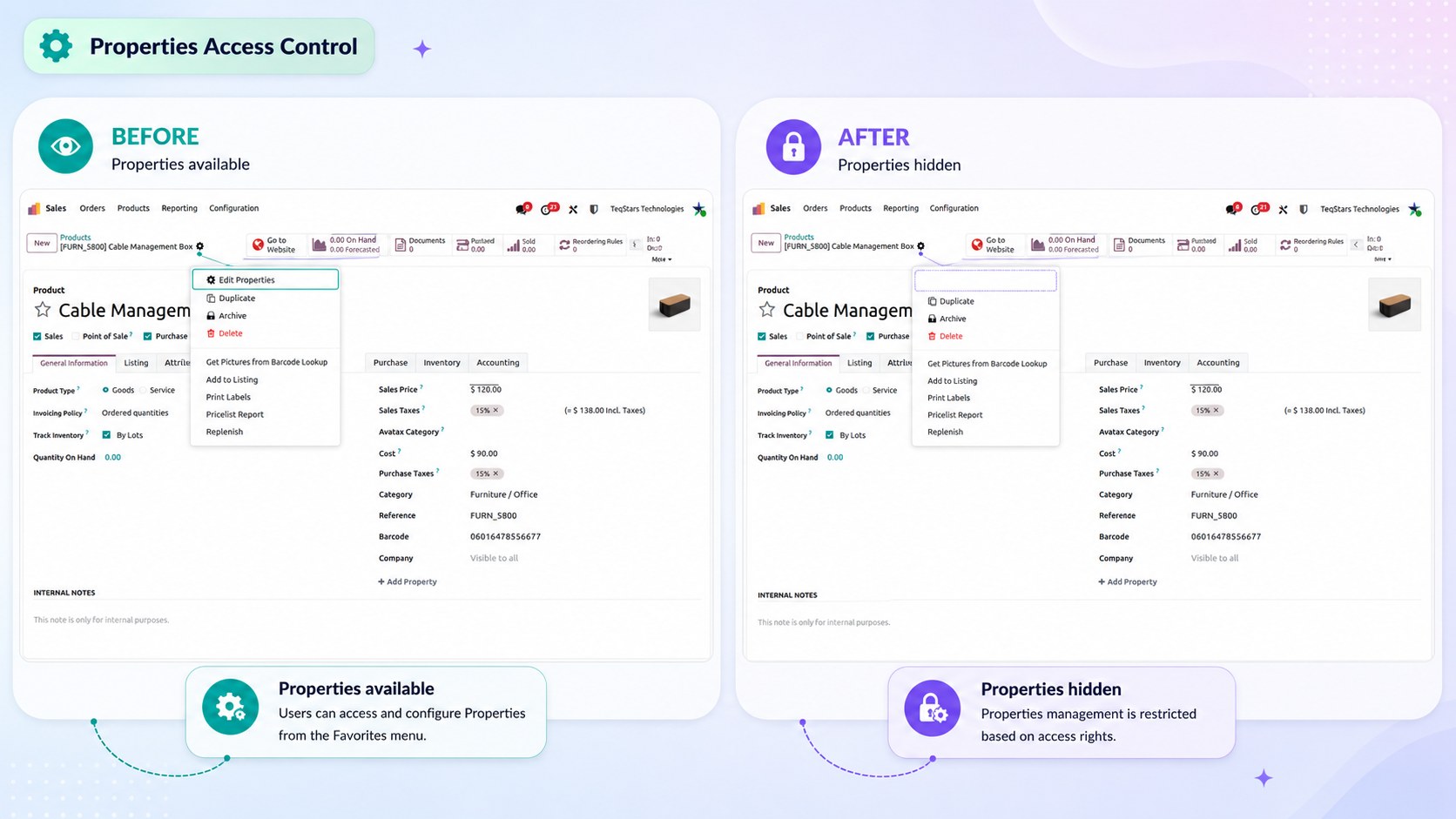
Hide Add Properties
Removes the Add Properties / Edit Properties option, so users cannot add custom property fields to the record type.
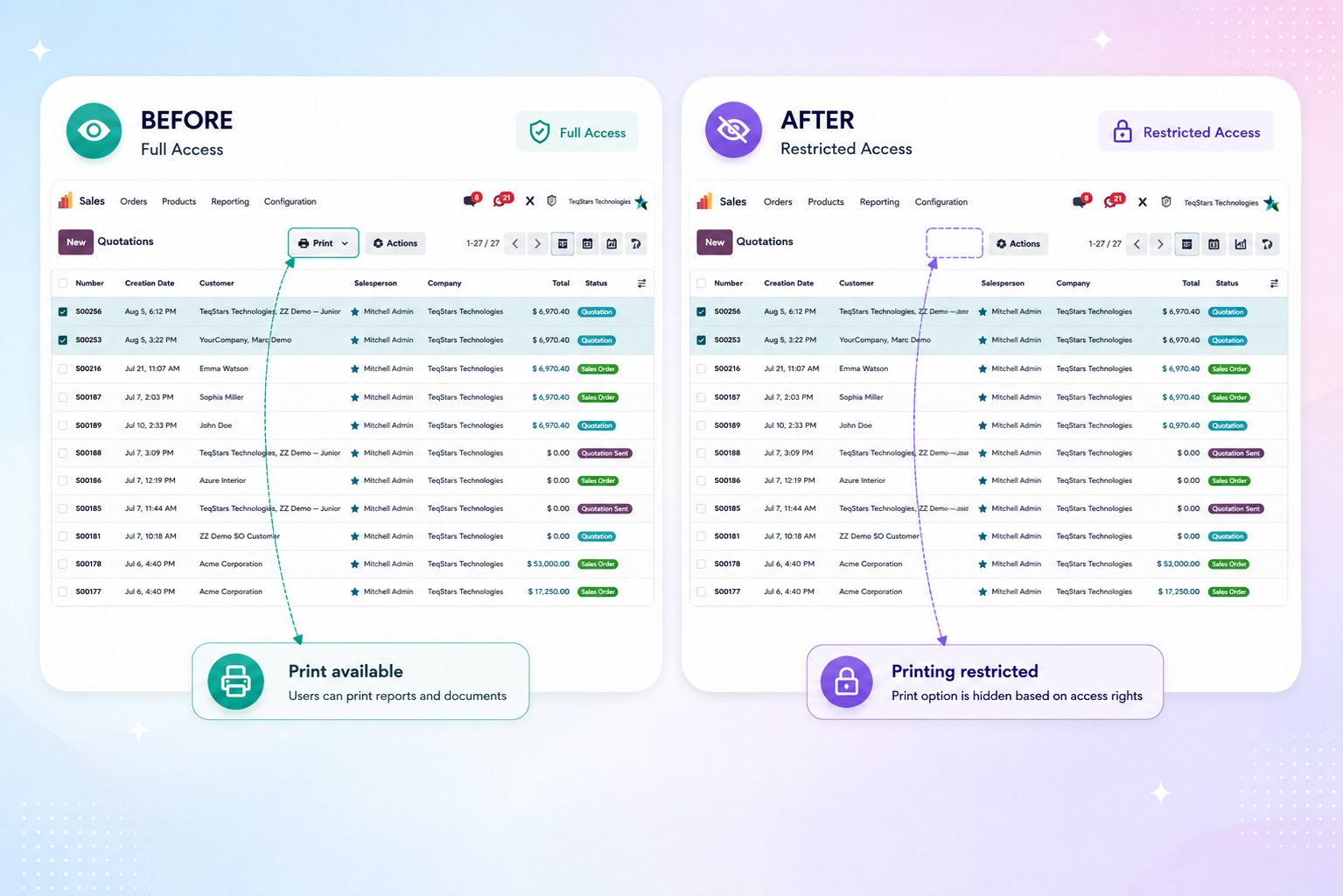
Hide the entire Print menu
Removes the whole Print menu for the record type, whatever reports it contains.
Hide specific reports
Removes only the selected reports from the Print menu, leaving the rest available.
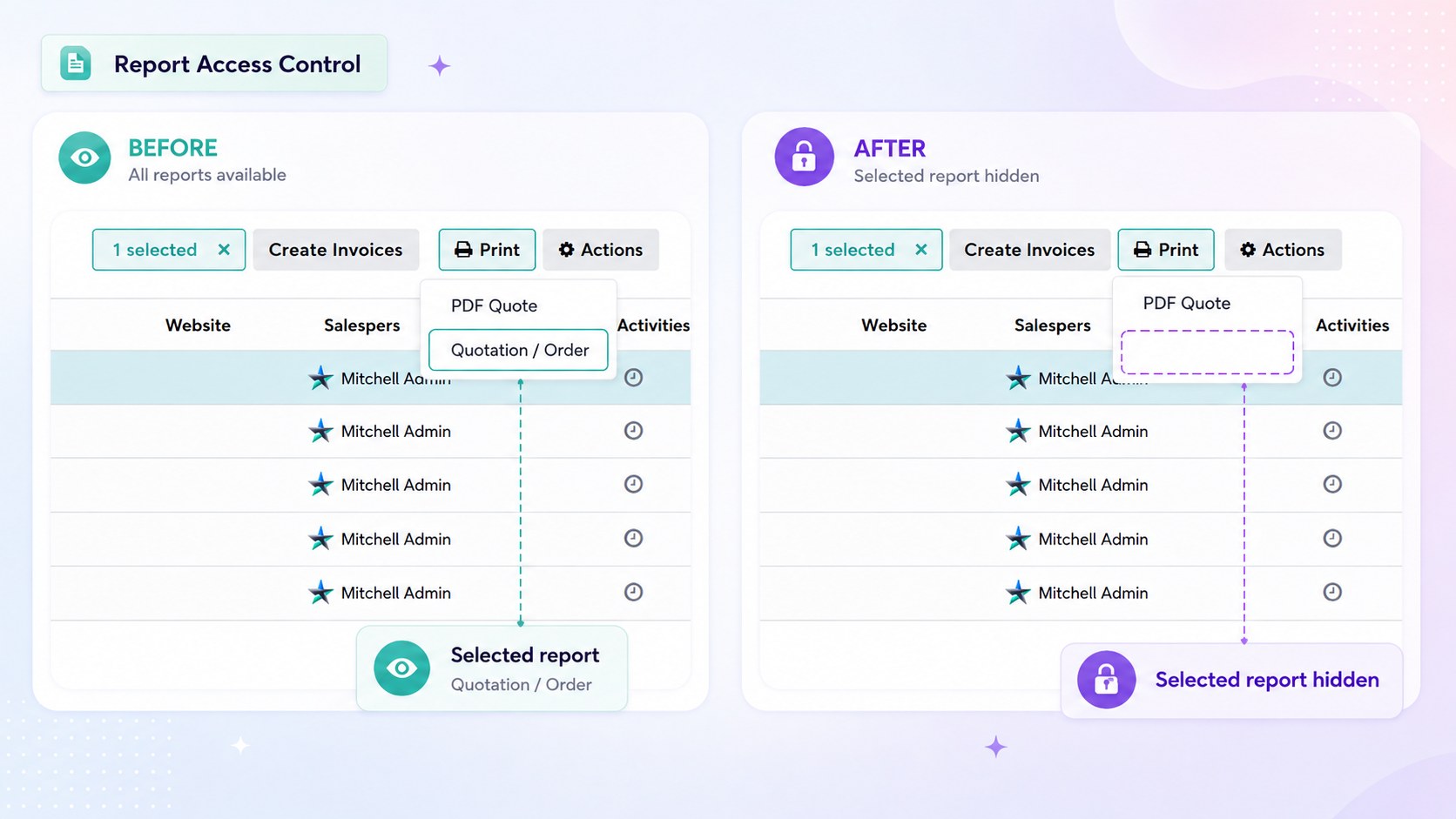
Use it where one document is sensitive — a cost breakdown or a margin report — while the ordinary customer documents stay available.
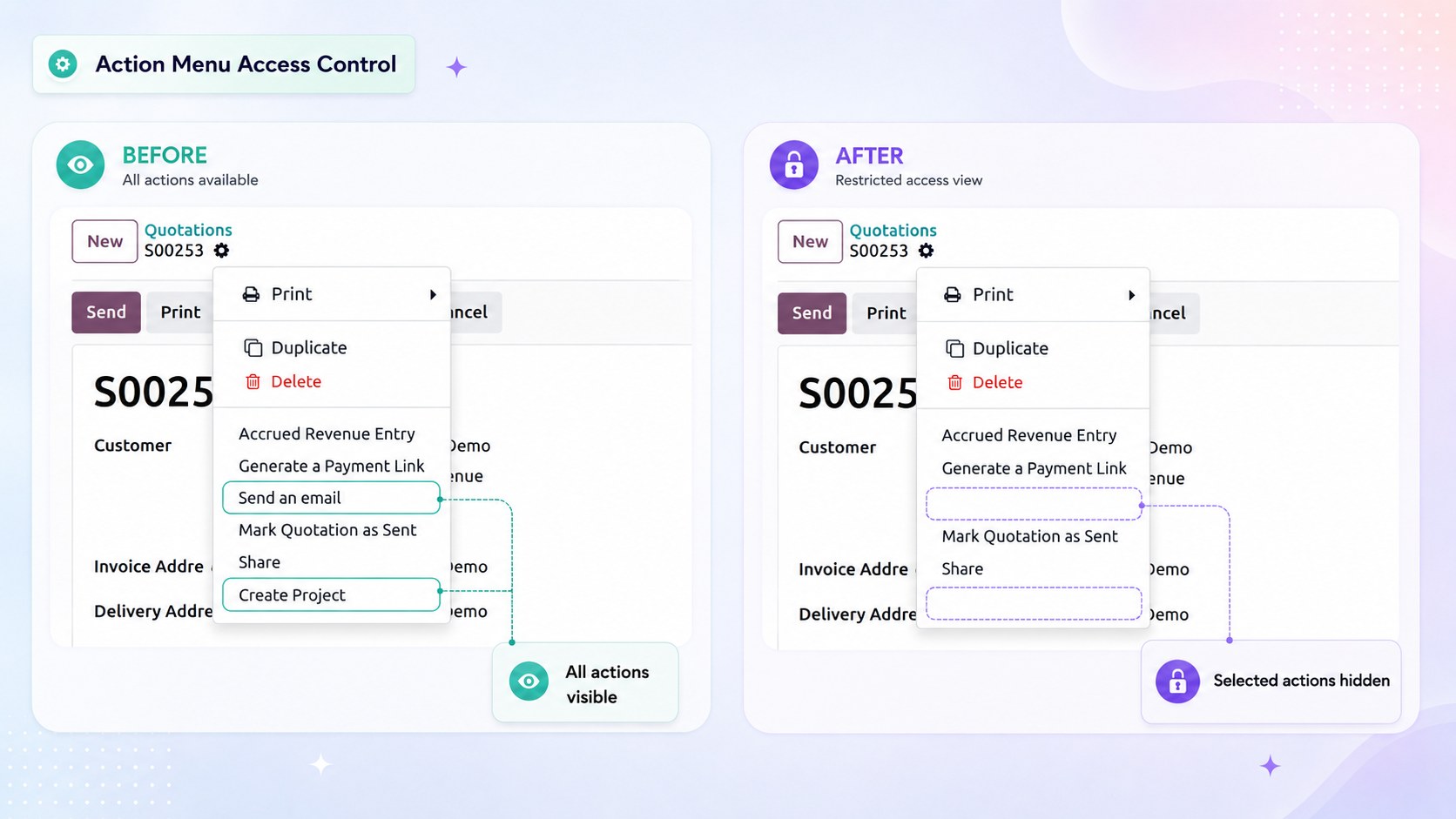
Hide specific Actions menu items
Removes the selected entries from the record type’s Actions menu, including server actions and wizards bound to it.
Tip
Only the entries that would really appear on the current screen are offered, so you configure what the user actually sees rather than a generic list.
See also