
View Restrictions
A record can be displayed in different layouts, such as — List, Kanban, Calendar, Pivot, or Graph. View Restrictions let you control which layouts a role can use and whether users can open records from Kanban cards.
Configure them on the role under , on the line for the record type.
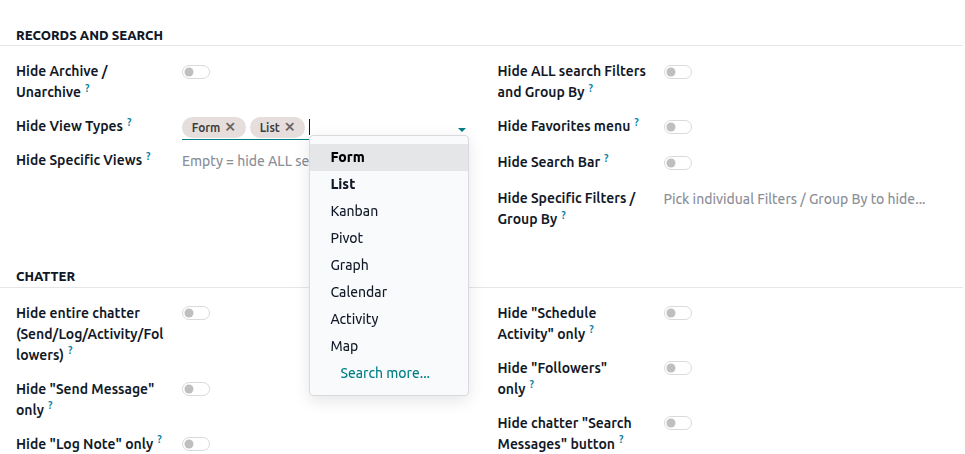
Hide view types
Select the view types you want to hide from the user. Hidden view types will no longer be available in the view switcher.
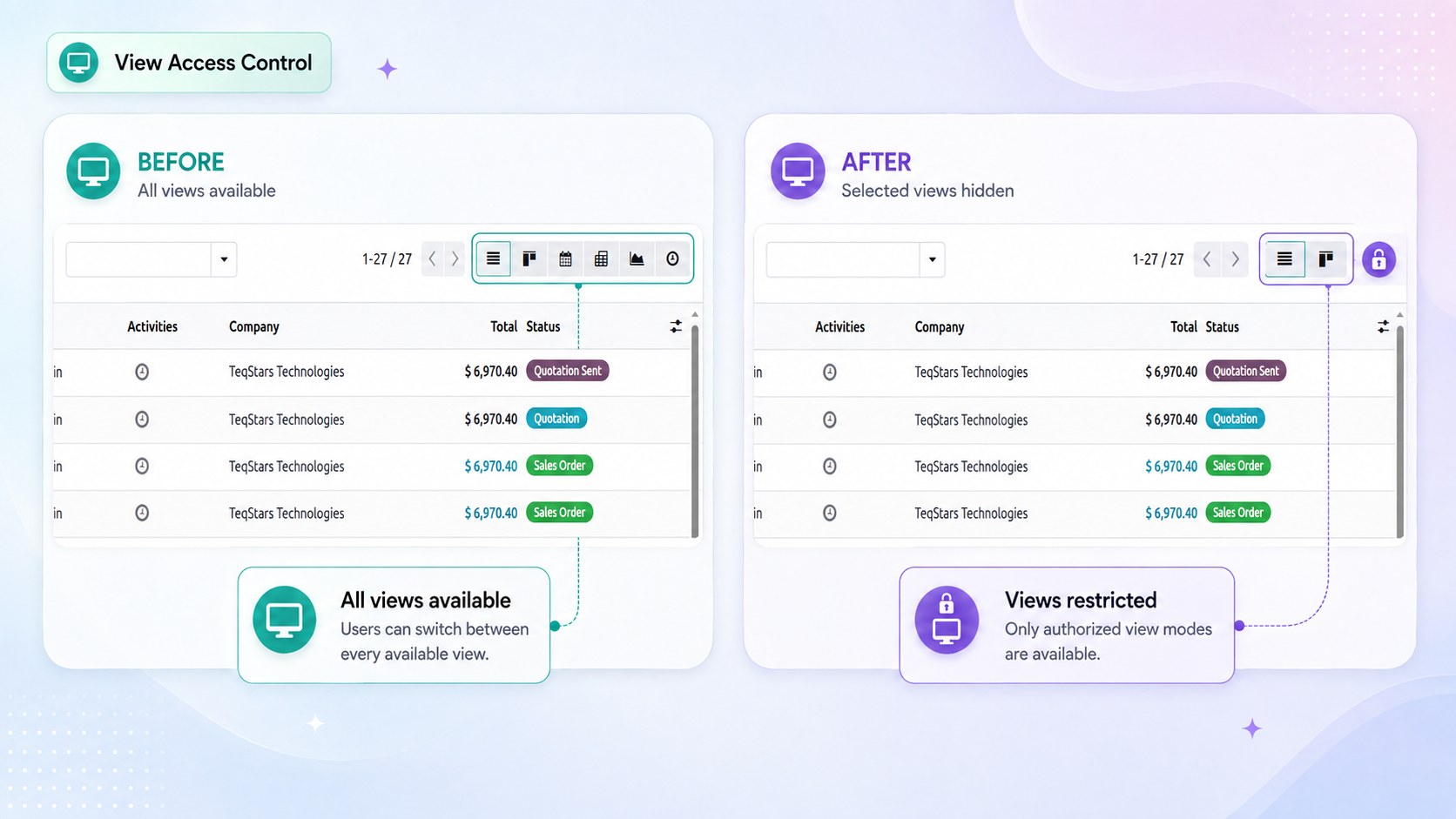
Only view types available for the selected record type can be selected.
Example. Hide the Pivot and Graph views for an operational role so users can focus on working with records instead of accessing reporting views.
Hide specific views
Use this option when you want to hide specific views instead of an entire view type.
Select a view type first. The available views of that type will then be shown.
Leave the specific view selection empty to hide all views of the selected type.
If a Form view is hidden, Odoo will use another available Form view for the same record type.
Disable Opening from Kanban
Prevents users from opening a record by clicking its Kanban card. The card remains visible, but it cannot be used to open the record.
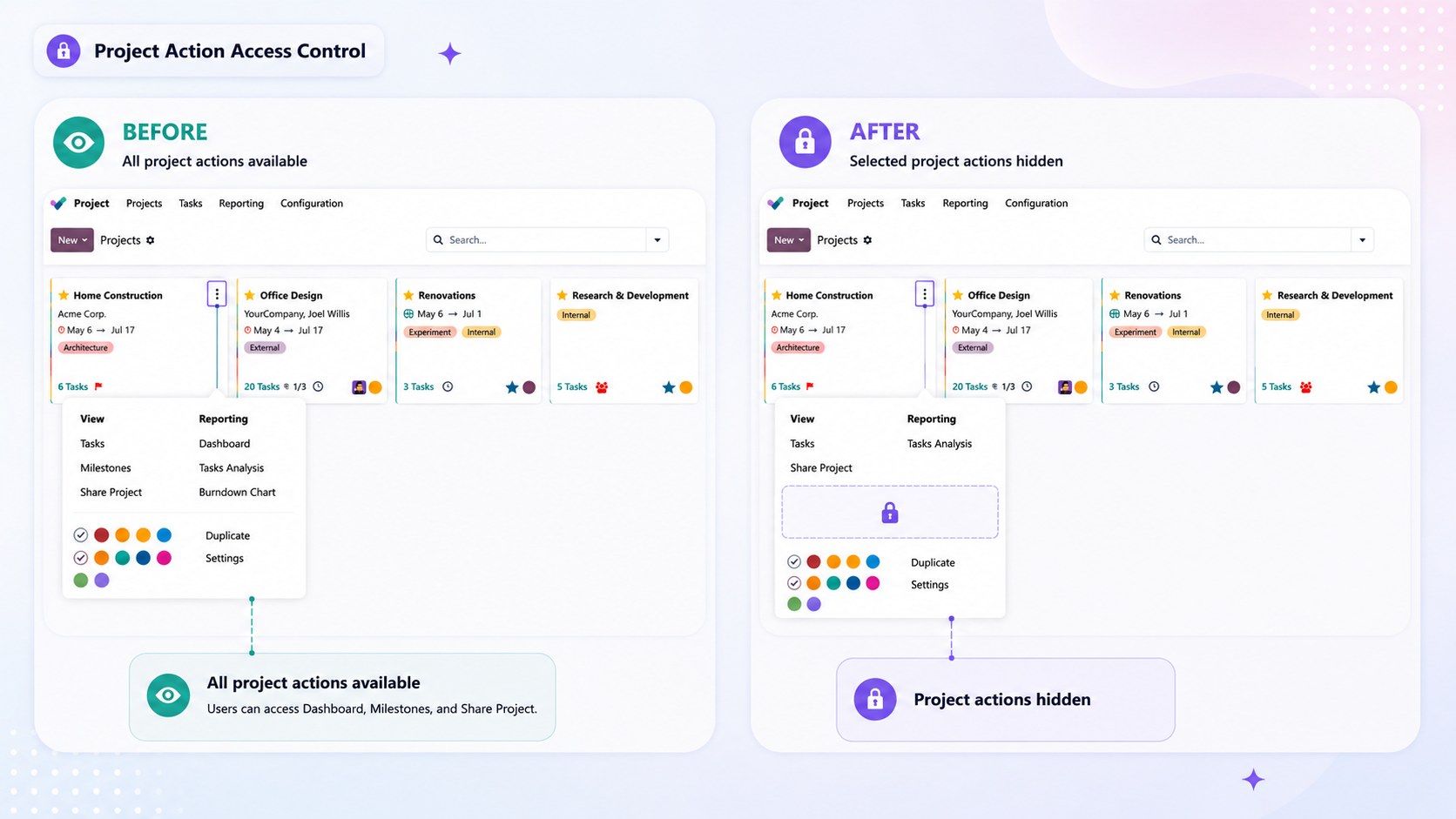
Buttons inside the Kanban card continue to work normally. This is useful when the Kanban view is intended for quick actions rather than opening individual records.
Tip
Enabling Disable Opening from Kanban without selecting any specific link removes every link from the card menu, which fully locks the card down in one step.