
Import Category Attributes, Brands & Rules
A listing is built from what its category accepts: the attributes it asks for, the brands it allows, and its listing rules: whether a size chart is needed, whether package dimensions are required, whether a manufacturer and a responsible person must be named.
The three are read together, per leaf category, because a listing is built from all three.
They are asked for at the end of the first confirmation of the instance, and can be read again at any time from the instance’s Operations or from the category itself. There is no scheduled action for this.
Important
The metadata is read per category, not for the whole tree. A shop has thousands of categories while a seller lists in a handful, so fetch the categories you sell in.
Method - 1: From The Operation Popup
Go to the menu in Odoo.
Click on the
Operationsbutton from the instance record.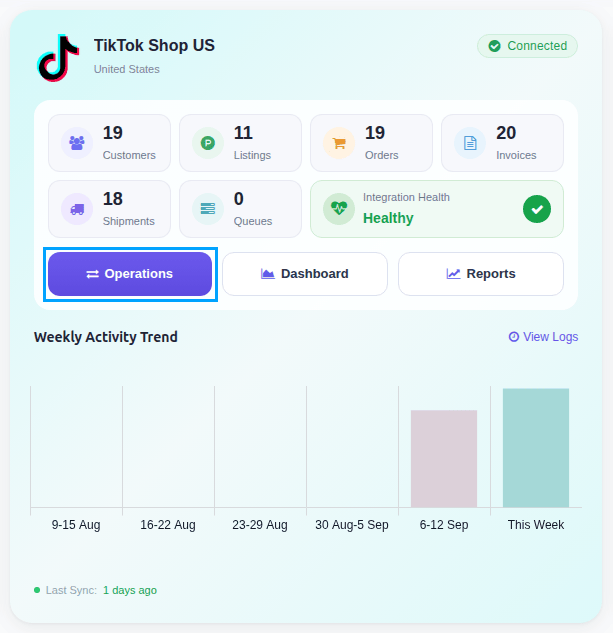
Select Import Operation and then select Import Category Attributes, Brands & Listing Rules option.
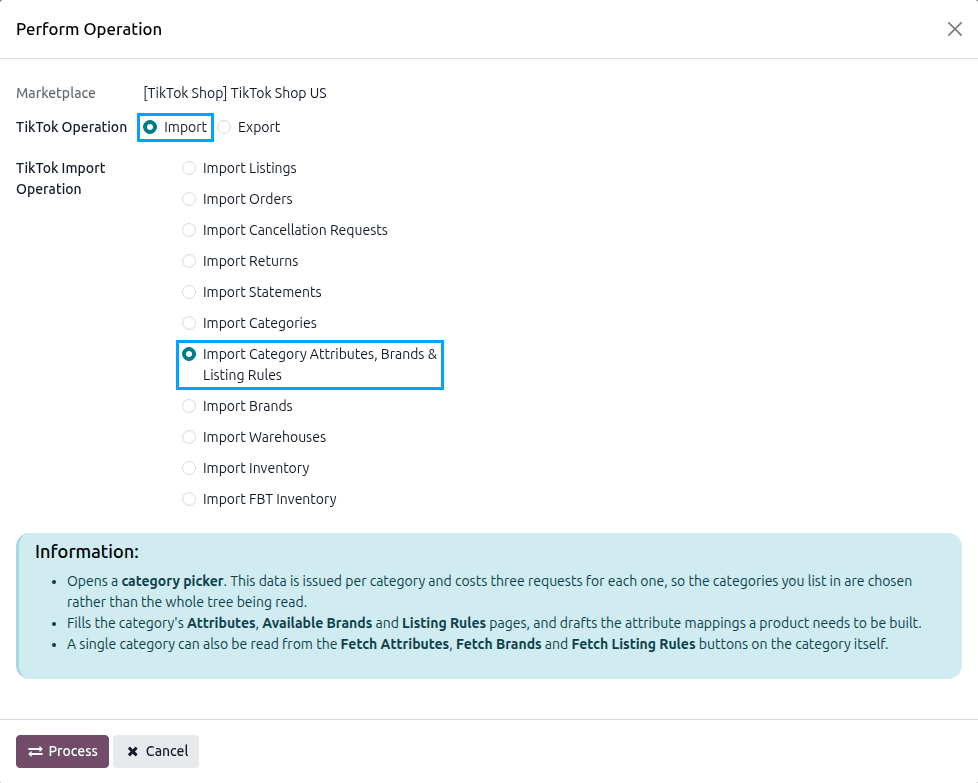
Press
PROCESSbutton.The Fetch TikTok Category Data popup opens. Pick the leaf categories you sell in, or plan to sell in, in Categories and press Fetch.
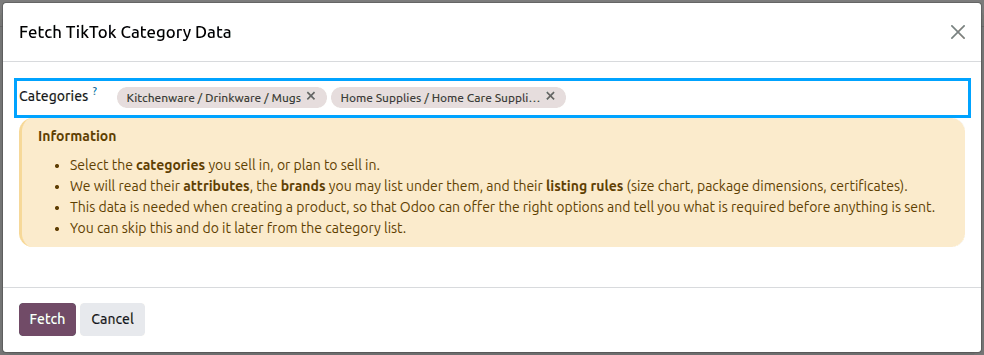
The same popup opens on its own when the instance is confirmed for the first time, so the categories you sell in are read before you list anything. You can also close it with Ignore & Confirm and fetch the categories later.
Method - 2: From The Category
Go to and open a leaf category.
Click Fetch Attributes, Fetch Brands or Fetch Listing Rules.
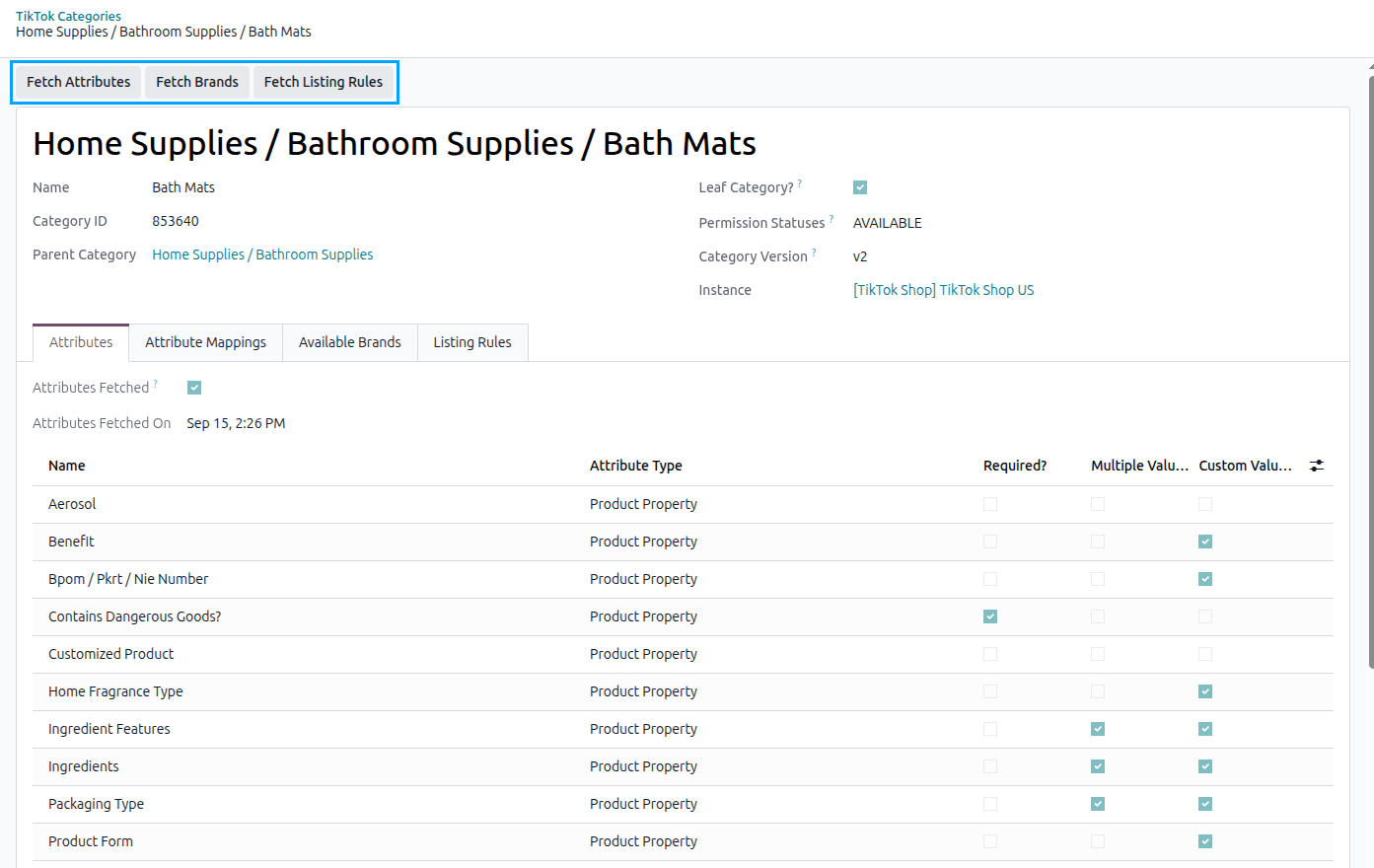
The buttons are shown on leaf categories only, because only a leaf category can hold a product.
What Is Stored
Attributes tab: every attribute TikTok Shop accepts in this category, with the values it allows. The
attributes whose Attribute Type is Sales Property are the ones a listing’s variants are built from.
Available Brands tab: the brands TikTok Shop allows in this category.
Listing Rules tab: what a product in this category must carry:
Rule |
What it means |
|---|---|
Size Chart Required? |
A size chart must be provided for a product in this category. |
Size Chart Supported? |
A size chart may be provided at all. Sending one where it is not supported is refused. |
Cash on Delivery Supported? |
Cash on Delivery may be offered on a product here. |
Package Dimensions Required? |
The package dimensions must be provided. |
Manufacturer Required? |
A manufacturer must be named on the product. |
Responsible Person Required? |
A responsible person must be named on the product. |
The tab also lists the Certificates the category asks for, and whether each one is required.
Each of the three carries the date it was last read (Attributes Fetched On, Brands Fetched On and Rules Fetched On), and the Attributes Fetched, Brands Fetched and Rules Fetched filters show at a glance which categories are ready to list in.
Note
Fetching a category’s attributes also creates the attribute mappings for its variant attributes, matching them to your Odoo attributes by name where it can. See Attribute Mapping.
Important
The last two rules are only ever set in the markets that ask for them. Where a category requires a manufacturer or a responsible person, the product must name one from the registers imported for the shop. See Manufacturers And Responsible Persons.