
Rate Limits
Rate limits cap how aggressively a single connection can hit the MCP endpoint. They are enforced for Bearer (API key) connections per minute and per day, and protect Odoo from runaway loops, misconfigured scripts, and abusive clients.
Note
Rate limiting is applied only to Bearer connections. OAuth connections are not rate-limited per request in this release — relying instead on the standard OAuth scope and token-lifetime controls.
Defaults
The defaults live in :
Default Rate Limit (requests/min) — default 60.
Default Rate Limit (requests/day) — default 10,000.
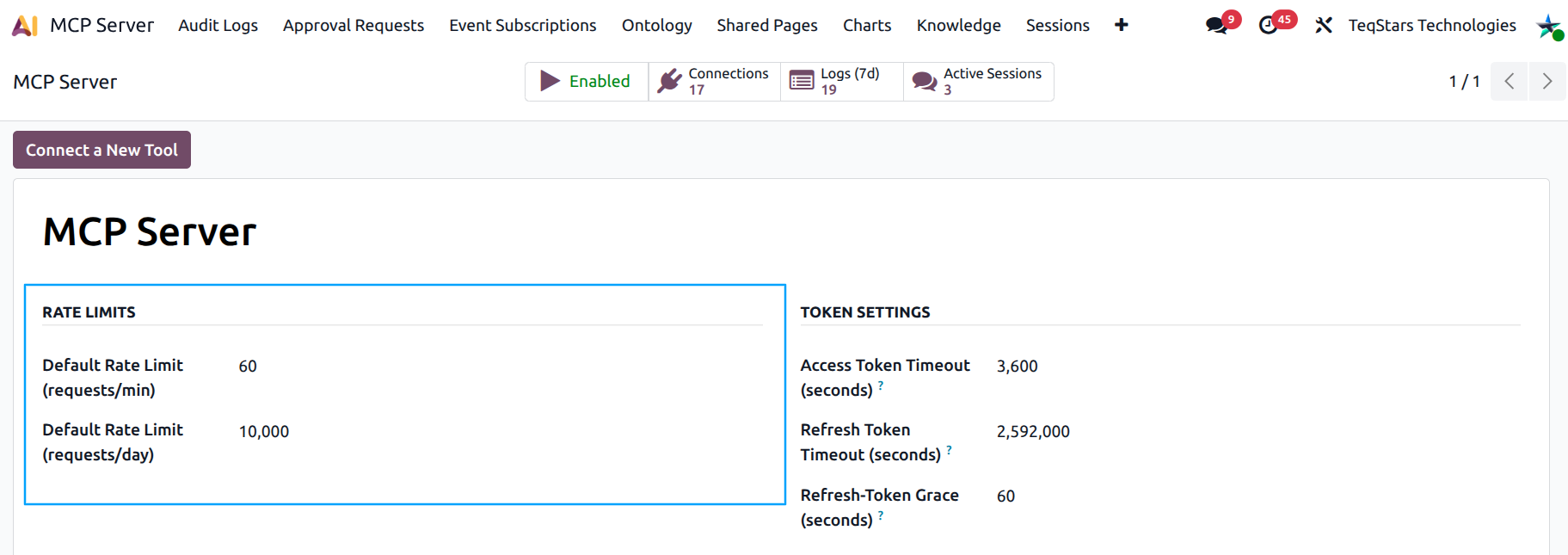
Every new Bearer connection inherits these defaults.
Per-connection overrides
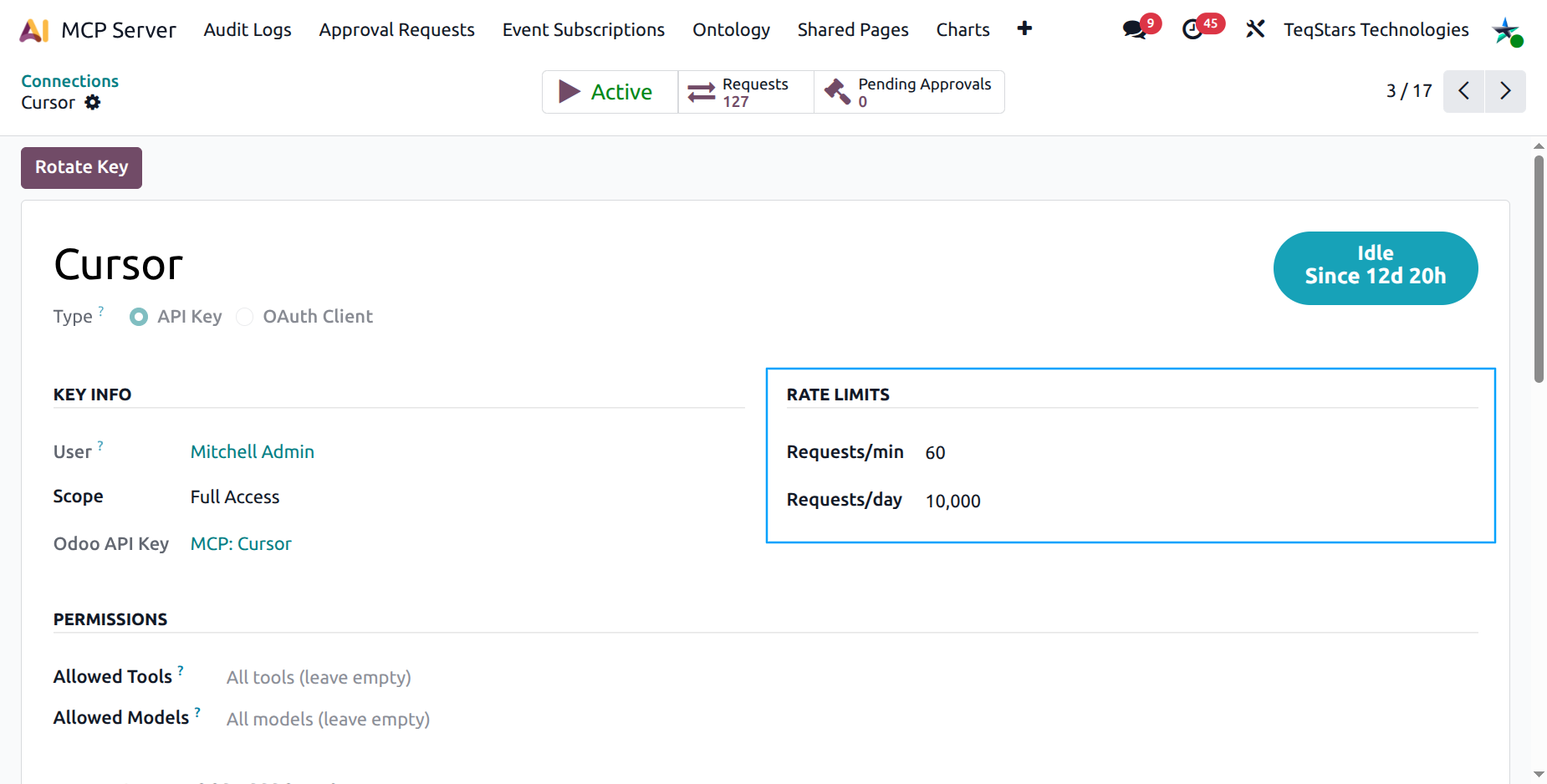
Open a Bearer connection’s form. The Rate Limits group under Key Info lets you override the defaults for that specific connection:
Rate Limit (requests/min)
Rate Limit (requests/day)
Use the overrides for:
Heavy integrations — a custom backend that legitimately needs 600 calls/minute. Raise its ceiling.
Light, low-trust — an intern’s exploratory script. Cap it at 10/minute.
Throttle-down — when investigating an incident, lower a connection’s limit instead of fully revoking it.
How it is enforced
The MCP Server tracks request counts in the mcp.rate.limit
model. On each request from a Bearer connection:
The counter for the connection in the current minute / day is read.
If the counter is at or above the cap, the request is rejected with a JSON-RPC error envelope (error code
-32000) explaining which limit was hit.Otherwise the counter is incremented and the request proceeds.
The minute counter resets every minute, the day counter resets at midnight (server time).
What happens when a connection hits the limit
The AI client receives a structured error:
A JSON-RPC error envelope with code
-32000describing the limit and the reset period.The error appears as an entry in the Audit Logs with status
error.Subsequent requests in the same window are rejected identically until the counter resets.
Tip
When an integration starts hitting the daily ceiling repeatedly, raise the ceiling and investigate why — it usually means there’s a missing cache or a loop in the AI’s prompt.