
Import Products
The ShipStation product catalogue often holds dimensions and weight that are not available in the connected store. Pulling those values into Odoo makes rate quotes and label payloads more accurate.
Before importing, decide whether you want missing items to be created automatically: set Create Product if not found? on the account before running the operation.
Products are imported automatically on first account confirmation. Use the manual flow below to refresh the catalogue whenever you add, rename, or update items in ShipStation.
How to Import Products Manually
Go to .
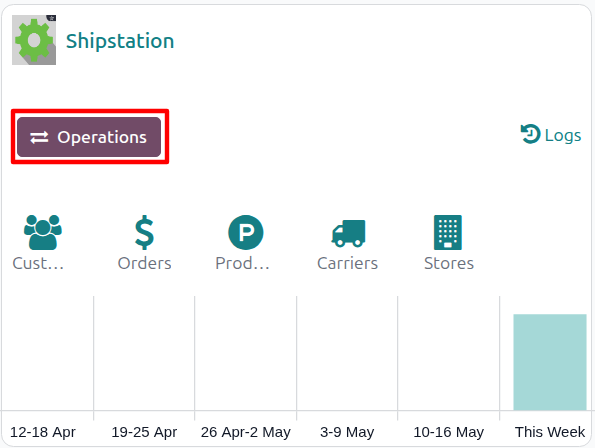
Click the Operations button on the target account’s kanban card.
Choose Import as the operation type, then from Shipstation Import Operation select Import Product.
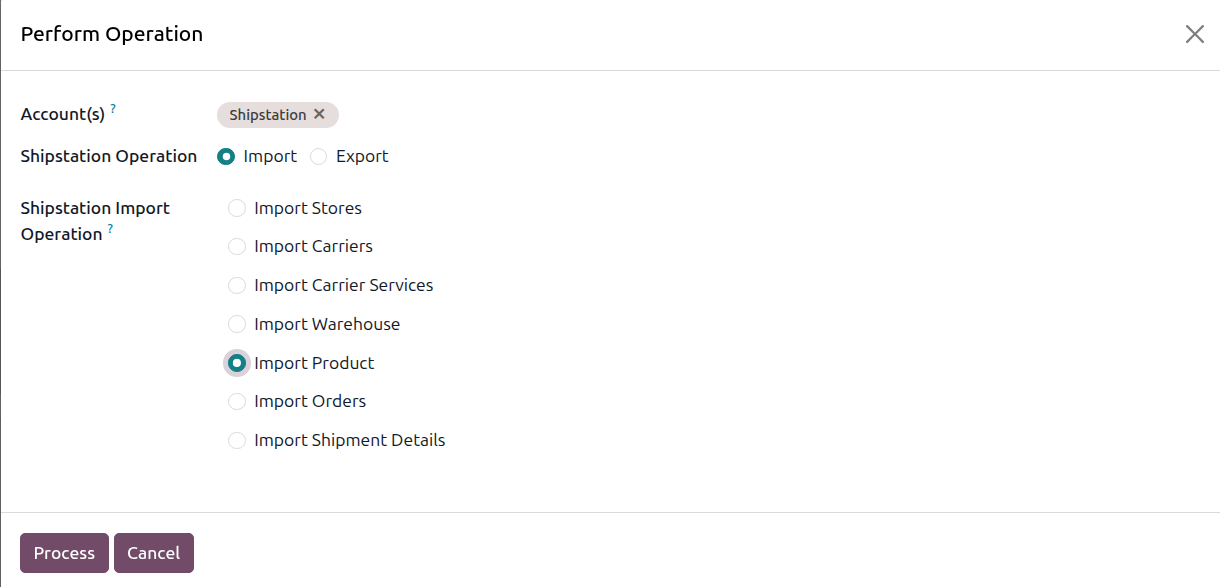
The wizard exposes the following options:
Account: the ShipStation account to run the operation on. Pre-filled from the kanban card you launched the wizard from.
Shipstation Operation: radio, Import or Export. Select Import for this flow.
Shipstation Import Operation: pick Import Product.
Click Process.
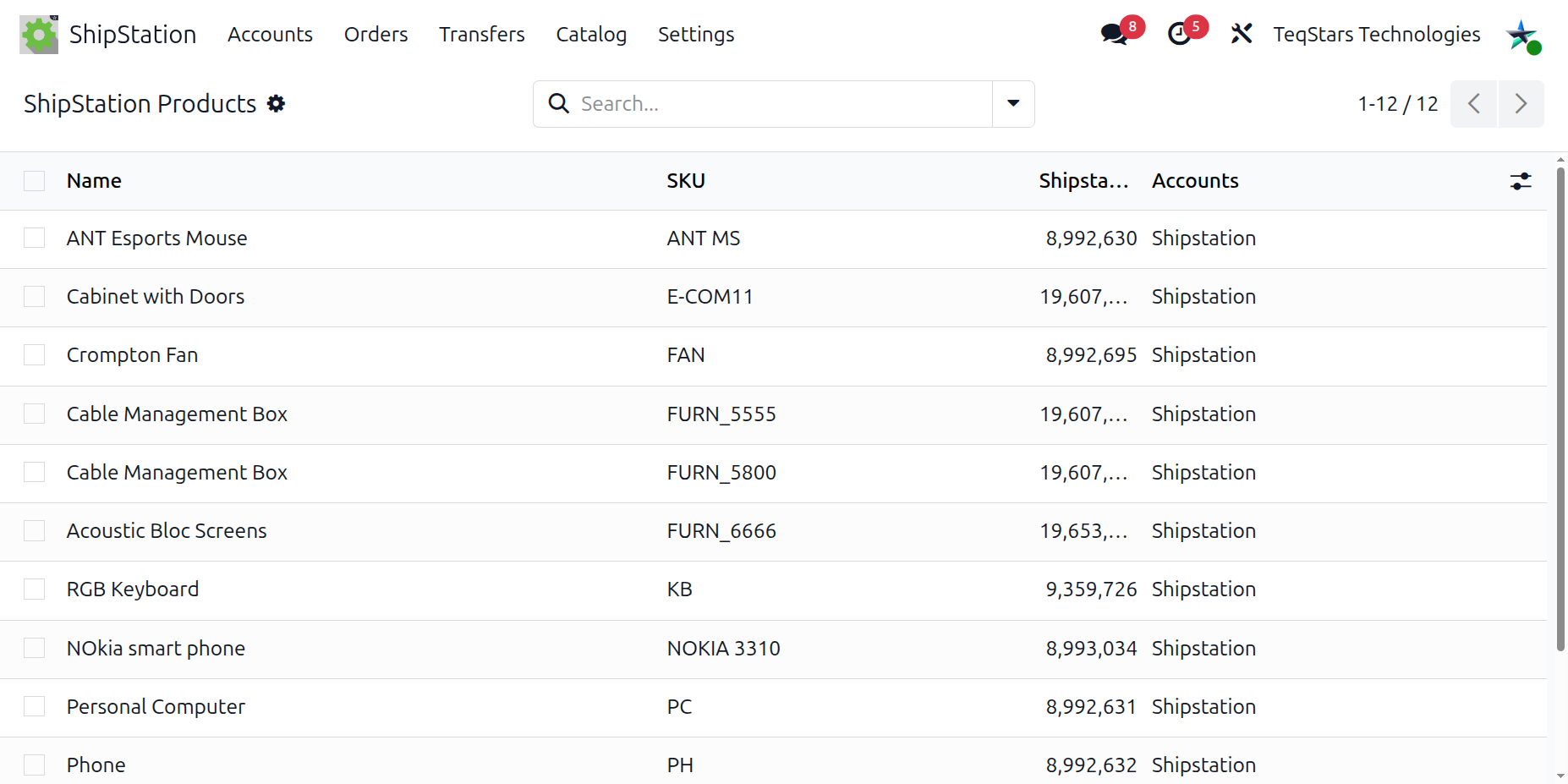
The connector walks the ShipStation product catalogue page by page and creates or updates one Odoo record per item with name, internal reference (SKU), dimensions, and weight.
Matching Strategy
Products are matched to Odoo by internal reference (SKU):
If a ShipStation product record already exists for the ShipStation identifier or SKU on this account, it is updated.
Otherwise the connector searches the Odoo catalogue for a product with the same internal reference and links it.
If no Odoo product matches the SKU and Create Product if not found? is checked on the account, a new Odoo product (consumable type) is created automatically.
Important
Uncheck Create Product if not found? on databases with a curated catalogue. Auto-created products are minimal (name, internal reference, consumable type) and may not match your standard product setup.
Large catalogues are walked page by page; expect the first full import to take several minutes per 5,000 products.
Note
Auto-created products are easy to spot: they have no category, no taxes, and no routes. Review them and complete those fields before invoicing.
Weight is converted from ounces (the ShipStation native unit) into your Odoo system unit of measure automatically.