
Navbar & Systray
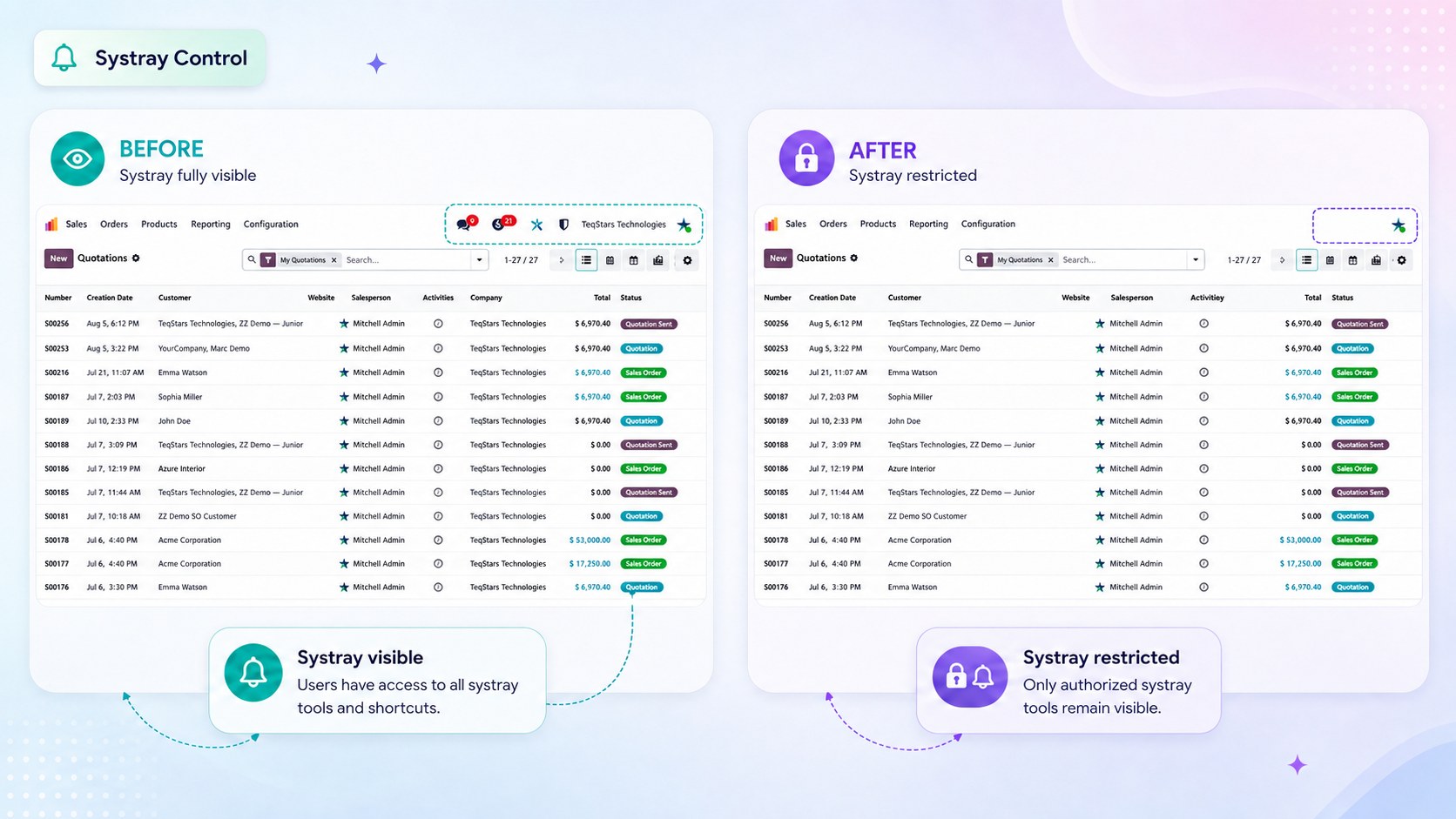
Navbar & Systray restrictions let you control which of these options a role can see.
You can configure these restrictions in two ways:
- Globally, Go to , on the role. The restriction applies throughout
Odoo.
- Per record type, Go to , The restriction applies only when
the user is working with that specific record type.
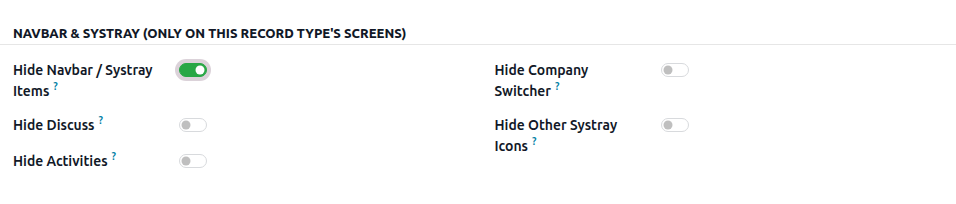
Hide Navbar / Systray Items
The Hide Navbar / Systray Items option controls which items appear in the top navigation bar and systray.
Enable the restriction
This is the master switch for the navbar and systray restrictions. The individual options below work only when this option is enabled.
Enabling the master switch by itself does not hide any items. You must also enable the specific items you want to hide.
Hide Discuss
Hides the Discuss chat icon and its notification counter from the top bar.
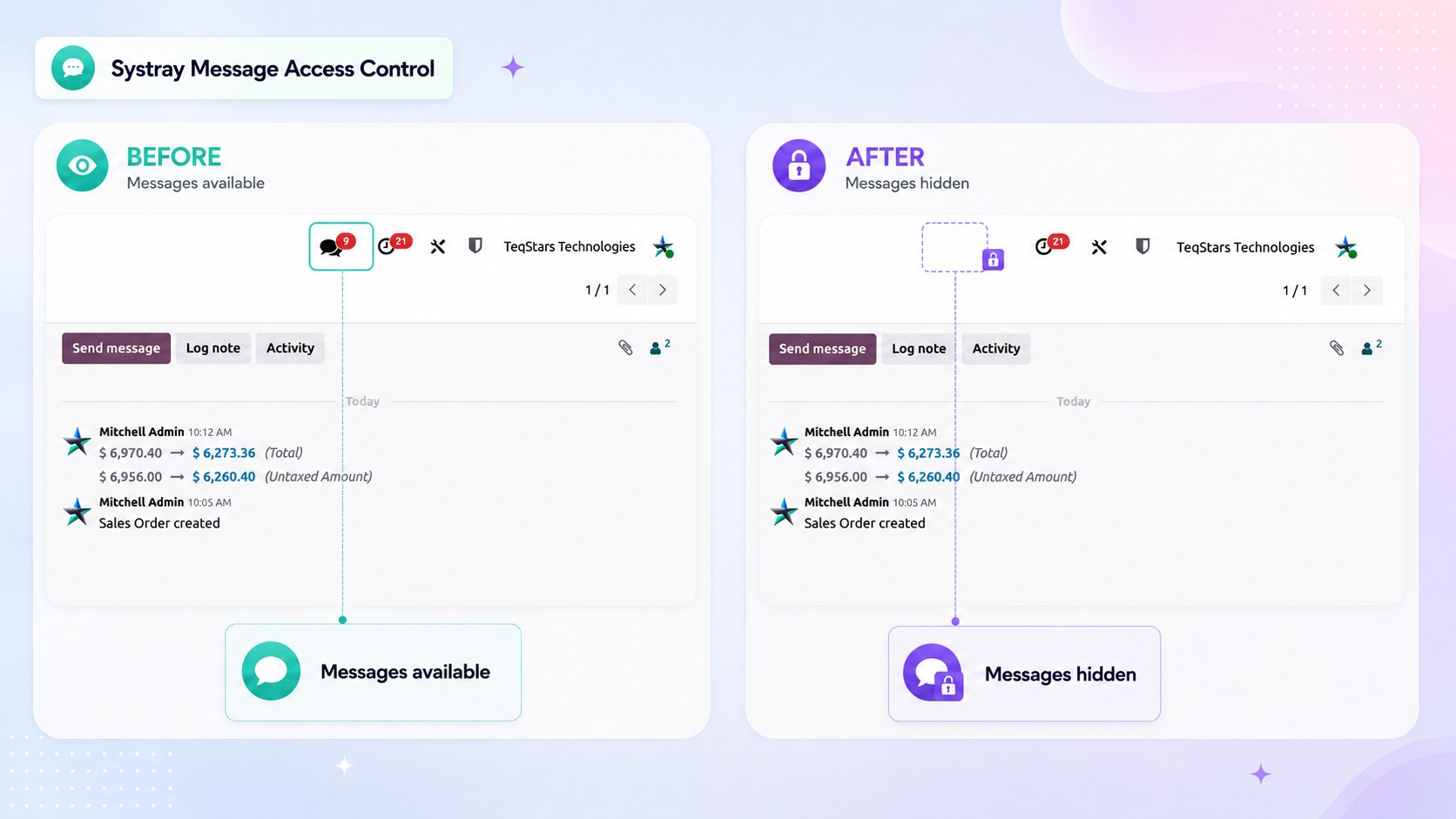
This is useful for roles that do not need access to Odoo’s messaging features or for external users who should not access internal conversations.
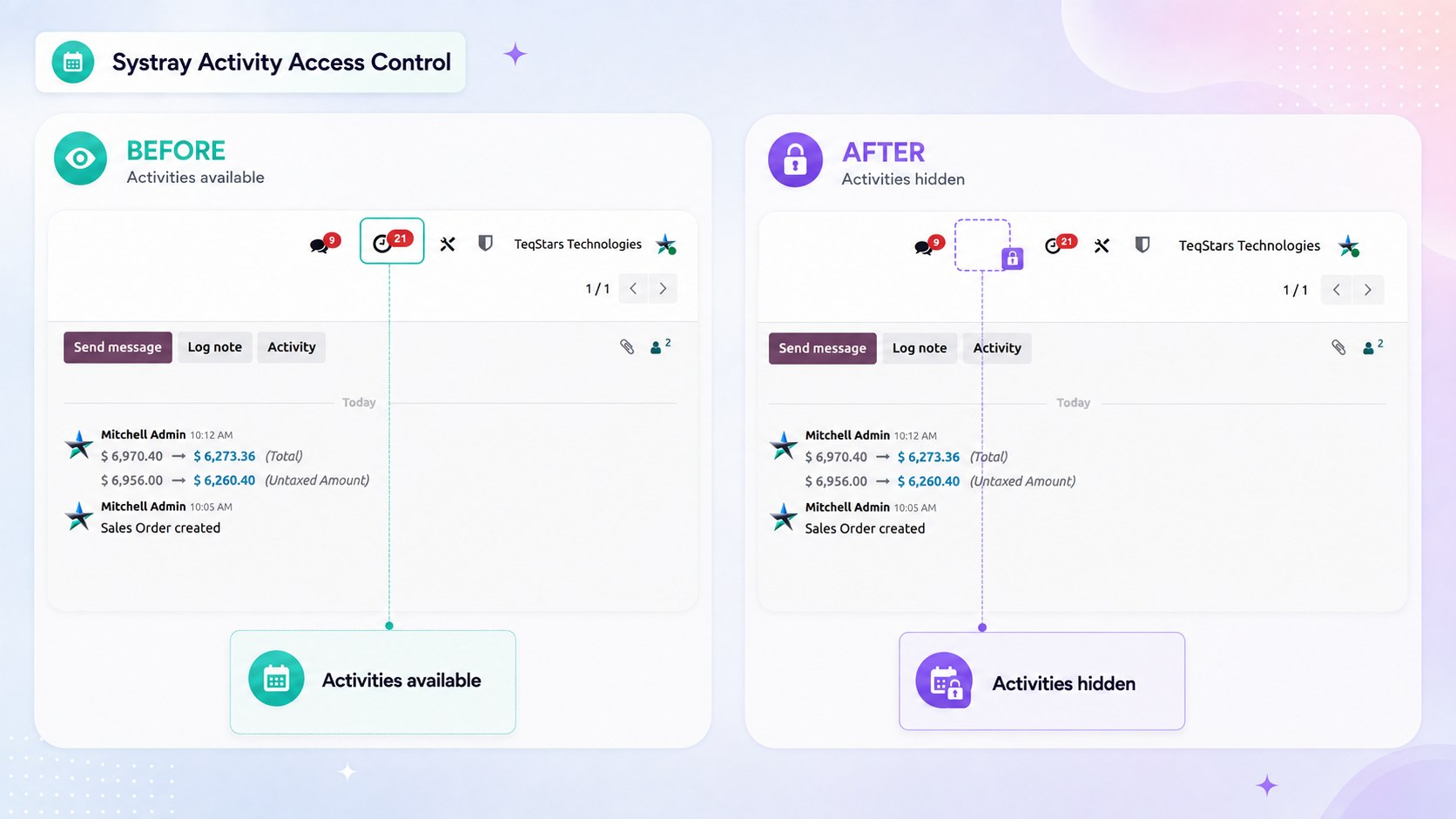
Hide Activities
Hides the Activities icon from the top bar.Users will not be able to view or plan activities from the top navigation bar.
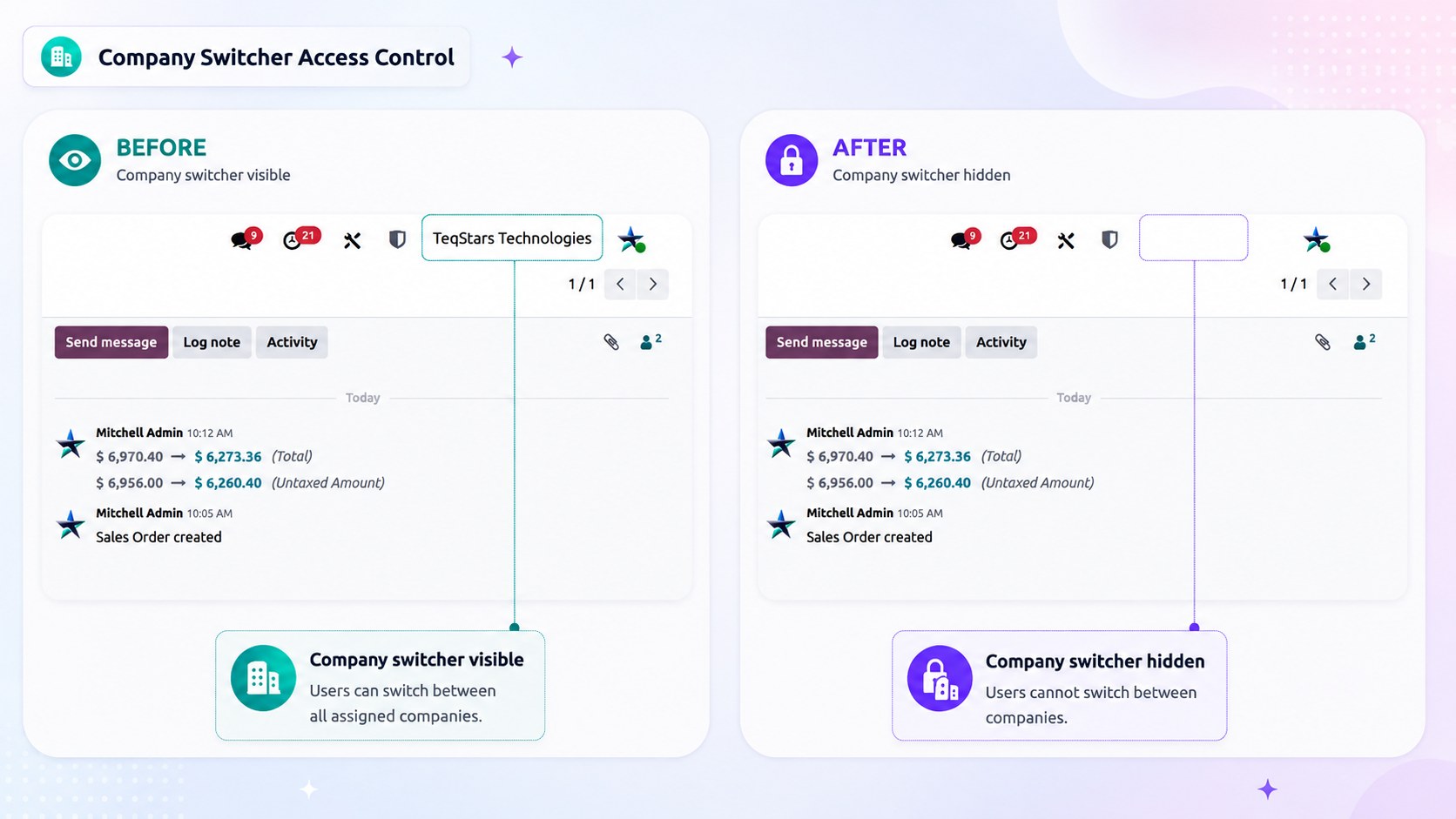
Hide Company Switcher
Hides the Company Switcher, preventing users from changing the active company from the top bar. This is useful when a user should work only within their assigned company.
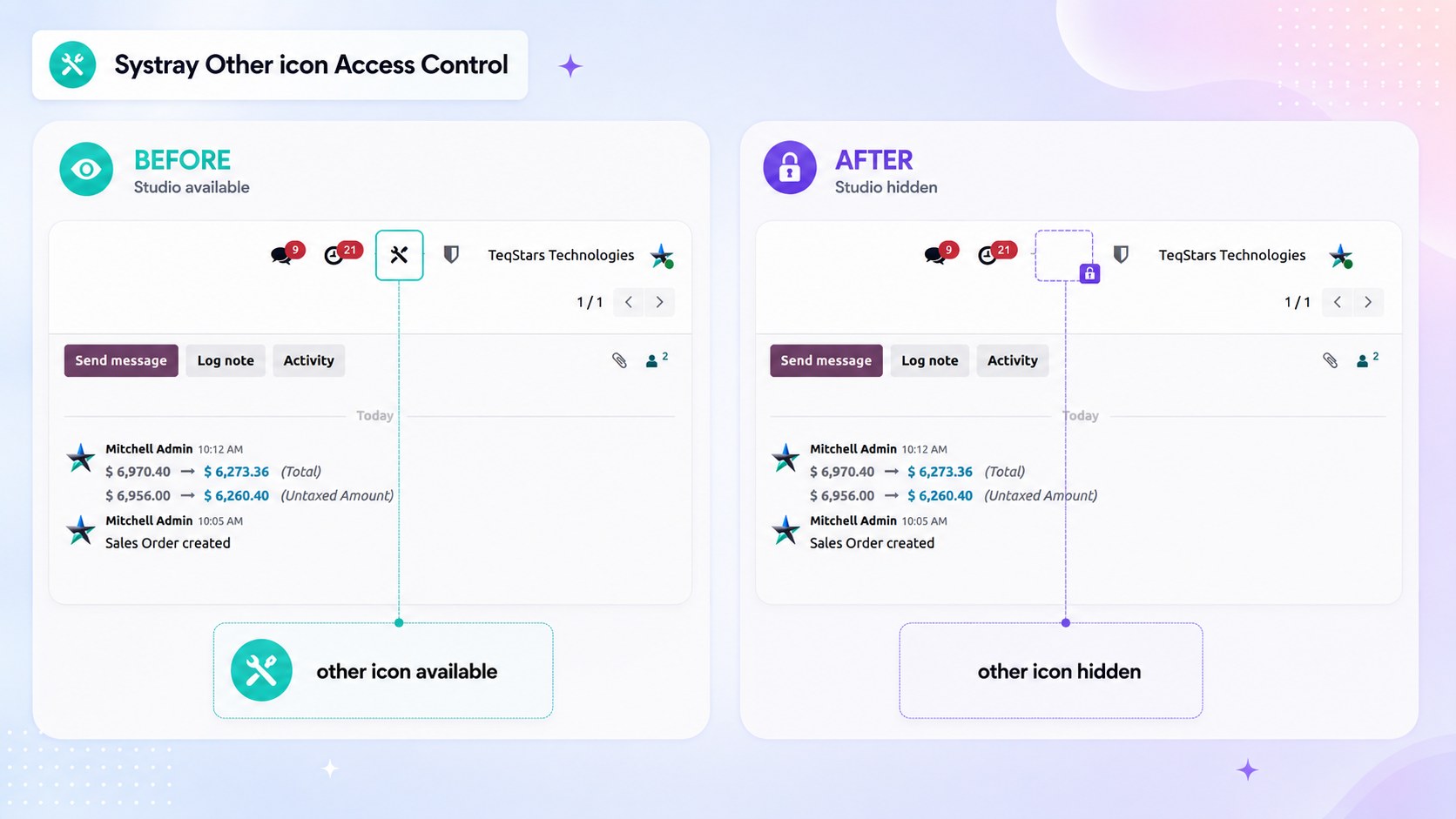
Hide Other Systray Icons
Hides other systray icons added by third-party or other installed applications. This helps keep the top bar focused and prevents roles from accessing unnecessary application features.
Important
The user account menu, including Preferences and Log out, always remains visible. This ensures users can still manage their preferences and safely log out of Odoo.