
Risk Scores & Alerts
User access can build up over time as people change teams, take on new responsibilities, or temporarily cover for colleagues. As a result, users may keep permissions they no longer need.
User Risk Scores help identify users with potentially excessive or risky access, making it easier to focus access reviews on the accounts that need the most attention.
User Risk Scores
Open .
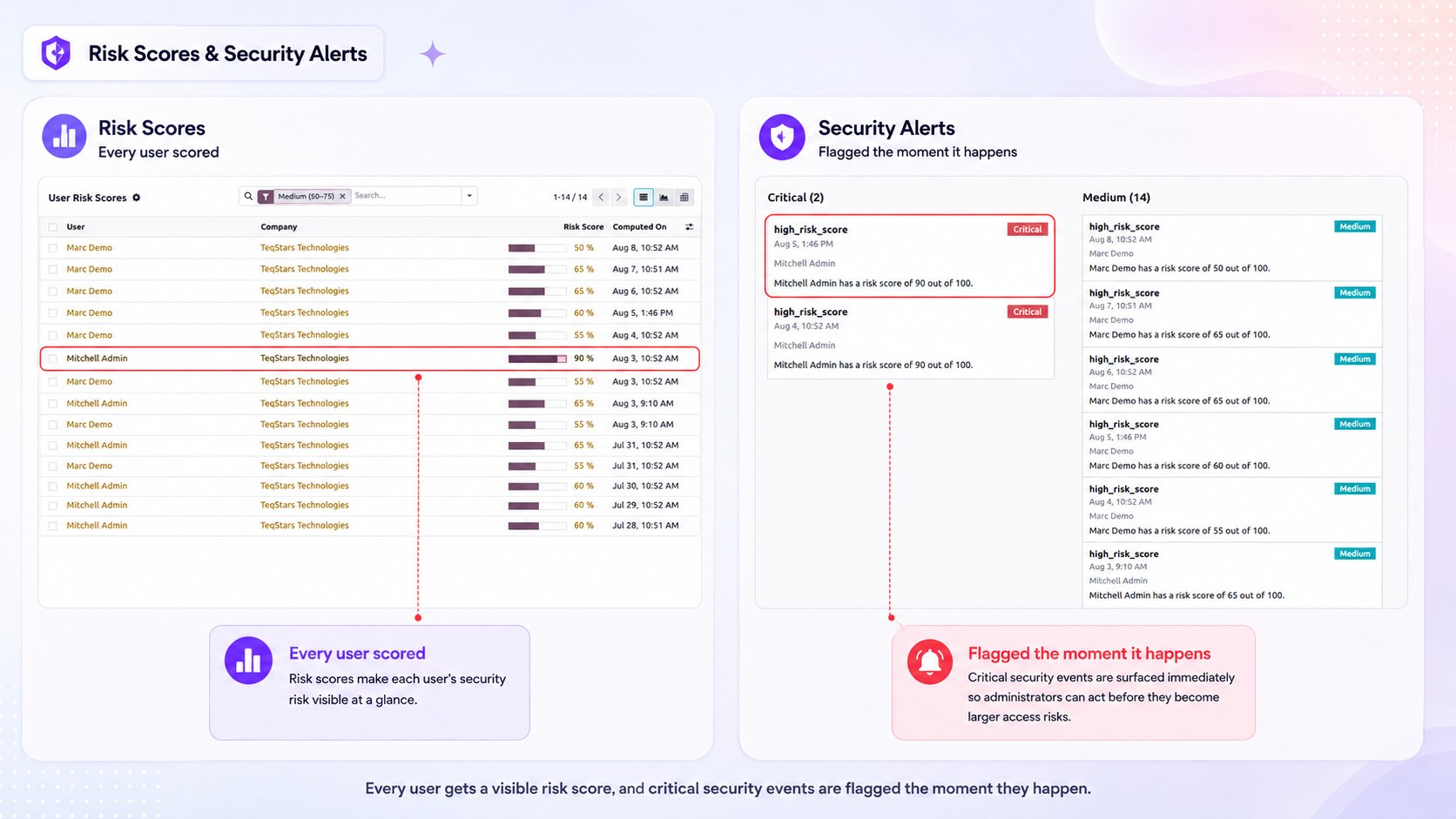
A daily scheduled action calculates a score from 0 (low risk) to 100 (high risk) for every user who holds at least one Smart Access role. The score is based on:
How many roles the user holds — including roles received through time-bound assignments.
How many open conflicts they have — unresolved Segregation-of-Duties conflicts weigh heavily.
Each entry stores the score, the breakdown behind it, and the date it was calculated, so you can follow how a user’s exposure changes over time. The list can also be viewed as a graph or a pivot table for reporting.
Note
The score is an indicator for review, not an enforcement mechanism. A high score never blocks anything by itself.
Alerts
Open .
An alert is raised automatically when something needs attention:
High risk score — Raised when a user’s calculated score crosses a threshold. The severity increases with the score: Medium, High, or Critical.
Conflict — Raised when the weekly conflict check finds a user with open Segregation-of-Duties conflicts. Several open conflicts on the same user raise the severity.
Each alert records the user, the severity, what happened, and the details behind it. Only one alert of a given type is raised per user per day, so a recurring situation does not flood the list.
Alerts can be reviewed as a kanban board, a list, or a graph.