
End Products
You can end active products on eBay directly from Odoo. This is useful when a product is no longer available or you want to stop selling a particular item.
Ending a product is done through the Update Products popup from the Product View.
How to End a Product
Go to the menu in Odoo.
Click on the
Listingbutton from the instance record.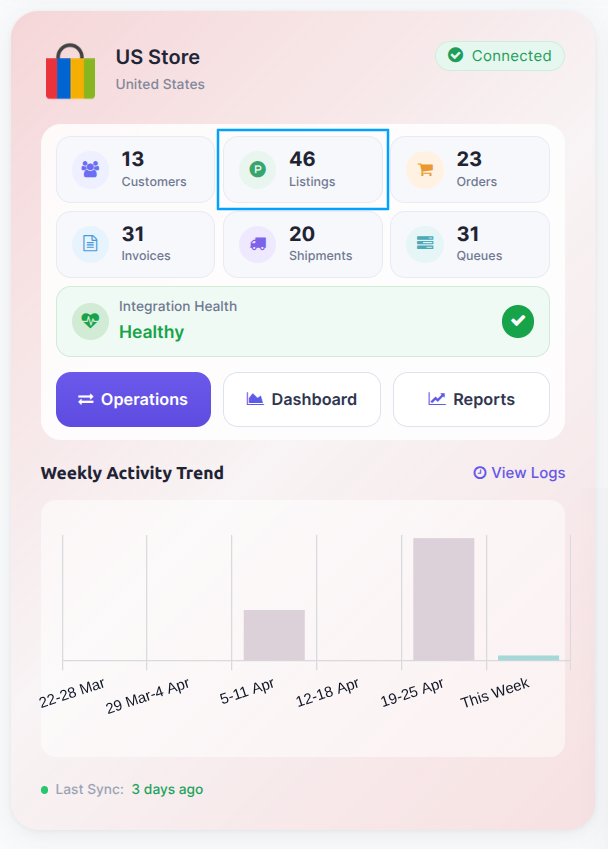
Select the active products you want to end and click on the
Export/Update to Marketplacebutton.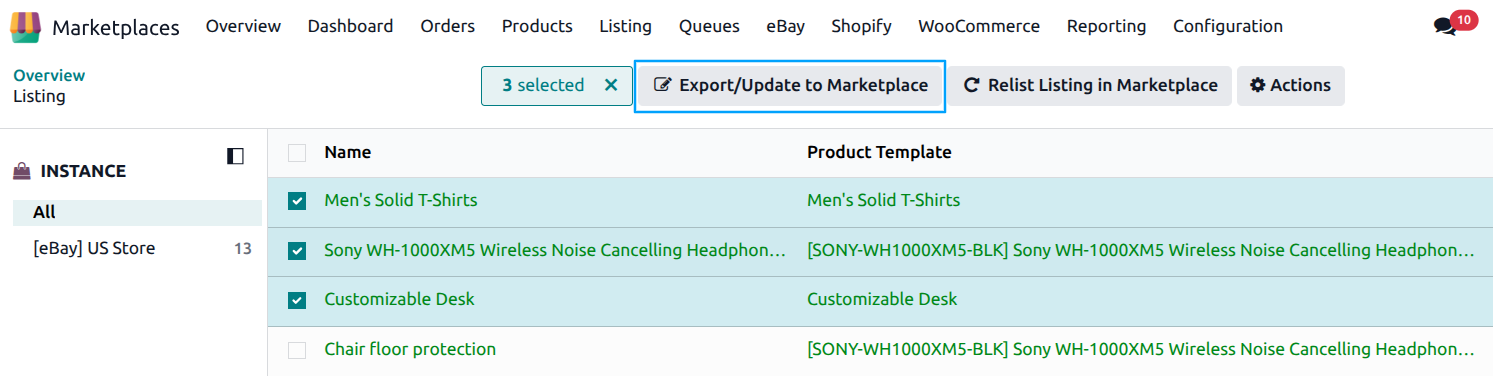
In the popup, enable the End Listing toggle and select the End Reason:
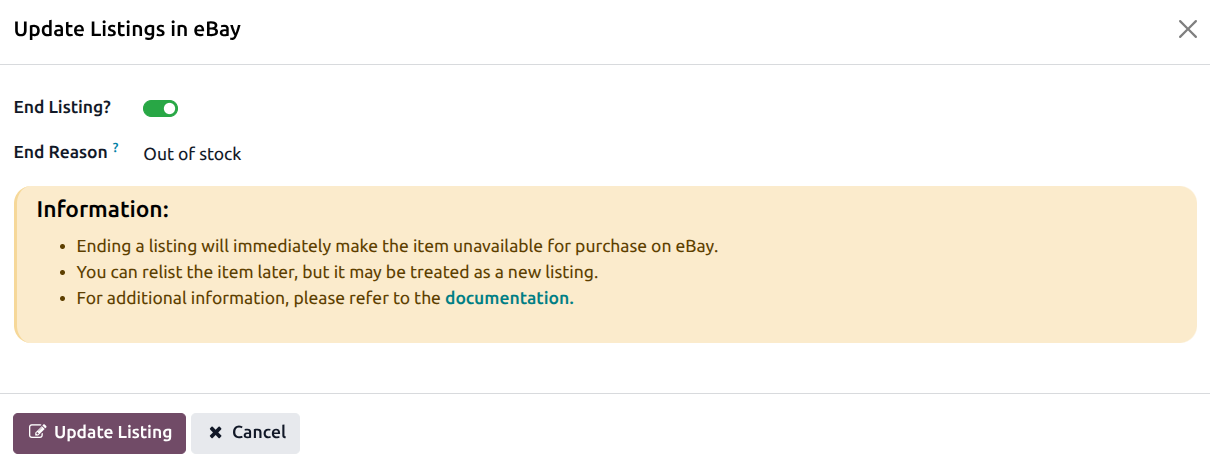
Press
Update Listingbutton to end the products on eBay.
Note
Any fees associated with ending the product are recorded in the product’s fee history.
Automatic Ending of Expired Products
Products with a fixed listing duration (not GTC) display a Listing Countdown on the product form showing the remaining time until the listing expires.
When the countdown reaches zero and the end datetime has passed, the product is automatically marked as Ended in Odoo. This ensures your product records stay up to date without any manual intervention.
Important
You can relist ended products from Odoo if needed.
See also