
ManoMano Update Order Status From Odoo
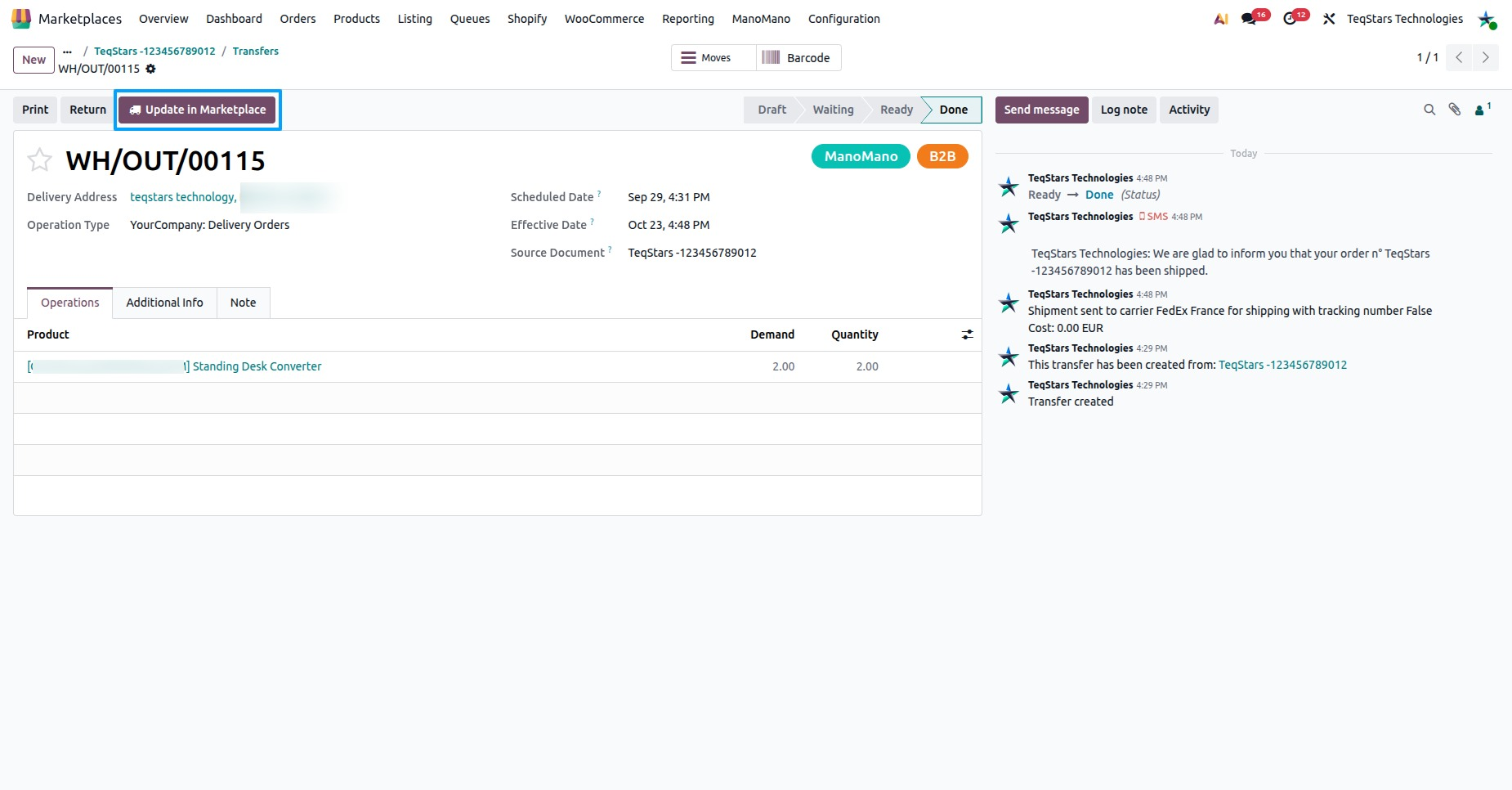
This feature declares the shipment tracking of your validated deliveries to ManoMano. You can do it manually or automatically with a scheduled job.
Once ManoMano accepts the shipment, the order moves toward Shipped on ManoMano.
Requirements
A delivery is declared only when all of these are true:
It belongs to a ManoMano order imported in Odoo. See Import ManoMano Orders In Odoo.
The delivery is done, so validate it first.
It is not yet reported to ManoMano.
Its carrier is known to ManoMano. ManoMano needs the exact carrier name, so check your carriers first. See ManoMano Carriers.
Method - 1: Manual Update Order Status
Go to the menu in Odoo.
Open the operations of your ManoMano instance.
Select Export and then select the Update Order Status option.
Press the Process button.
Every delivery that meets the requirements is declared to ManoMano.
Method - 2: Automatic Update Order Status
Go to your ManoMano instance by navigating to .
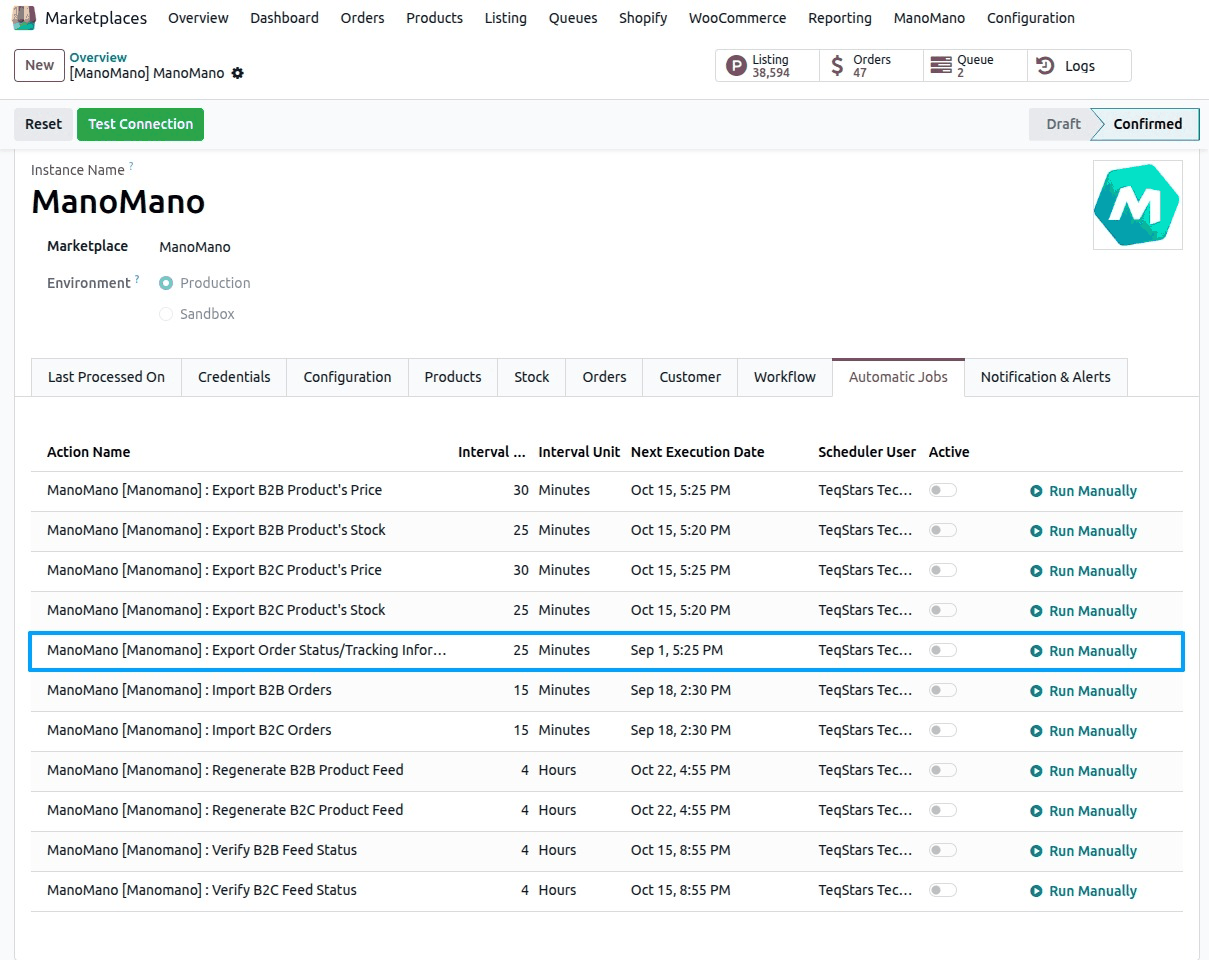
On the Automatic Jobs tab, activate the Export Order Status/Tracking Information job.
The job does the same as the manual operation, so you no longer need to run it yourself. To run it right away, click Run Manually.
What Is Sent
For each delivery, the connector sends:
Carrier: the exact carrier name ManoMano expects.
Tracking number: the tracking number of the delivery.
Tracking URL: the tracking URL of the delivery.
Deliveries are sent in batches of 50. You do not pick a seller contract: the B2B or B2C contract is taken from each order.
After The Update
Each declared delivery is marked as reported, so it is never sent twice.
On ManoMano, the order moves toward Shipped.
The date of the last export shows in Last Order Status/Tracking Exported On on the Last Processed On tab of the instance.
Check the result in . A success line names the ManoMano orders and the number of shipments declared. When ManoMano refuses a shipment, the log line names the ManoMano orders and gives the error ManoMano returned. Fix the cause, such as the carrier name, and run the update again.