
Ontology Mappings
Mappings are how you override the default model behind a
Concept per company. Without mappings, Party always
resolves to res.partner. With mappings, Party can
resolve to res.partner for most companies and to
hr.patient for a healthcare company, all in the same
database.
Where to find them
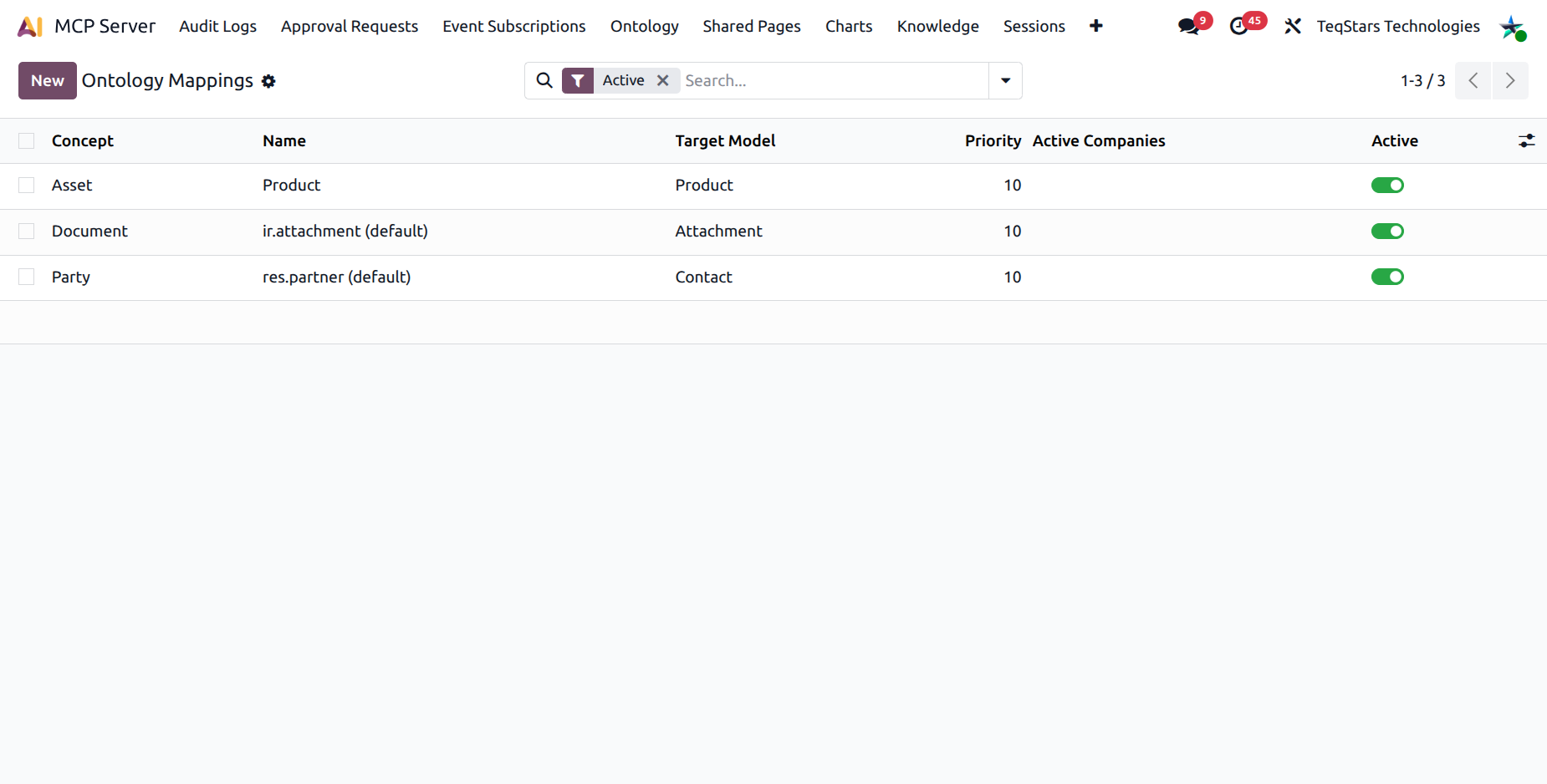
Embedded inside each Concept form, under the Mappings notebook tab.
Standalone list at .
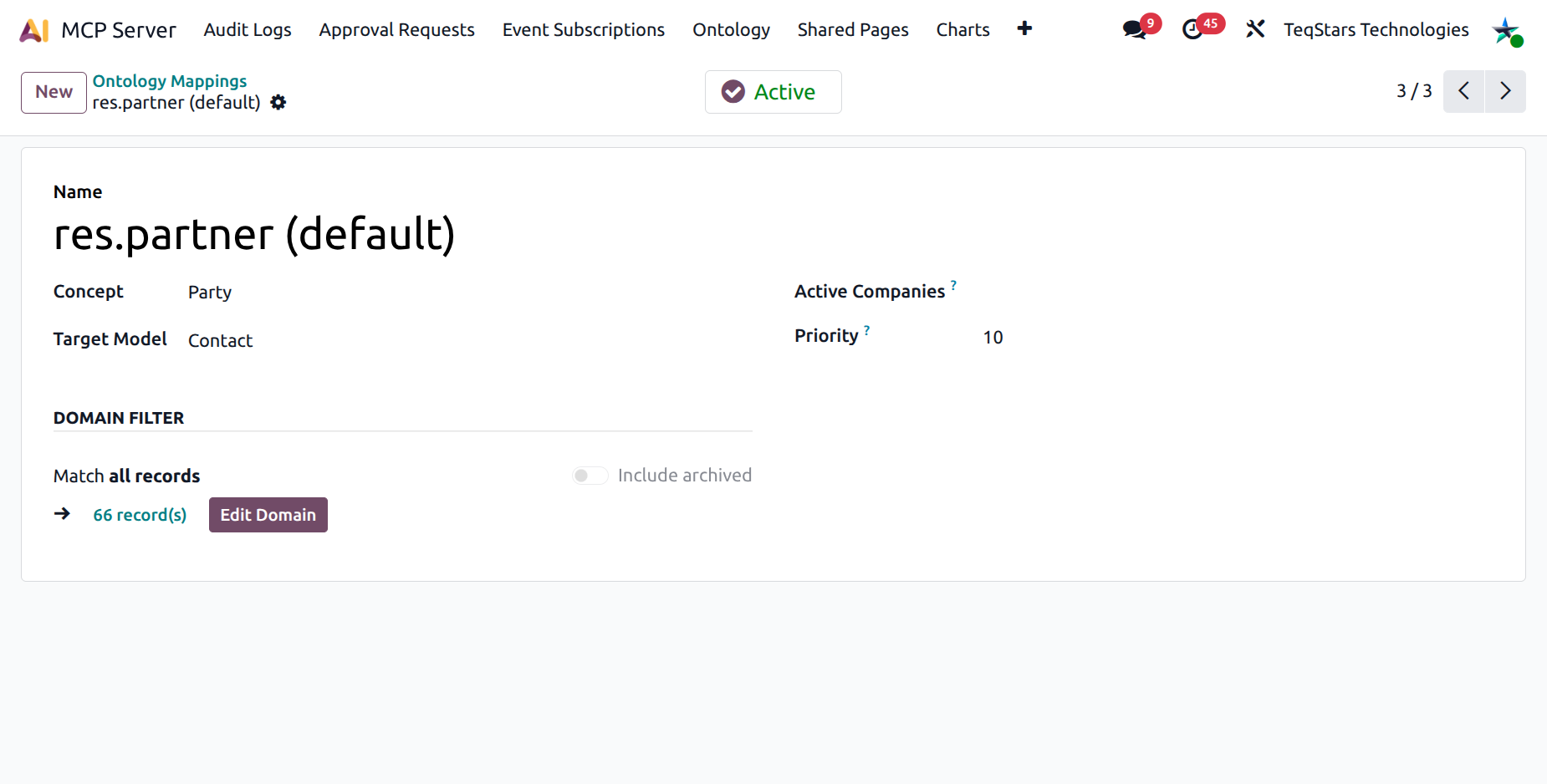
The Mapping form
Fields:
Name — friendly label.
Concept — the parent concept.
Model — the Odoo model this mapping resolves to.
Domain Filter — optional Odoo domain to restrict records (e.g.
[("is_patient", "=", True)]). Use the embedded Domain Editor widget.Companies — multi-company tag. Leave empty to apply to every company.
Priority — integer. Lower priority wins when more than one mapping matches. Default 10.
Active — toggle. Deactivating falls back to a lower-priority rule or to the default model.
Resolution order
When the AI calls ontology_search for a concept on a
specific company, the server picks a mapping as follows:
Filter mappings to those that are active.
Filter further to those whose Companies list is empty or contains the current company.
Sort by Priority ascending (lower number first).
Use the first match.
If nothing matches, fall back to the concept’s Default Model.
This is why a healthcare-specific mapping with priority 5 will win over a generic mapping with priority 10 in the healthcare company, while every other company gets the generic rule.
Multi-company example
Suppose you have three companies sharing one Odoo database:
Retail Inc. — generic retail business.
Acme Health — clinic, customers are patients.
Acme Manufacturing — B2B vendor base.
For the Party concept:
Priority |
Model |
Domain |
Companies |
Effect |
|---|---|---|---|---|
5 |
|
|
Acme Health |
Patients only |
10 |
|
empty |
empty |
All partners |
When the AI runs an ontology_search({"concept":"party"})
on Acme Health, the priority-5 mapping wins and the search is
filtered to patients. On Retail Inc. and Acme Manufacturing,
the generic priority-10 mapping wins.
Writing the domain
The Domain Filter uses the same widget as Odoo’s standard filter editor. You can:
Pick fields from a dropdown (auto-scoped to the chosen model).
Use operators like
=,!=,in,ilike,>,<.Combine leaves with AND / OR.
For complex rules, write the expression directly via the Edit Domain dialog.
When to use mappings
Industry overrides — patient vs. customer, vehicle vs. asset.
Workflow overrides — Order should mean
sale.orderfor sales companies andpurchase.orderfor procurement-only companies.Data segregation — Transaction should only return invoices from a specific journal.
Tip
Use the Description on the parent Concept to spell out any non-obvious mapping rules — it is what the AI reads when explaining the concept to the user.