
Credit Card Payments
Your customers pay by card with Helcim from a quote, an invoice or the eCommerce checkout. Helcim works inside Odoo’s own payment system, so you need no extra connector and no manual syncing.
Card Checkout Workflow
The customer pays the same way from each of these places:
A quote or sales order.
An invoice.
The eCommerce checkout.
The customer opens the quote, the invoice or the checkout and chooses to pay.
The customer selects Helcim as the payment method.
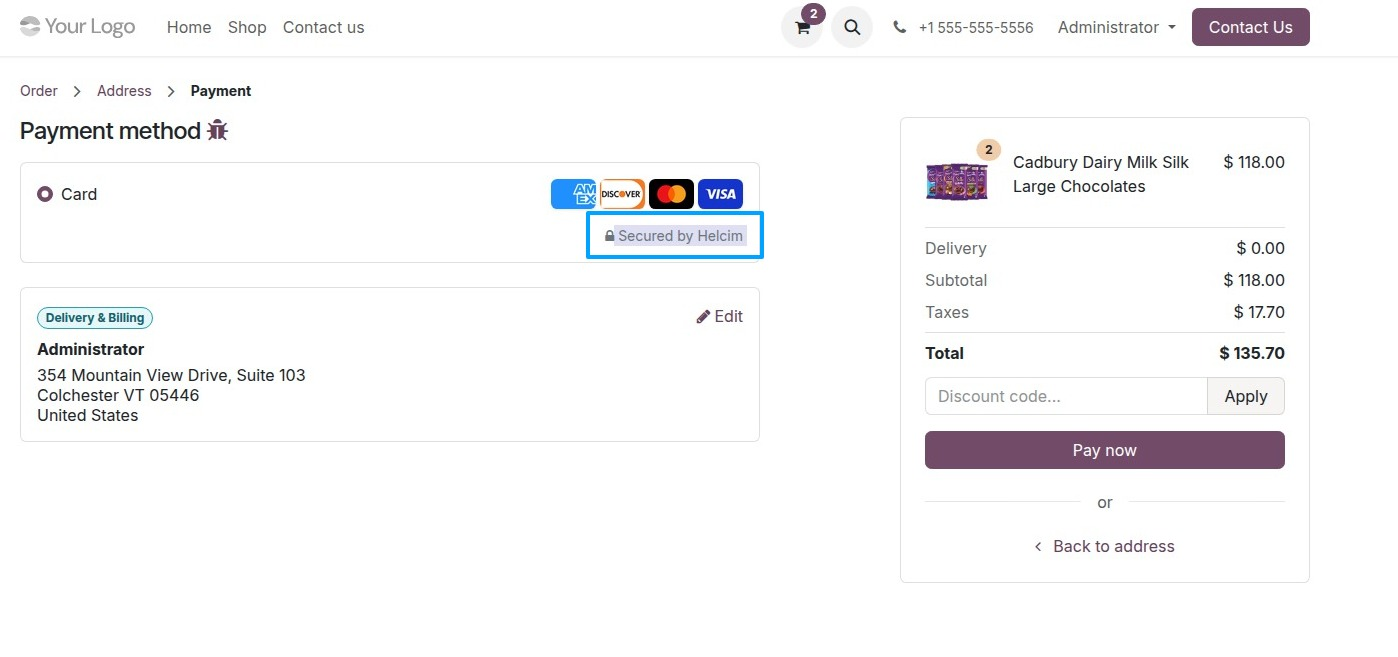
The customer pays by card through Helcim.
Before your customers can see Helcim, you turn on the provider and enter your Api Token. See Step 1: Configure Helcim Cards Provider.
Backend Transaction Record
Each Helcim payment is recorded as a payment transaction in Odoo’s payment system. You find it in the Odoo backend with your other payment transactions.
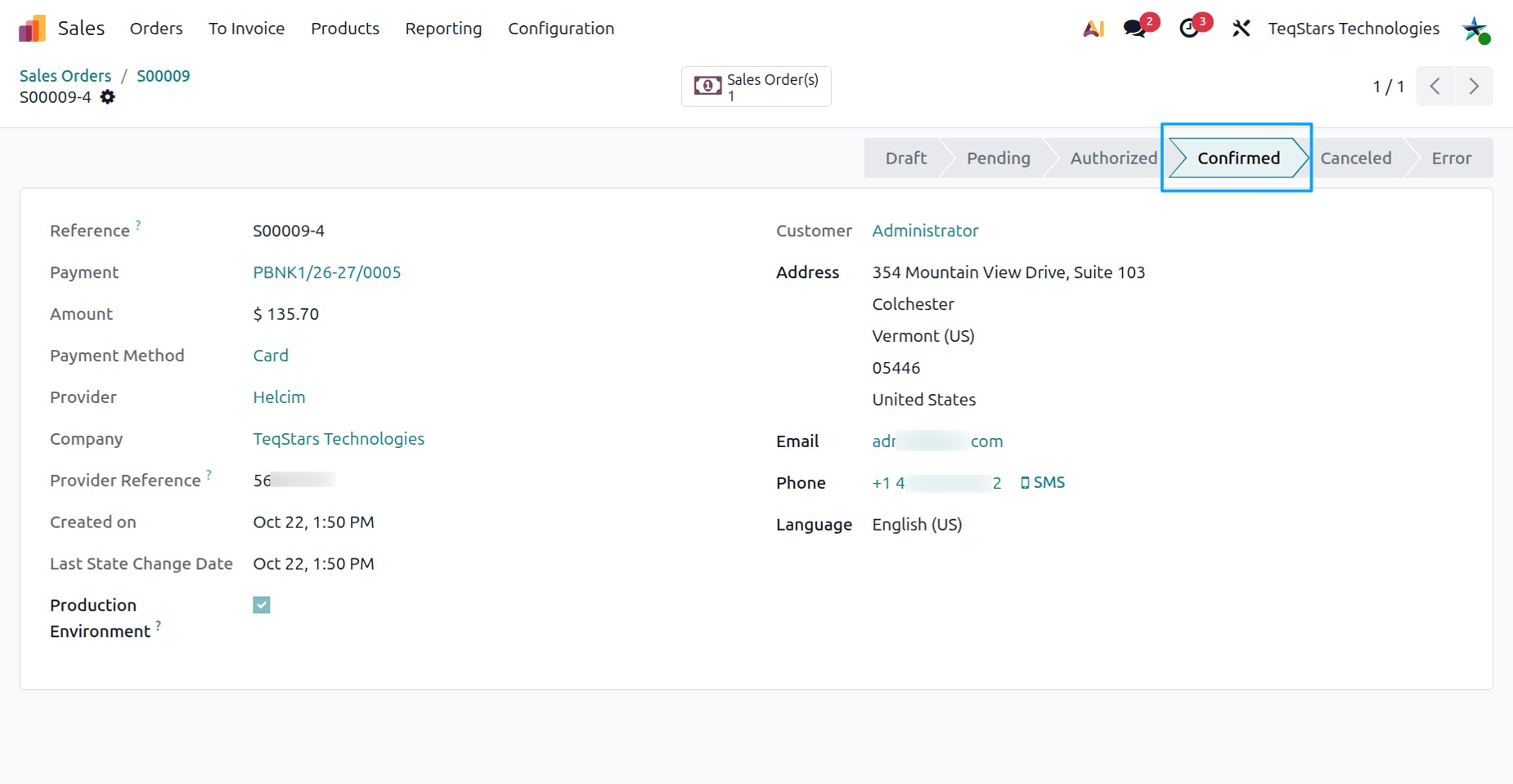
To learn how a confirmed Helcim payment is posted and matched to its order or invoice, see Automatic Invoice Reconciliation & Payment.
When Helcim returns an error, Odoo shows this message, followed by the text Helcim sends back:
Helcim API Error: …
When this message shows, check the following:
Read the text after Helcim API Error:. It is the error Helcim sends back.
Open the Helcim payment provider and check the Api Token you entered. See Step 1: Configure Helcim Cards Provider.