
Update Products from Odoo
With Update Listings, you can push offer changes (price, stock, fulfilment method and delivery promise) from Odoo to Bol.com. You can also publish or unpublish offers (products) directly from Odoo.
From The Listing View
Go to .
Click the Listing smart button on the Bol.com instance card.
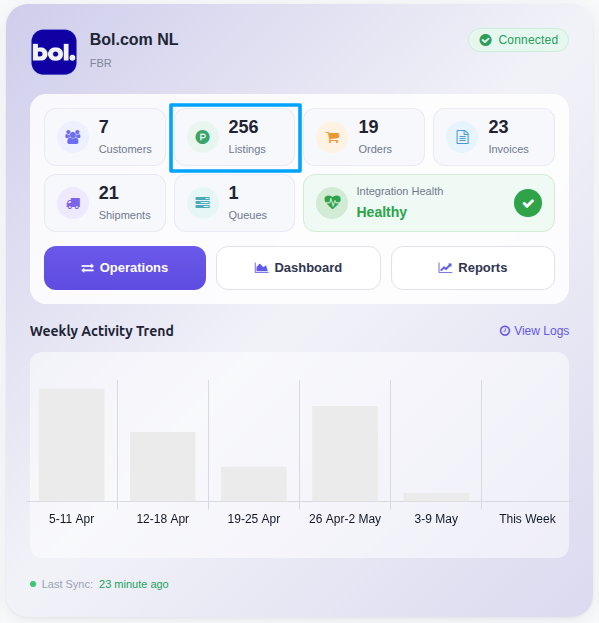
Click the Export/Update to Marketplace button on the listing row (or open the listing and use ). Listings that are already exported open the update popup.

A pop-up window will appear, presenting you with various listing update options. Select the data you want to update to Bol and press Update Listing button.
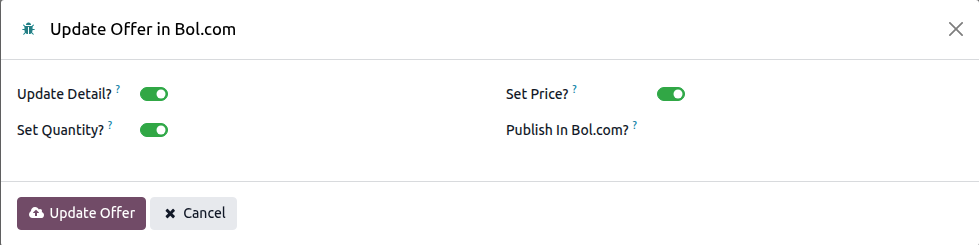
Publish / Unpublish Offers (products)
The same popup exposes a Publish In Bol.com? field that controls offer visibility on the marketplace:
Published: the offer is visible to customers and available for purchase.
Unpublished: the offer is hidden from customers and unavailable for purchase.
Not Publishable Reasons
If an offer is not visible on Bol.com, open the listing record and check the Not Publishable Reasons field. This field (on the Information tab) shows the reason codes and missing attributes returned by Bol.com for the country of the instance, explaining why the offer cannot be listed. It is filled during import, export and update, and when you use the Published / Unpublished button. Use it to diagnose and fix offer validation issues directly from Odoo.