
Incremental Sync & Auto-Cleanup
Each time you sync, the connector refreshes the worksheet tab with the current Odoo data.
How Incremental Sync Works
Each sync fetches all Odoo records that match the selected fields and domain filter, so the worksheet tab always matches Odoo.
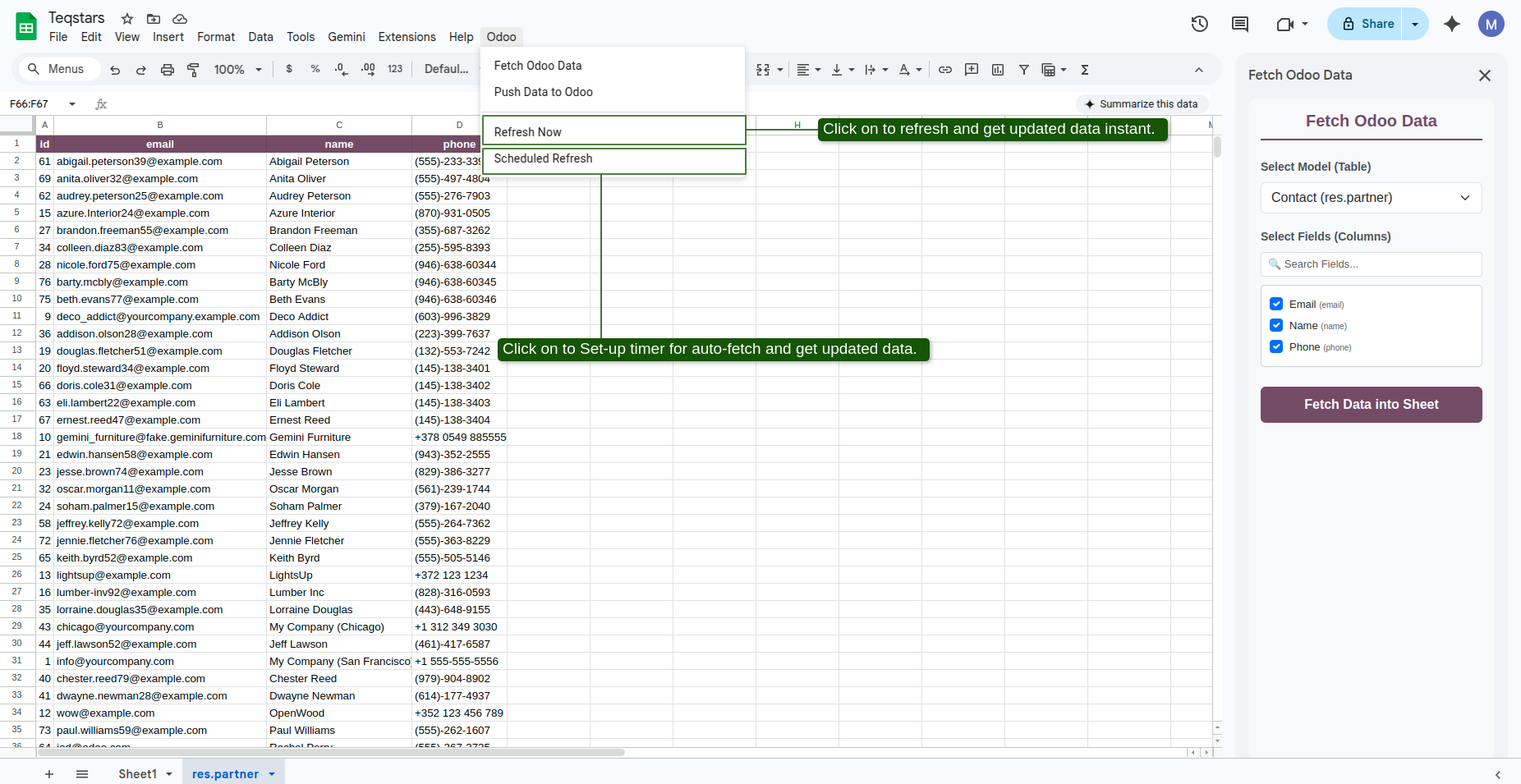
When clicking Refresh Now or when a background schedule runs:
The connector requests all records matching the domain rule.
Existing rows in the sheet are updated in place, while new records are appended at the bottom.
Columns you added yourself keep their values.
A message shows how many records were updated, added and removed.
Automatic Deletion Cleanup
If a record is deleted, unlinked, or archived inside Odoo so it no longer matches the domain filter:
The connector retrieves the active list of valid IDs from Odoo during sync.
It compares the
idcolumn values in the Google Sheet against Odoo’s active list.Any row in Google Sheets whose ID is no longer present in Odoo is automatically deleted from the worksheet tab.
Note
Manually added rows (rows with no ID) are preserved during incremental syncs and are never deleted.