
Activity Log
The Activity Log answers the question every auditor asks: who changed this access, when, and what exactly changed? Every action Smart Access Manager performs is recorded there in plain language.
Open it from . It is available to users with Security Officer access.
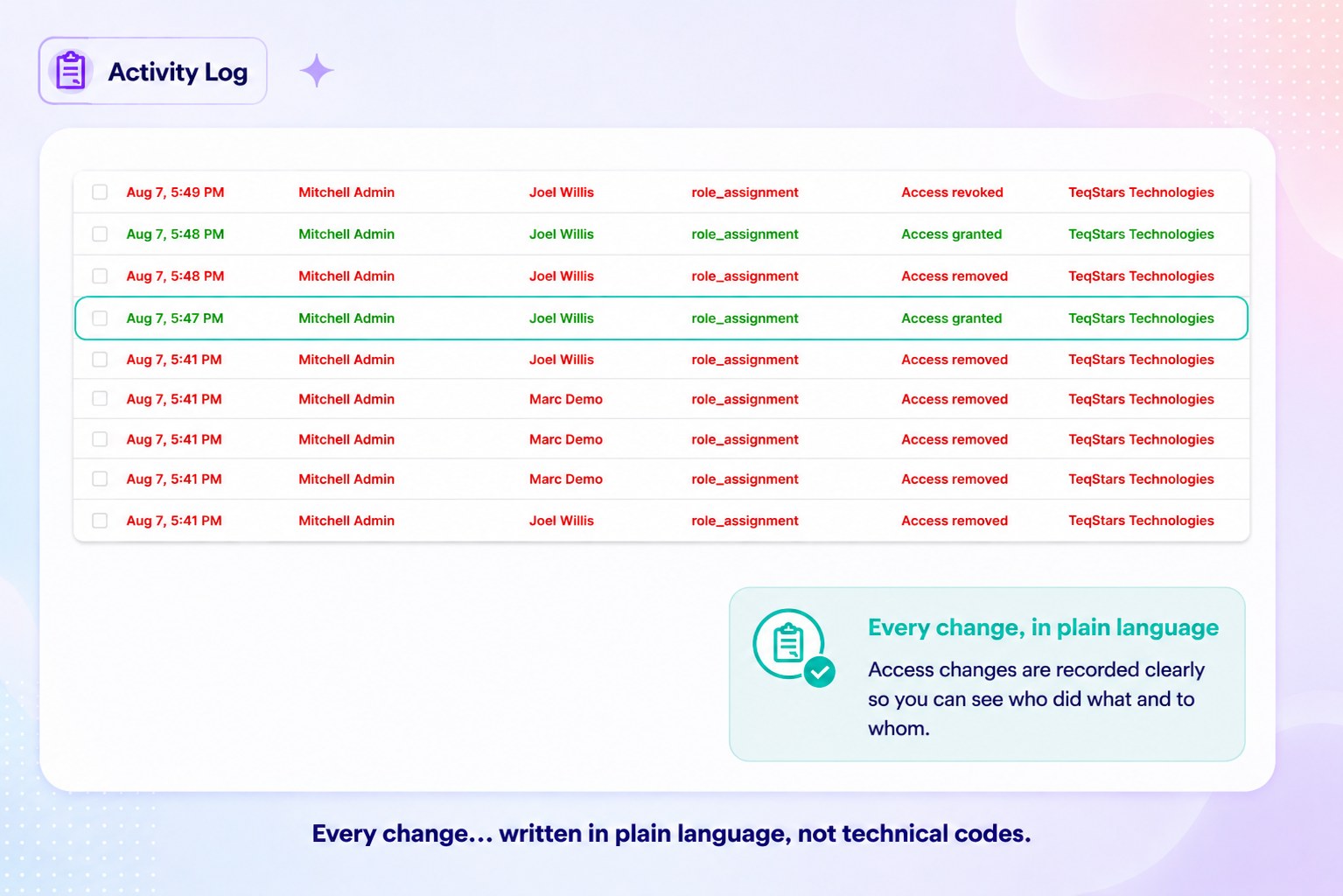
Reading an entry
Each entry is written in simple language so that it can be understood without technical knowledge.
When — The date and time when the change was made.
Performed By — The user who made the change.
Affected Users — The users affected by the change, including the users who were members of the role at that time.
Role(s) — The role or roles whose access was changed.
Action — A clear description of the action, such as Rule Added, Access Revoked, or Field Rule (Inspector).
Change — A short summary explaining exactly what changed. For example: “Hidden ‘Margin’ on Sales Order → Junior Salesperson” or “Block Export: Off → On”.
Tip
The Activity Log is also the source of the Permission Change History audit report, so a period covered by the log can be exported as a PDF for an auditor at any time.
See also