
Refunds, Captures, Voids & Reversals
Refunds & Voids
You can refund or void payments directly from Odoo without logging into the Braintree Control Panel.
Unsettled Transactions (Void): If a transaction has not yet settled in Braintree, clicking Refund or Void in Odoo automatically triggers a void call in Braintree.
Settled Transactions (Refund): For settled charges, Odoo executes a full or partial refund against Braintree.
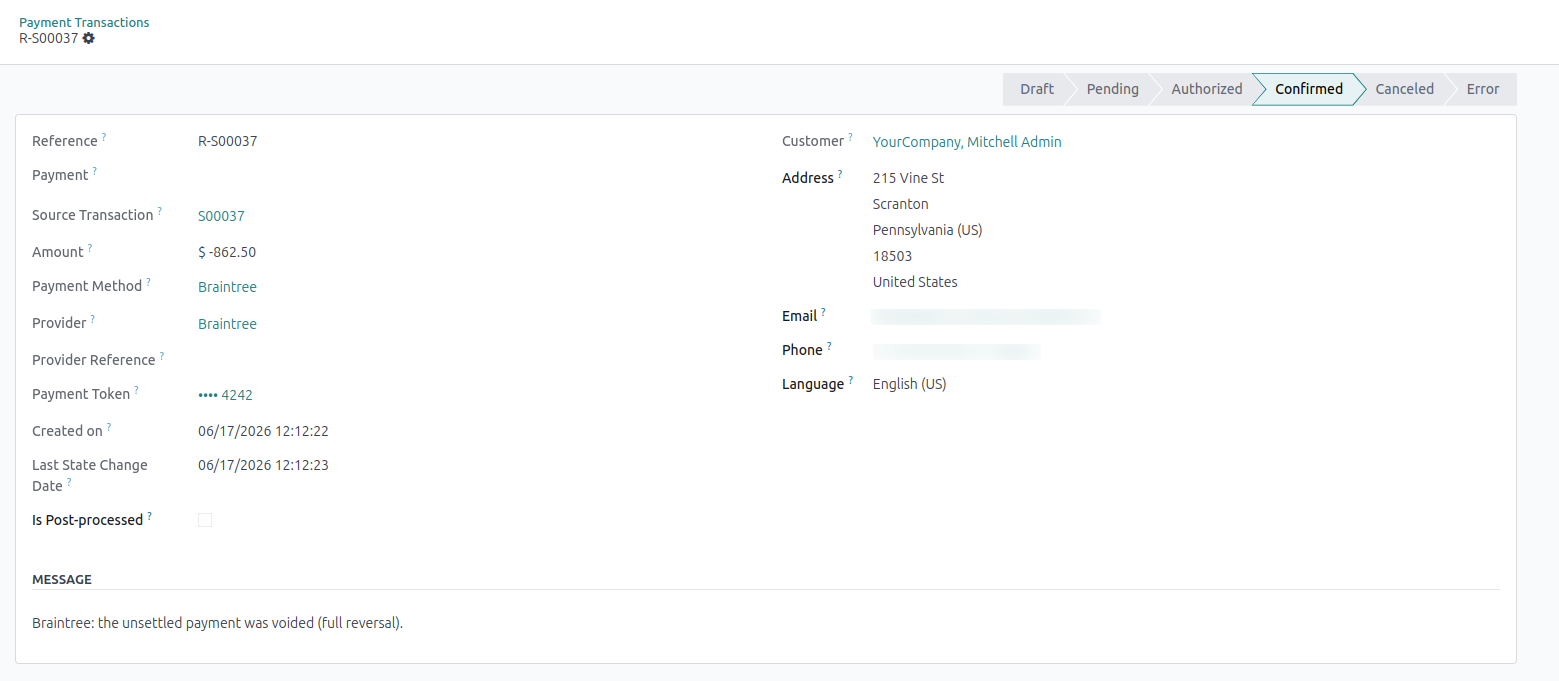
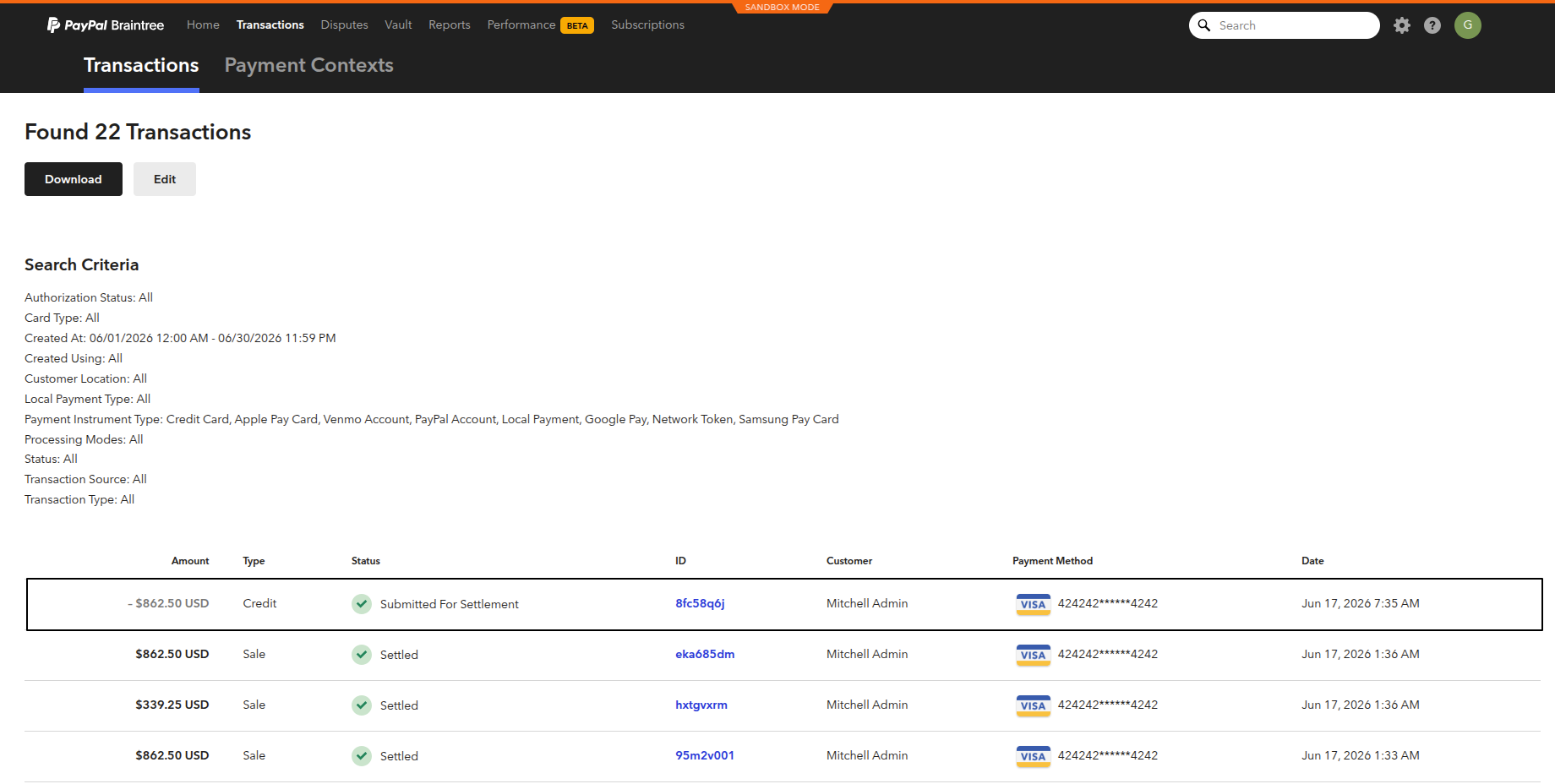
The corresponding refund or void transaction is mirrored in the Braintree Control Panel:
Manual Capture
If Capture Manually is enabled on the Cards provider:
Card checkouts create transactions in the Authorized state.
Open the transaction form and click Capture Transaction to charge the card, or Void Transaction to cancel the authorization.