
Connect Nextcloud / ownCloud
Nextcloud and ownCloud are the simplest providers to set up: no OAuth2 app registration is needed. You connect with your server URL, a username, and an app password.
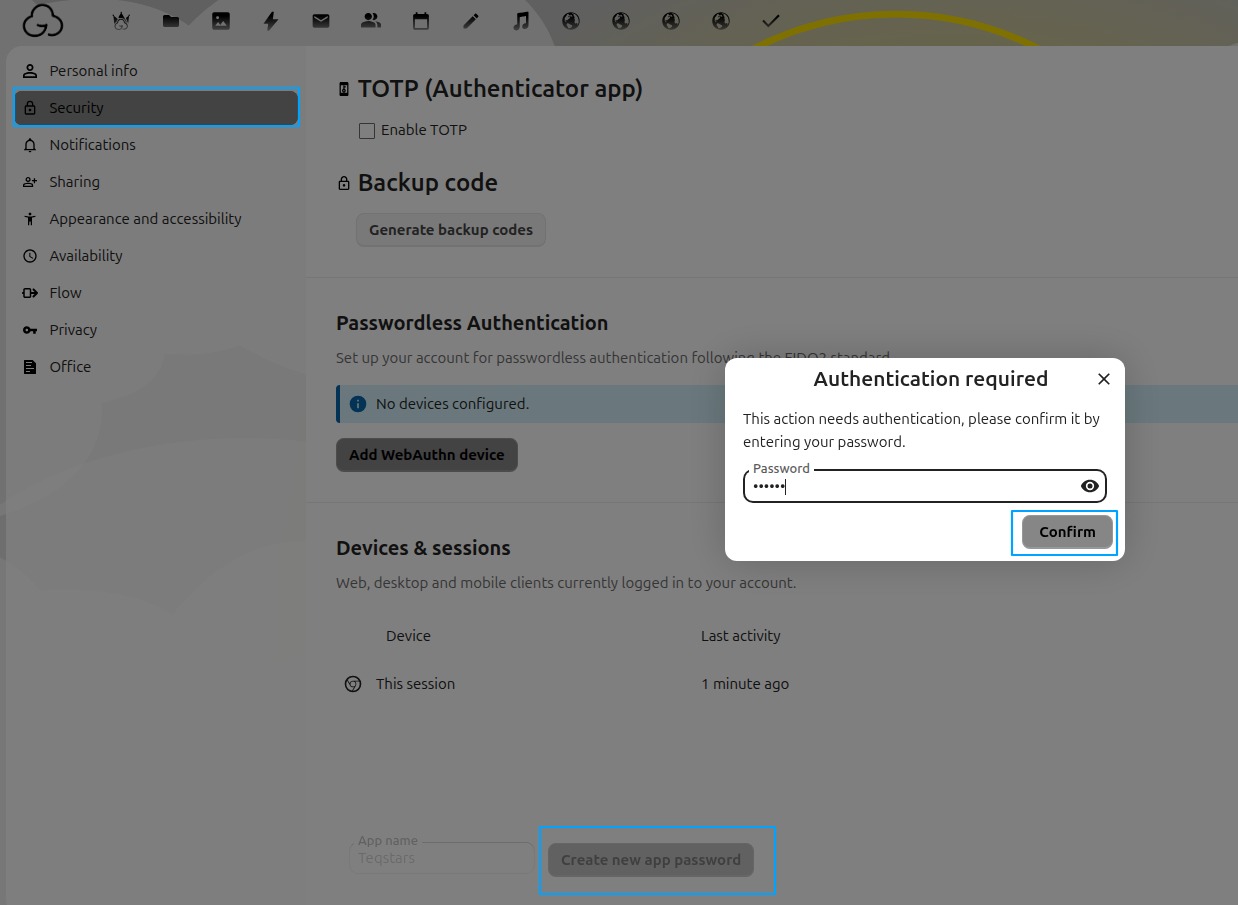
Step 1: Create an app password
Never use your main login password. Create a dedicated app password instead:
Nextcloud: open , enter a name (e.g.
Odoo), and click Create new app password.ownCloud: open .
Copy the generated password. It is shown only once.
Step 2: Create the provider in Odoo
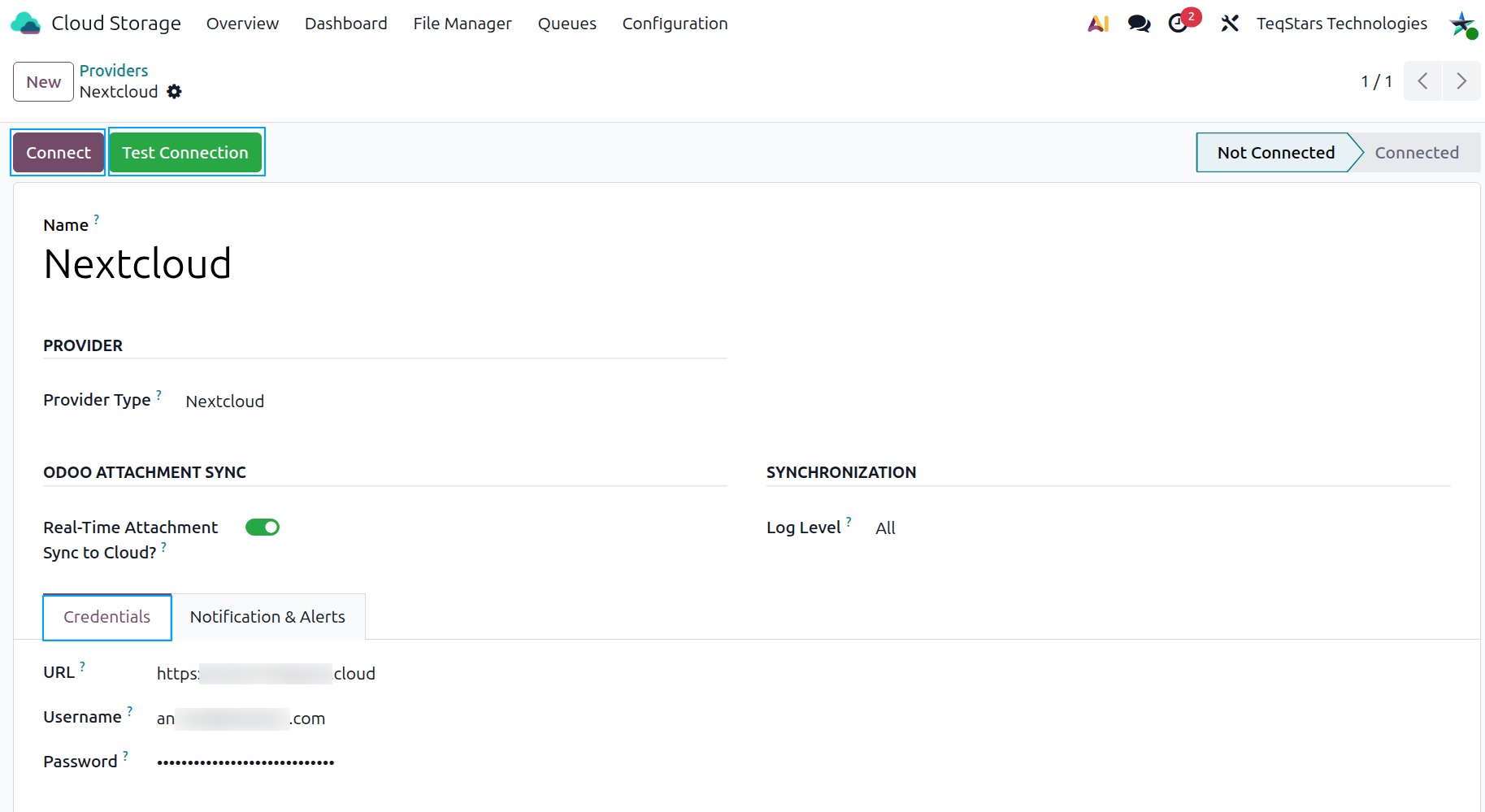
Navigate to and click New.
Set a friendly Name and choose
NextcloudorownCloudas the Provider Type.Fill in:
URL: the base address of your server, e.g.
https://cloud.example.com.Username: your Nextcloud/ownCloud login.
Password: the app password from Step 1.
Step 3: Connect and test
There is no sign-in step for these providers, so there is nothing to authorize.
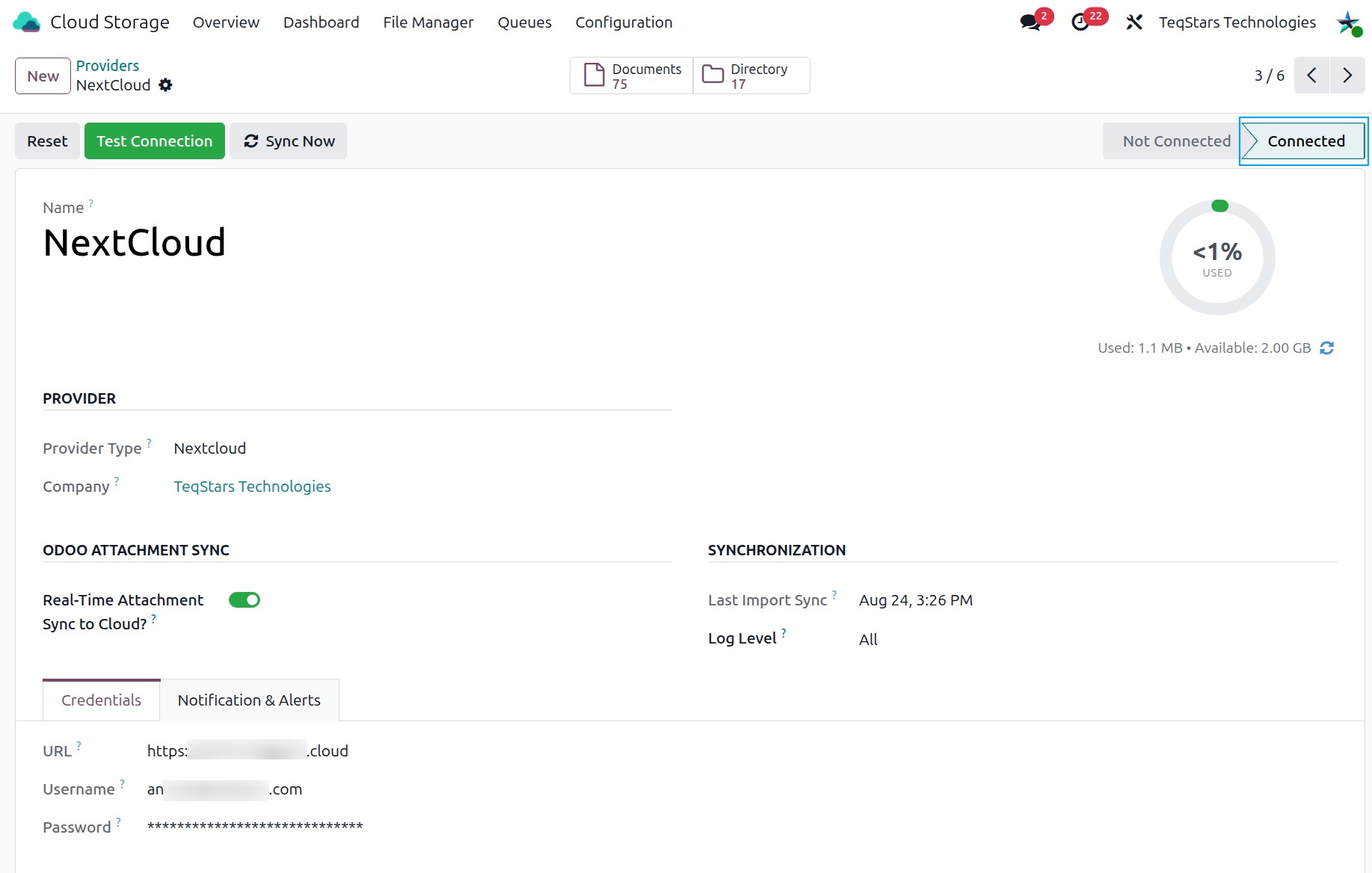
Click Test Connection and verify that the success message appears.
Click Connect to activate the provider. The status moves from Not Connected to Connected.
See also