
How to enable/disable sales tax calculations & transaction sync.
Sales Tax Calculations
Enable Sales Tax Calculation: Enter the API token after clicking on the confirm button to check whether the API token is valid. If valid, then the status will move the draft to confirm the changes.
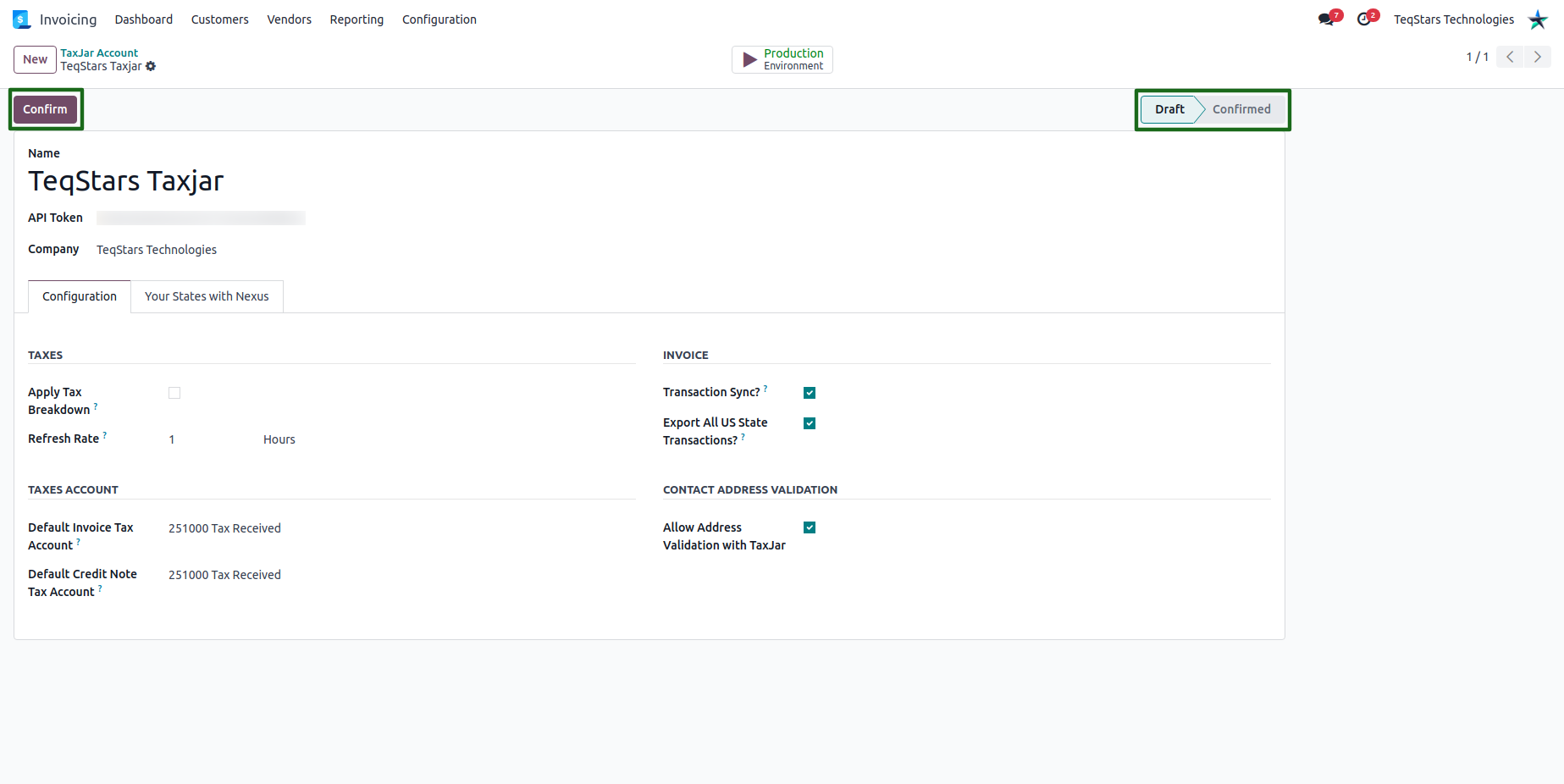
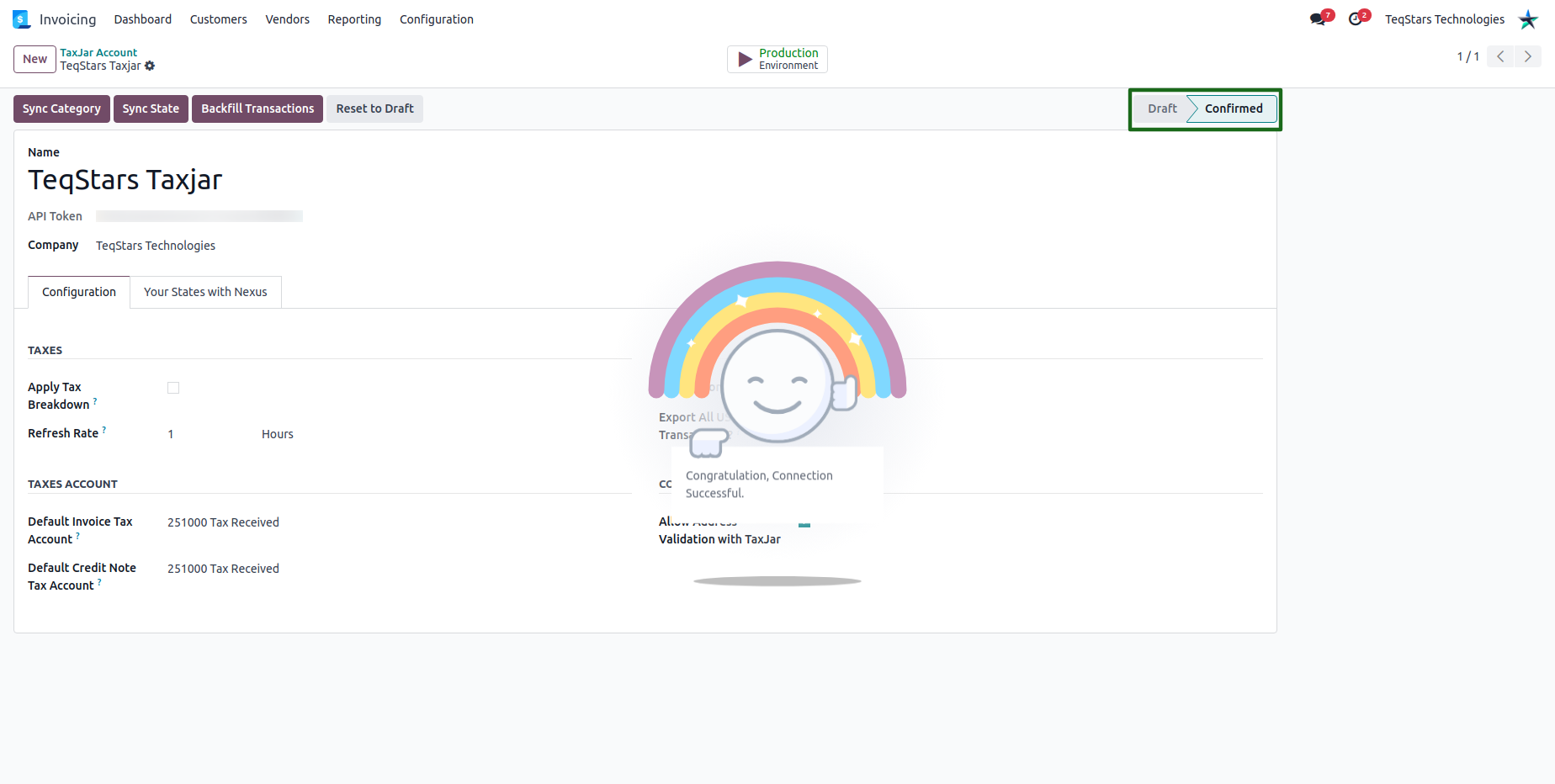
Once the confirm button is clicked, you can see if the connection is successful. Otherwise, you will receive a warning that the API token is invalid.
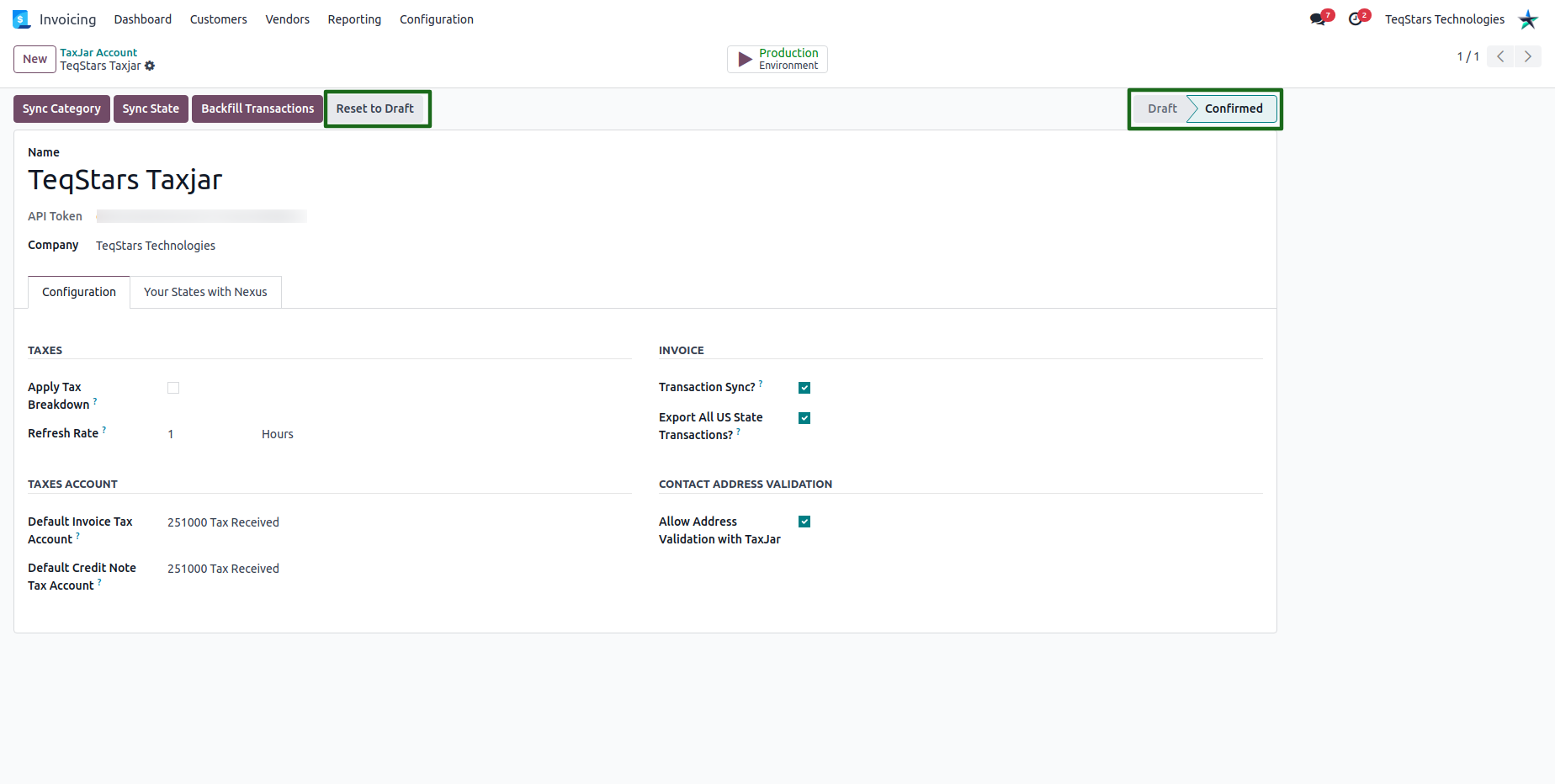
Disable Sales Tax Calculation: If you need to disable the TaxJar API within Odoo, you can click on the Reset to Draft button. It will change the status to Confirm to Draft and the TaxJar integration’s sales calculation feature will be disabled.
Transaction Sync
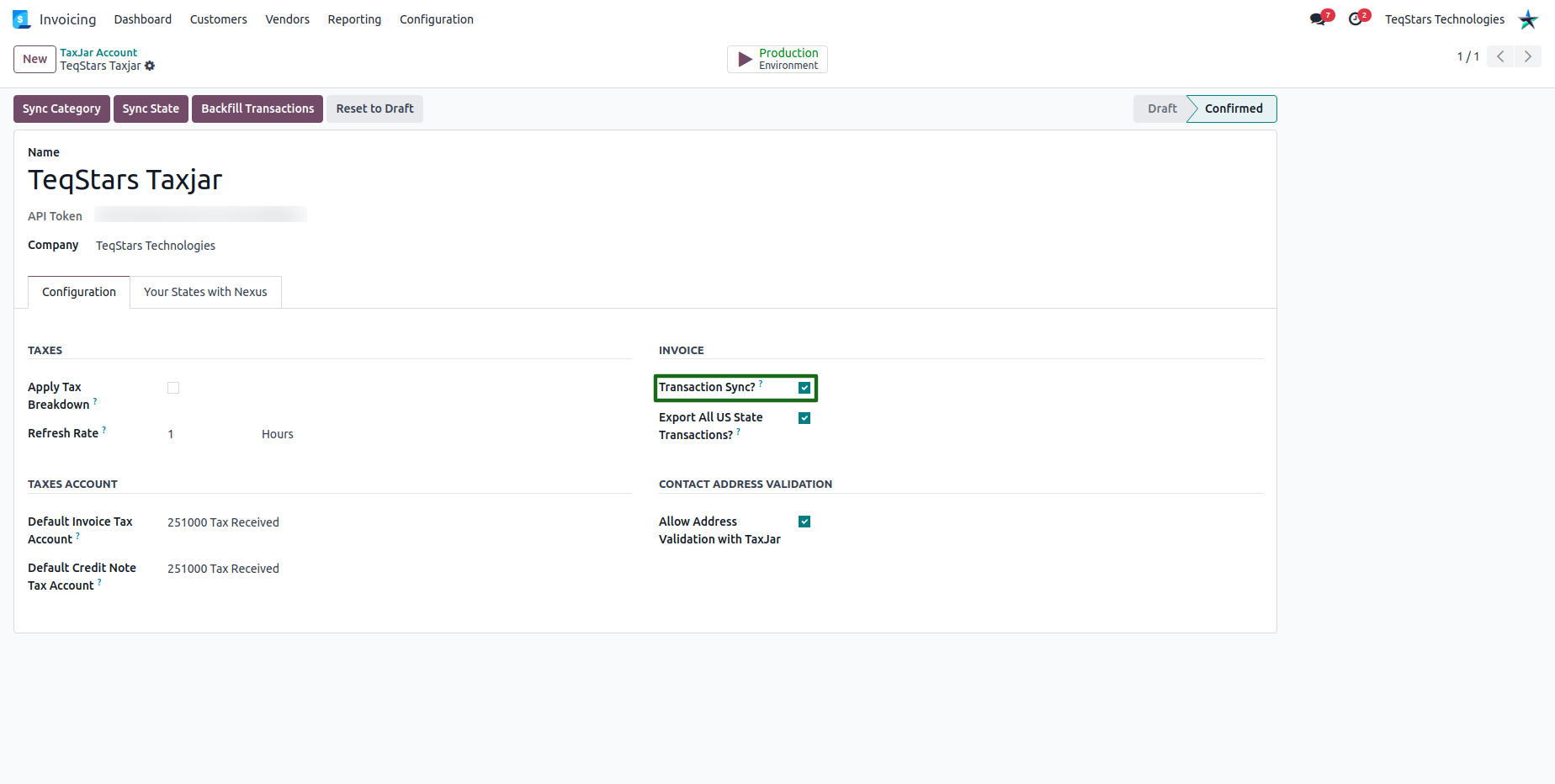
The Transaction Sync option will allow you to enable or disable transactions from being synced to TaxJar. If you need to upload/export every transaction into your TaxJar account, you just need to check the transaction sync option. When confirming any invoice or refund/credit note, it will be automatically exported from Odoo to TaxJar.