
Top Up Carrier Account Balance
Some carriers require a positive prepaid balance to issue labels. The most common examples are USPS via Stamps.com or Endicia. The connector wraps that top-up in a simple wizard.
When Required
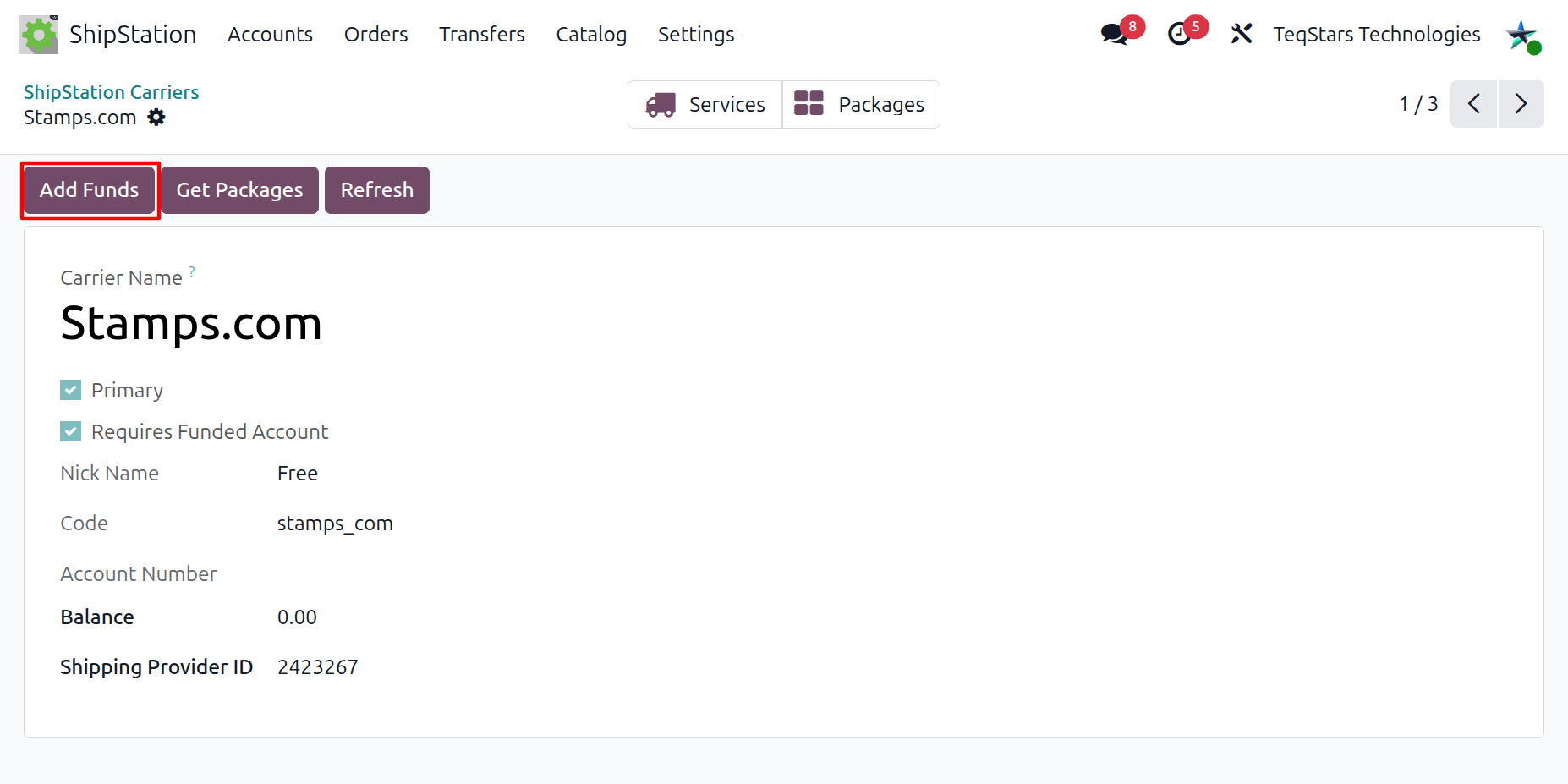
Carriers whose Requires Funded Account flag is checked must have a positive Balance before labels can be printed. The balance is visible on the carrier form and is refreshed by the Refresh button or by re-running Import Carriers and Services.
Running the Wizard
Open the carrier form: .
Click Add Funds.
Enter an amount between $10 and $10,000 (ShipStation enforces both limits on its side).
Click Process.
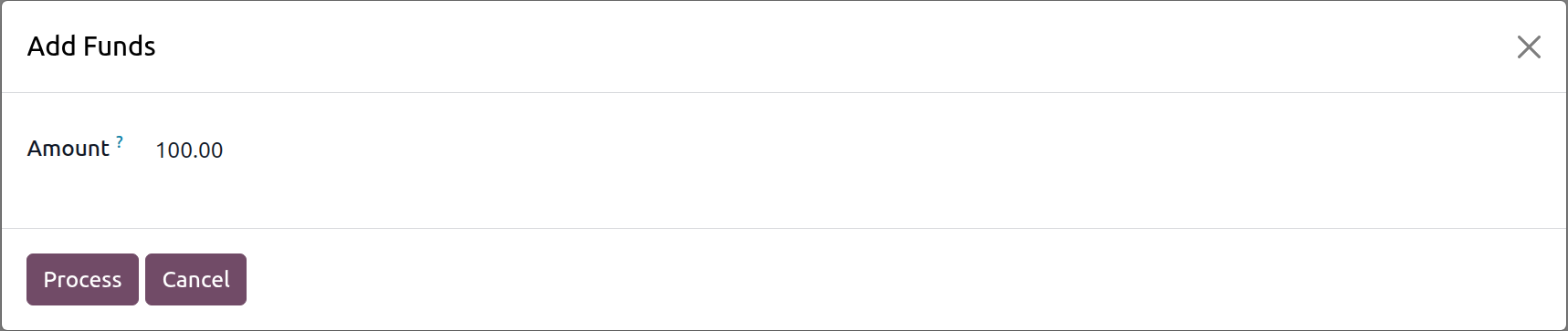
The wizard exposes a single field:
Amount: the dollar amount to credit to the carrier account. ShipStation enforces a minimum of $10 and a maximum of $10,000 per top-up.
Action buttons in the footer:
Process: sends the top-up request to ShipStation. The carrier’s Balance is updated when the response is received.
Cancel: closes the wizard without sending anything.
Result
A successful top-up returns the carrier’s new balance, which is written back on the carrier record. The next Generate Shipping Labels operation will use the updated balance.
Warning
The funds are charged to the payment method on file with ShipStation. There is no preview or confirmation step on ShipStation’s side, so double-check the amount before clicking Process.