
Update Products From Odoo
Using the Update Listings feature, you can seamlessly synchronize your local Odoo product data with your active Mirakl listings, ensuring your marketplace inventory remains perfectly up-to-date.
Note
Offer creation or export to Mirakl is currently not supported. Only stock updates for existing listed offers are available.
You can push these updates from Odoo to Mirakl using the method described below:
Update Listings View
Go to the menu in Odoo.
Click on the
Listingbutton from the instance record to navigate where all your product listings are managed.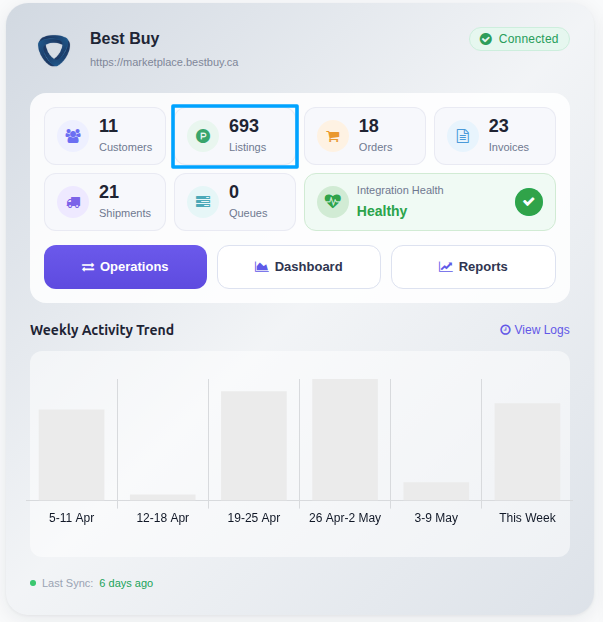
In the Listing menu, Select Listings and click on the
Export/Update to Marketplacebutton.
A pop-up window will appear. Enable Export Quantity to push the latest stock levels to Mirakl, then press
Update Offerbutton.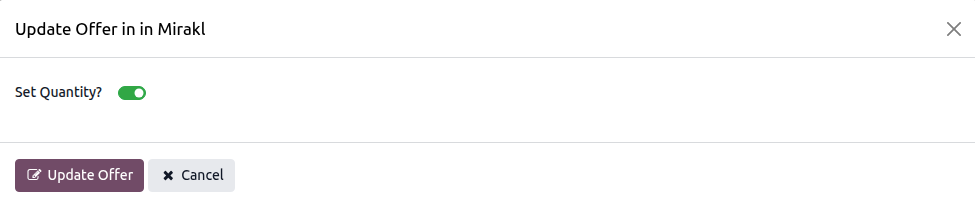
By following these steps, you should be able to update listings from Odoo to Mirakl and keep your online store’s inventory up-to-date.