
Search Restrictions
The search panel is how users explore data. Search Restrictions decide how much of it a role gets: the whole panel, only the relevant filters, or nothing at all.
Configure them on the role under , on the line for the record type. The same options exist as global switches under Block Everywhere.
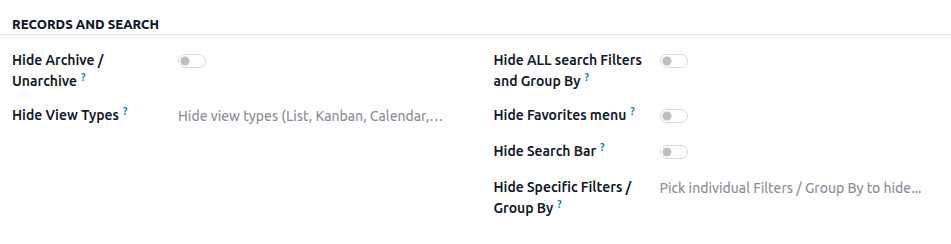
Hide the search bar
Hides the entire search bar: the input, the facets, and the Filters, Group By, and Favorites menus.
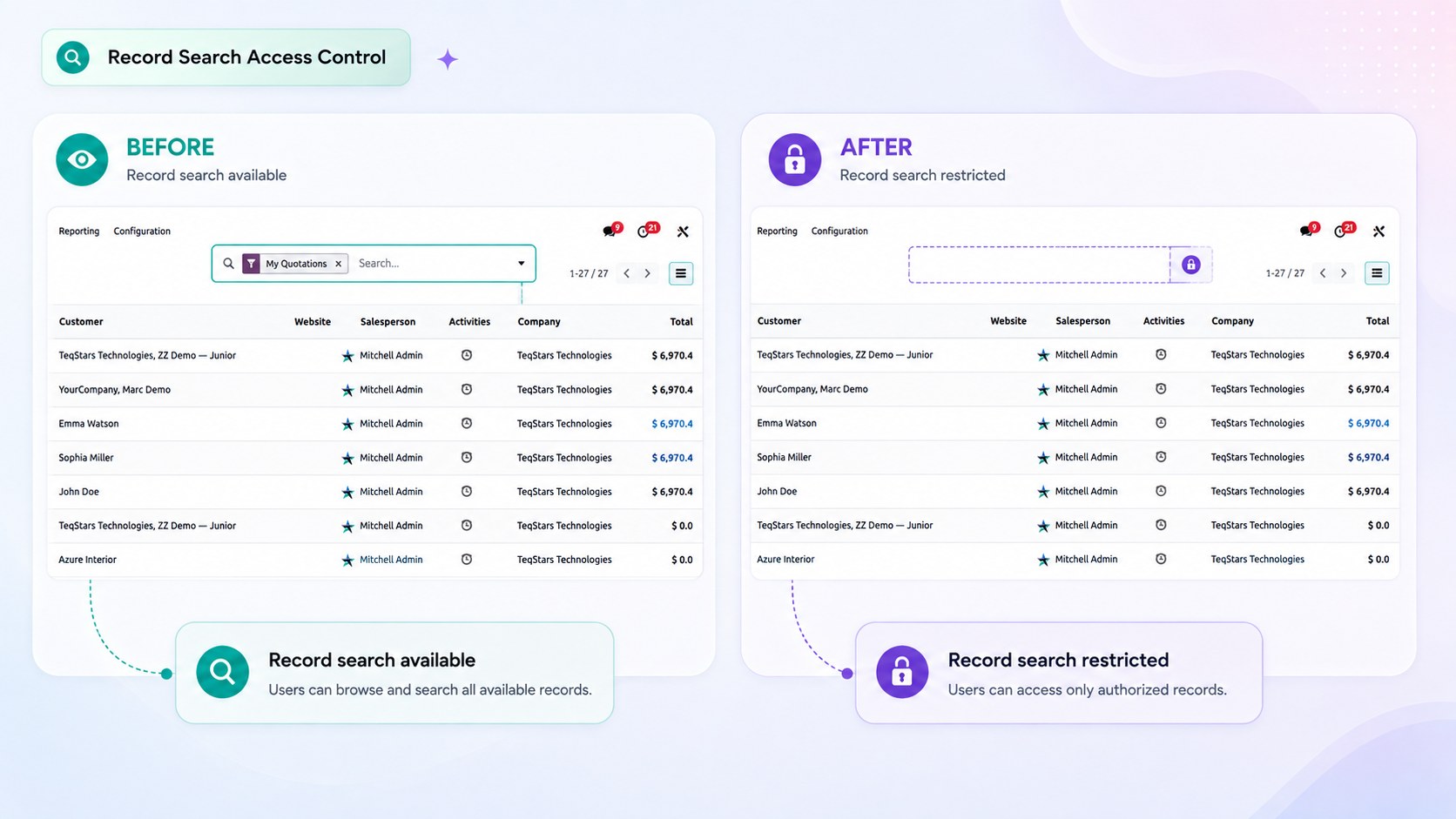
Use it for screens that should be used exactly as they are presented, such as a cashier’s product list or a focused operational board.
Hide all filters and Group By
Keeps the search input available so users can still look up a record, but removes the Filters and Group By menus.
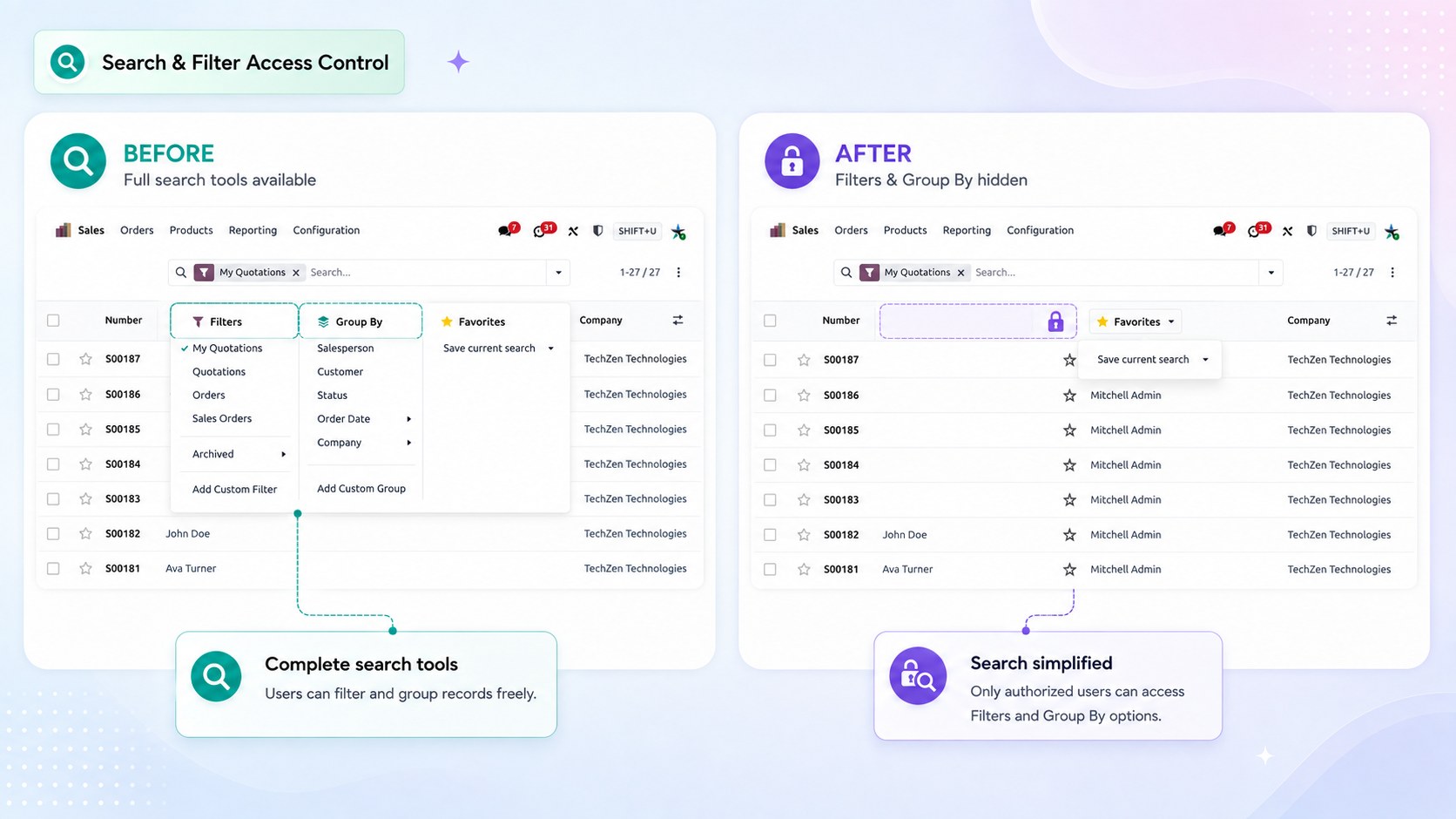
This prevents a role from re-slicing the data in ways that were not intended, while leaving normal day-to-day searching intact.
Hide the Favorites menu
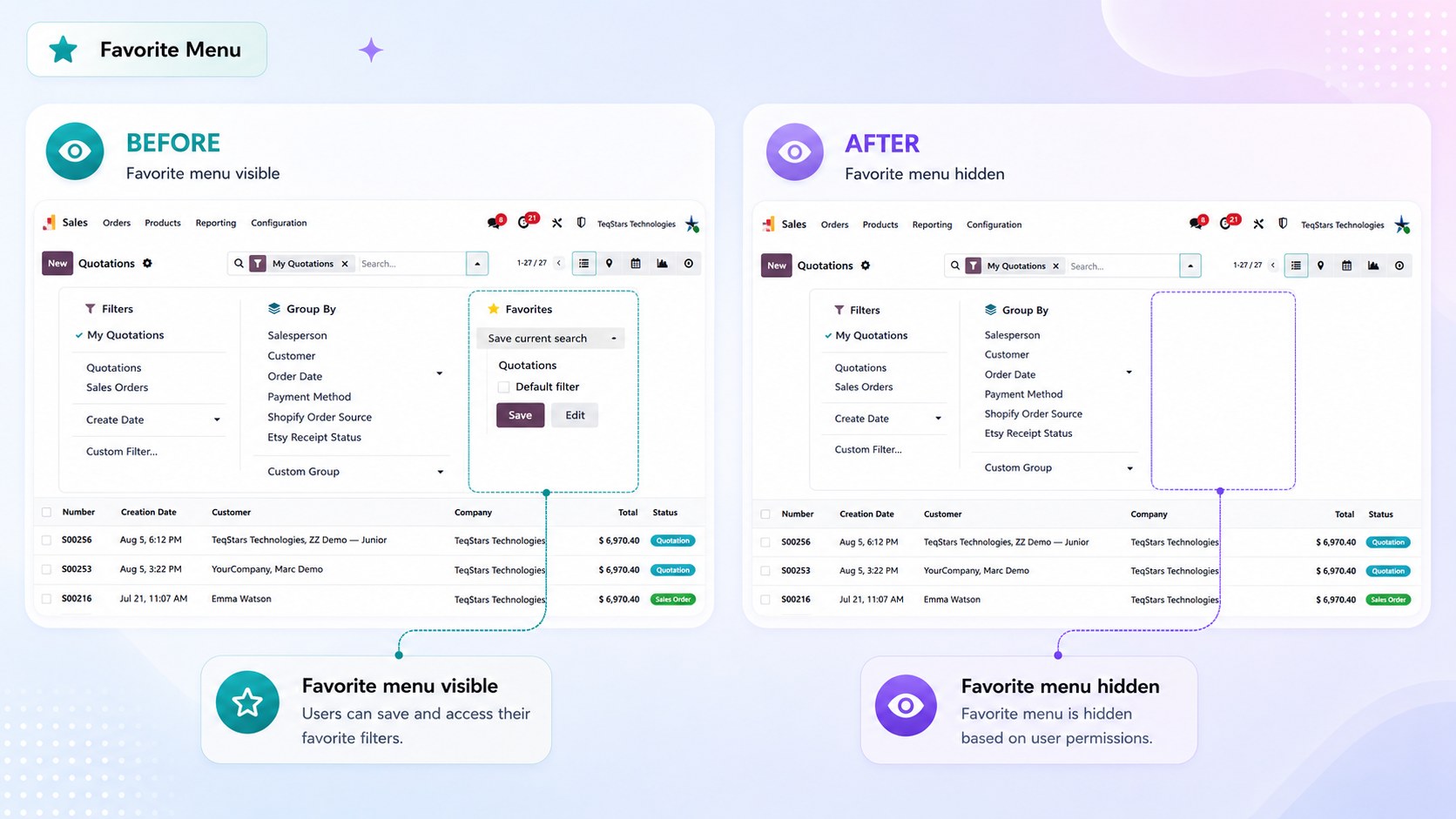
Removes the Favorites dropdown, so the role cannot save, share, or apply stored searches.
Hide specific filters or Group By entries
Removes only the selected entries and leaves the rest of the search panel intact.
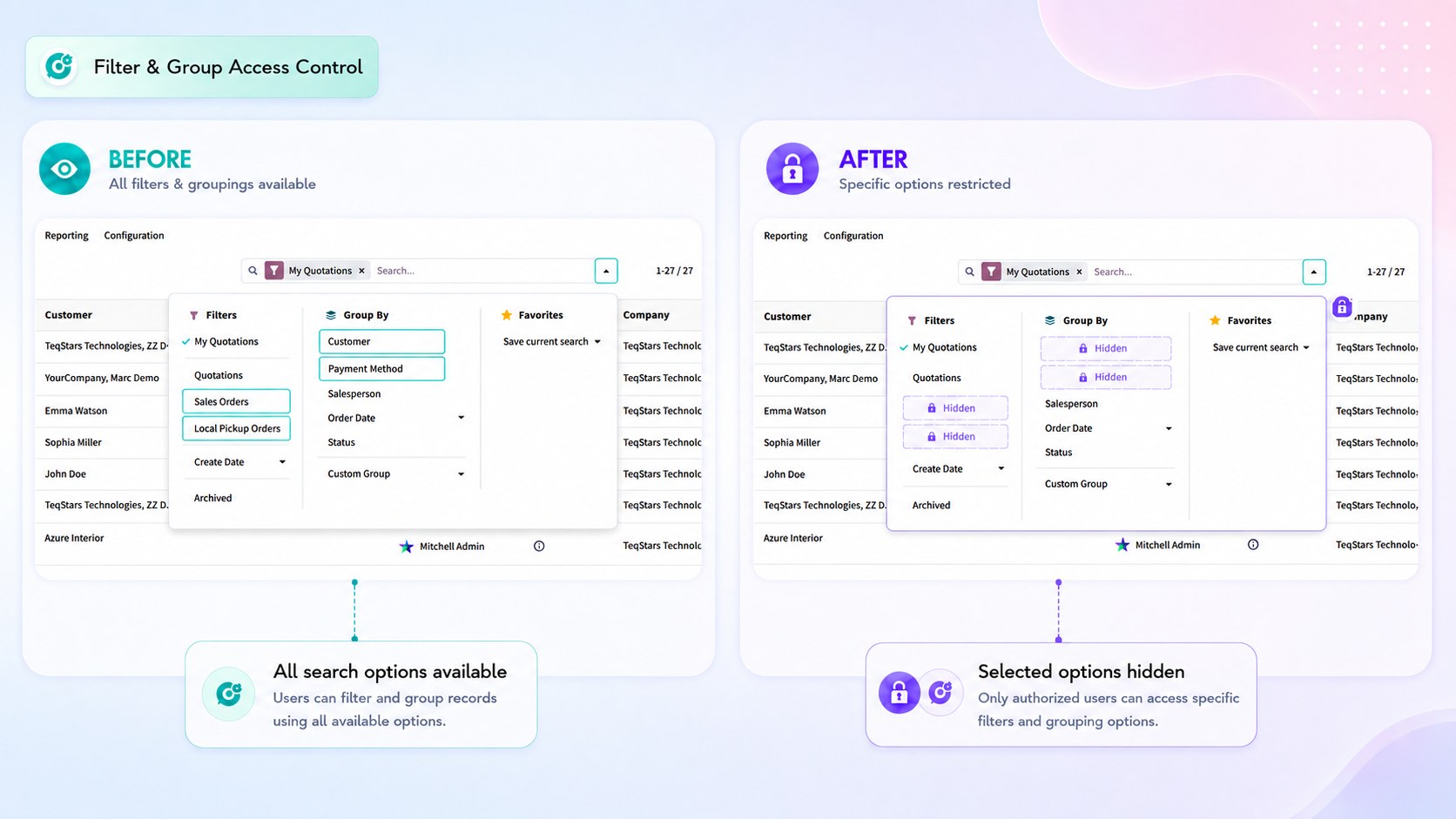
Filters and Group By entries are discovered automatically when the record type is selected, so they are picked from a list by their visible label.