Generate BigCommerce Credentials
To connect Odoo to your BigCommerce store you need two values: a Store Hash and an Access Token. Both are obtained from BigCommerce by creating a Store API Account with the right OAuth scopes.
Get Your Credentials From BigCommerce
Follow BigCommerce’s official guide — it walks you through creating the Store API Account, finding the Store Hash, choosing OAuth scopes, and copying the Access Token:
Open Your Instance Settings and Paste the Values
Once you have the Store Hash and Access Token, open your BigCommerce instance in Odoo and paste them into the Credentials tab.
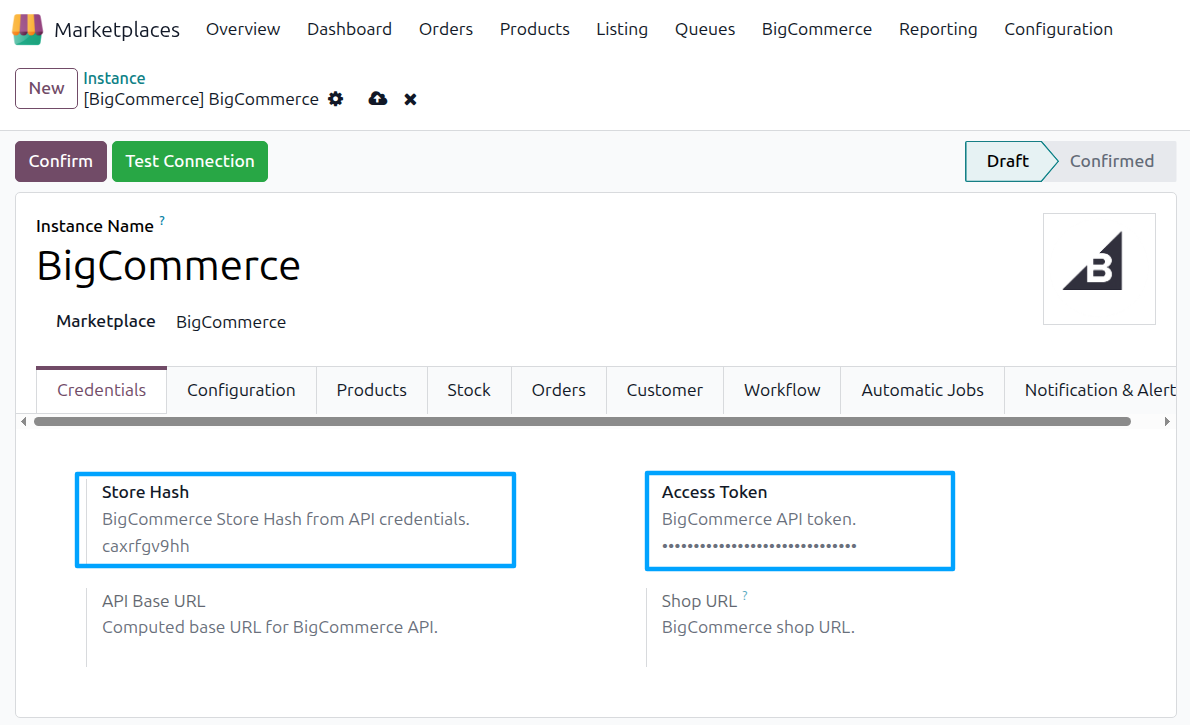
Save the configuration.
Test the Connection
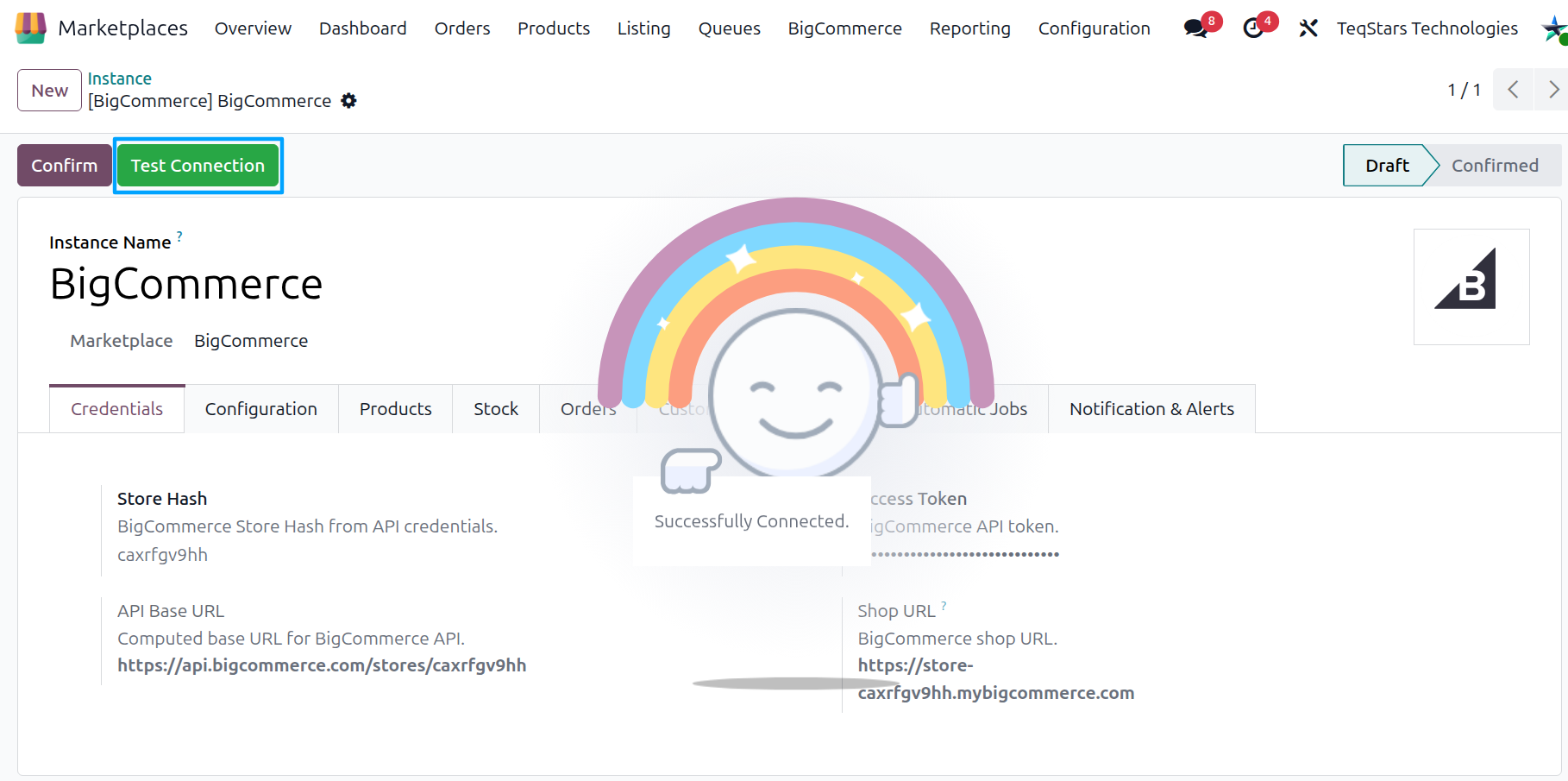
Click Test Connection on the instance form. Odoo verifies the credentials against your BigCommerce store; on success, a confirmation banner appears and you can move on to the rest of the instance configuration in Create a BigCommerce instance in Odoo.