
Step 2: Configure Braintree ACH Direct Debit
The Braintree ACH Direct Debit provider allows customers to pay directly from their US bank accounts.
Important
ACH Direct Debit must be enabled on your Braintree Account by Braintree Sales before live transactions can be processed.
ACH Provider Configuration
Navigate to .
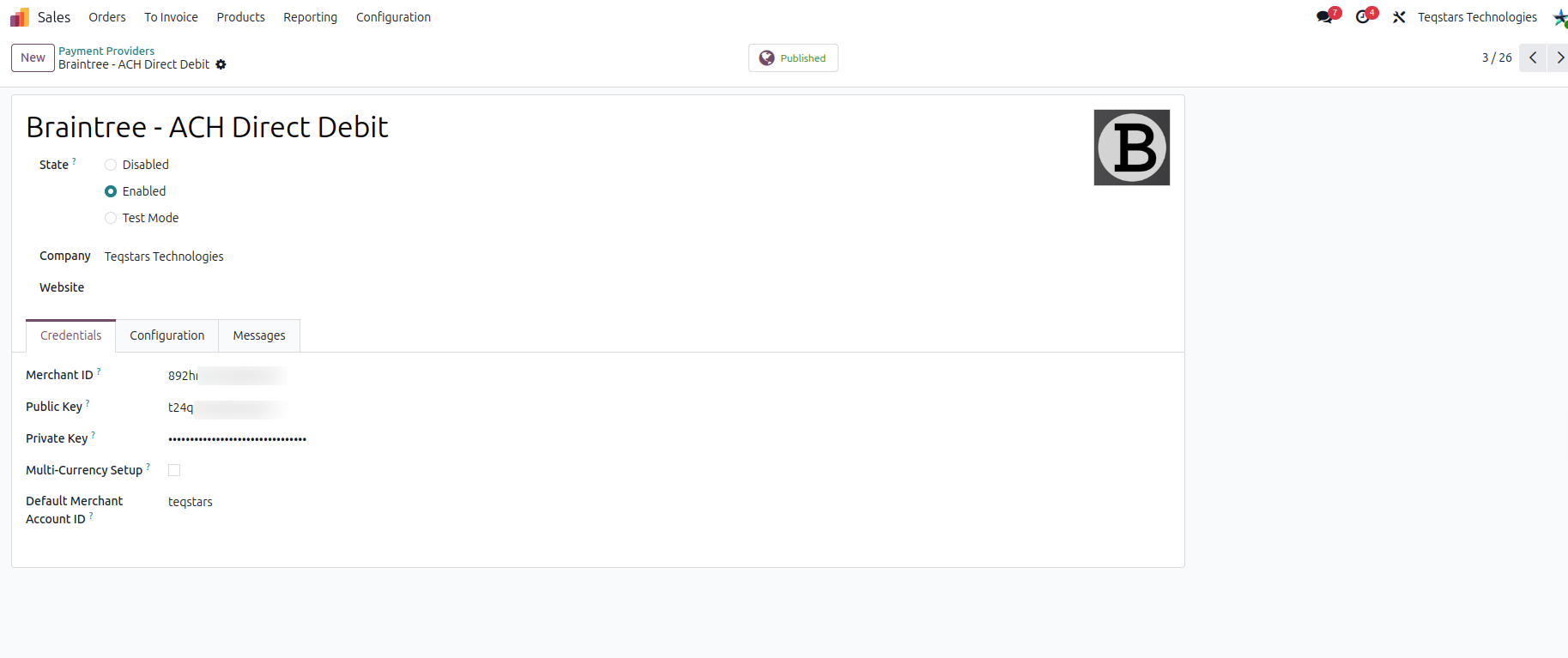
Open Braintree - ACH Direct Debit.
Under the Credentials tab, paste your Merchant ID, Public Key, and Private Key.
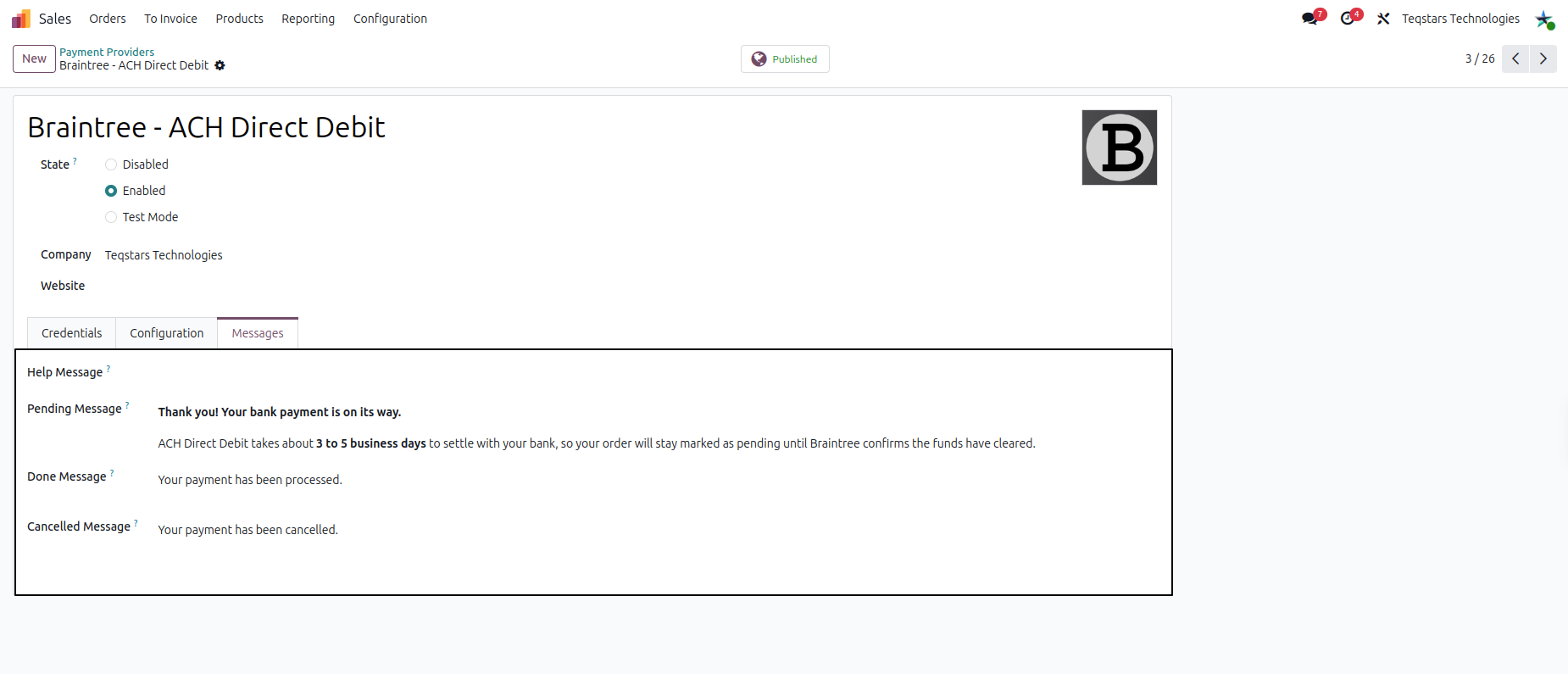
Open the Messages tab to customize the Pending Message displayed to customers during the 3-5 business day settlement window.
Mandate Text
US banking regulations require customers to agree to an authorization mandate before processing an ACH payment.
Open the Configuration tab.
Locate the ACH Direct Debit (US only) section.
Review or customize the ACH Mandate Text. The module automatically provides a standard, NACHA-compliant default text.
Webhook Configuration
Because ACH payments take 3 to 5 business days to clear, configuring a webhook is required to automatically mark the Odoo transaction as Done once the funds actually settle.
On the Configuration tab of the provider, copy the pre-generated Webhook URL.
Log into your Braintree Control Panel and navigate to .
Click New Webhook and paste your Odoo Webhook URL.
Select the following notification events:
Transaction Settled
Transaction Settlement Declined
Disbursement
Disbursement Exception
Dispute Opened
Dispute Lost
Dispute Won
Click Create Webhook.