
Activate the Ecommerce Store
Before you can sync products, categories and orders, the Brevo ecommerce store must be activated for the account. This is a one-time action.
Activate from Odoo
Open your account from (the account must be Confirmed).
Click Activate Ecommerce at the top of the form.
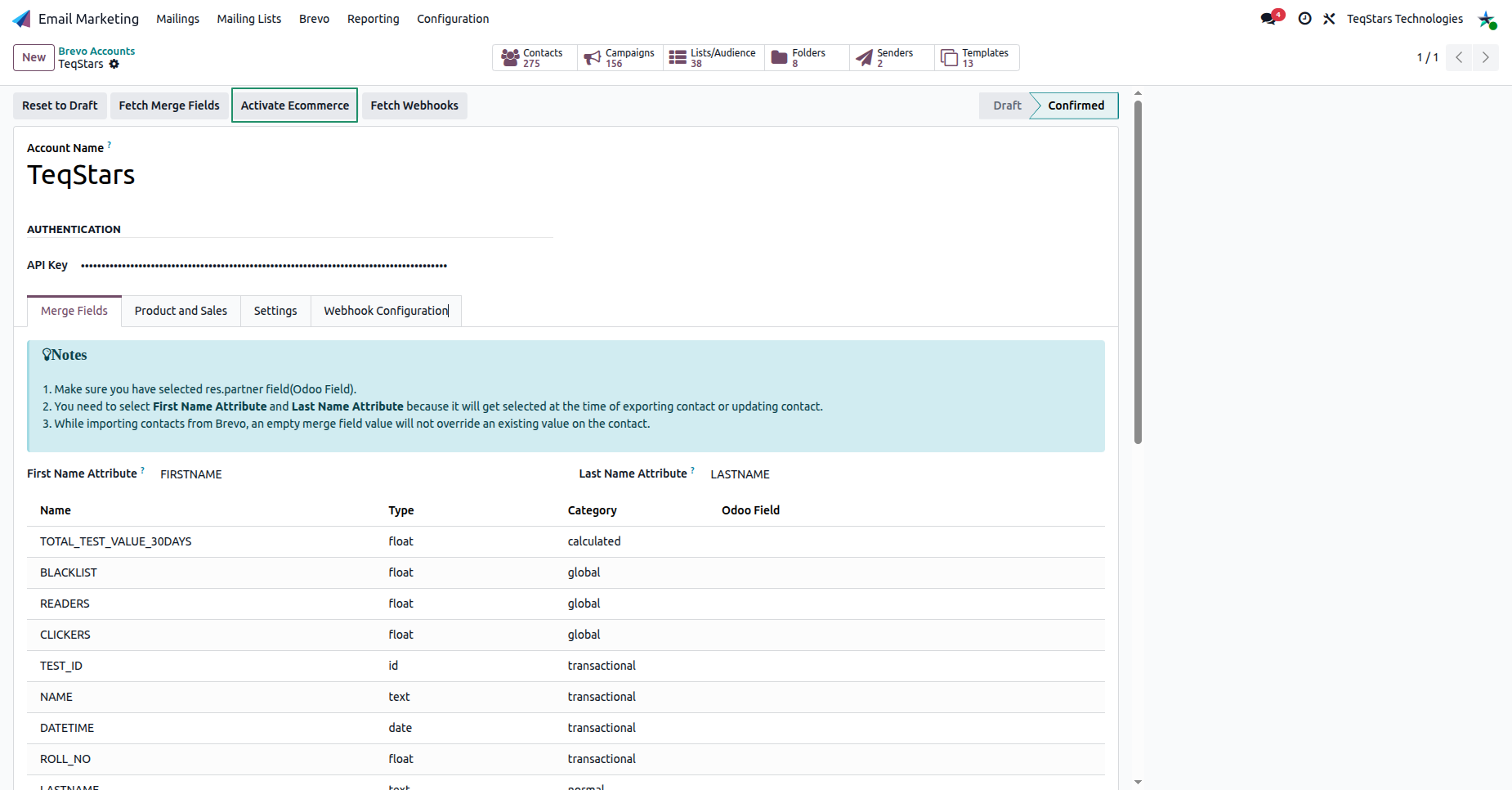
Odoo enables the ecommerce store on the Brevo side, so product, category and order data can be pushed in.
The Product and Sales Tab
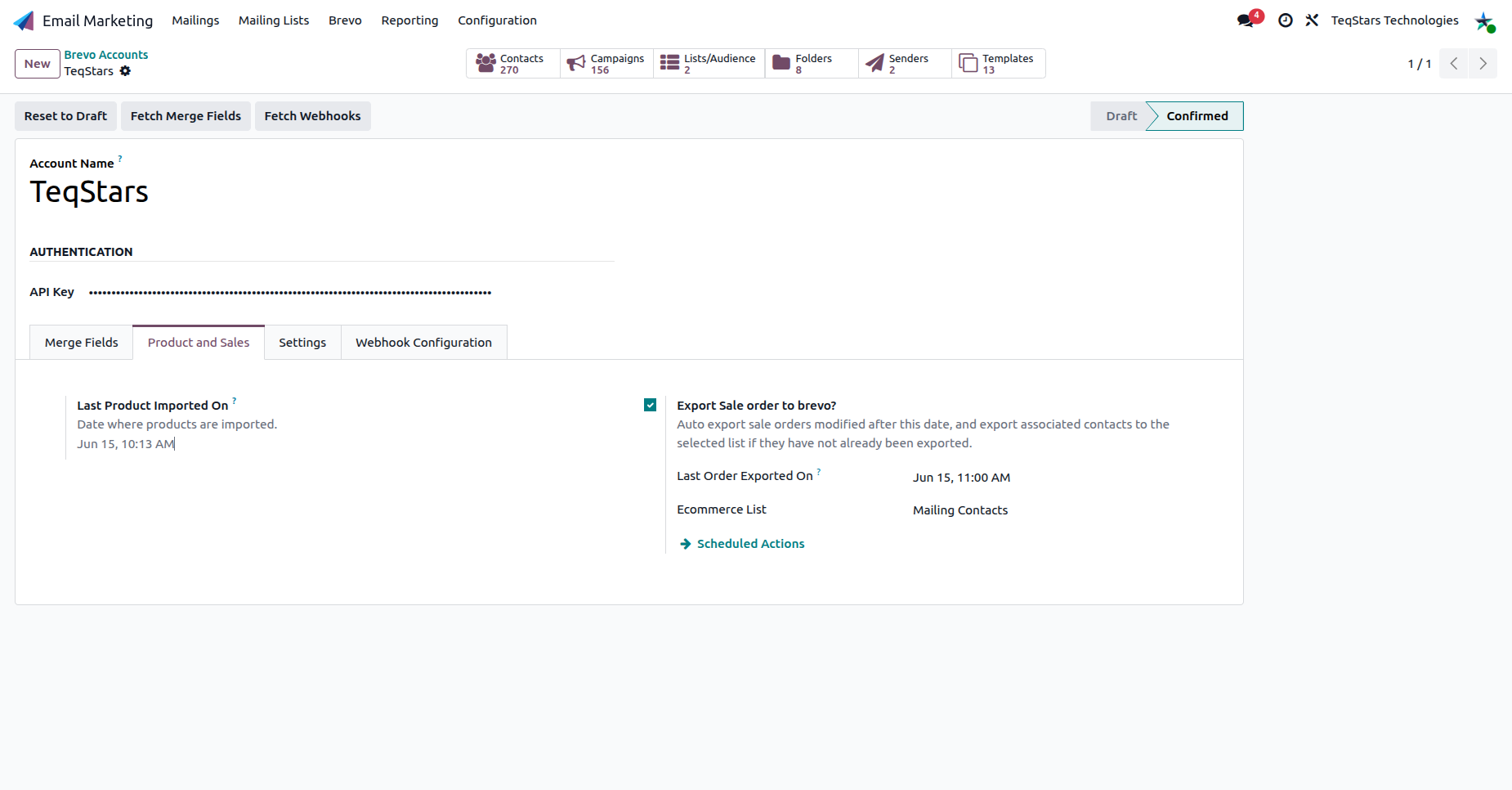
The account’s Product and Sales tab is always available, even before ecommerce is activated. It holds the settings used to import and export your products, categories and orders between Odoo and Brevo.
Note
The connector depends on the Sales app. Orders are exported from confirmed Odoo sales orders (see Orders Management).