
How It’s Calculated
Cards built on a ready-made measure, such as Win rate or Sales (untaxed), explain what they count. Use it when a number does not match what you expect.
Open the Explanation
On a card made from a ready-made measure, open the card’s ⋯ menu.
Choose How it’s calculated.
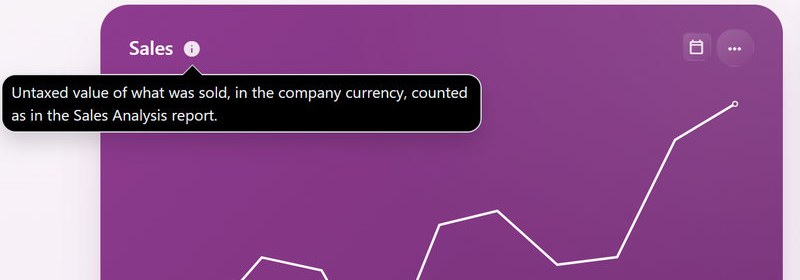
The i beside a card’s title is the card’s own description, written by the person who made it.
What It Shows
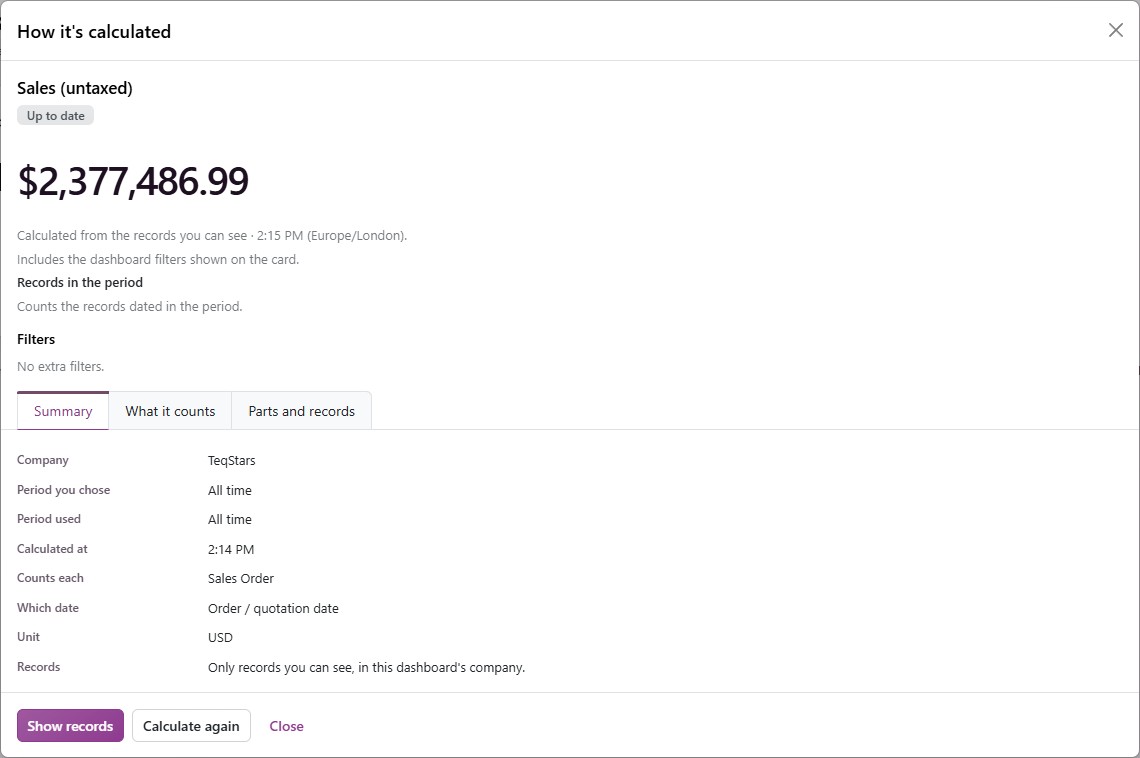
The panel shows the exact number, when it was calculated and which filters it includes, then three tabs:
Summary: The Company, the Period you chose and the Period used, Calculated at, what one record is (Counts each, such as Sales Order), Which date it goes by, the Unit and which Records count.
What it counts: The measure in plain words.
Parts and records: What the number is made of.
At the bottom:
Show records: Opens the records behind the number in Odoo’s own list, as a click on the number does.
Calculate again: Recalculates the number now.
Administrators also find the exact definition, the rounding, the limits, the version and the tax and currency basis under Details.
If a Number Looks Wrong
Open How it’s calculated and compare the dates and the filters with your Odoo report.
Click Show records to see what was counted.
If they match and the number still differs, tell your administrator which card and which period you used.