
Product Categories Management
The connector keeps your Odoo product categories and Brevo categories in sync. You can import categories from Brevo (matched to Odoo categories by name) or export your Odoo categories to Brevo, so each product can be assigned to the correct category when it is exported.
Open your categories from .
Import Categories
Go to .
Select your Account(s), set Operation Type to Product and Sales, choose Brevo Categories, and click Process.
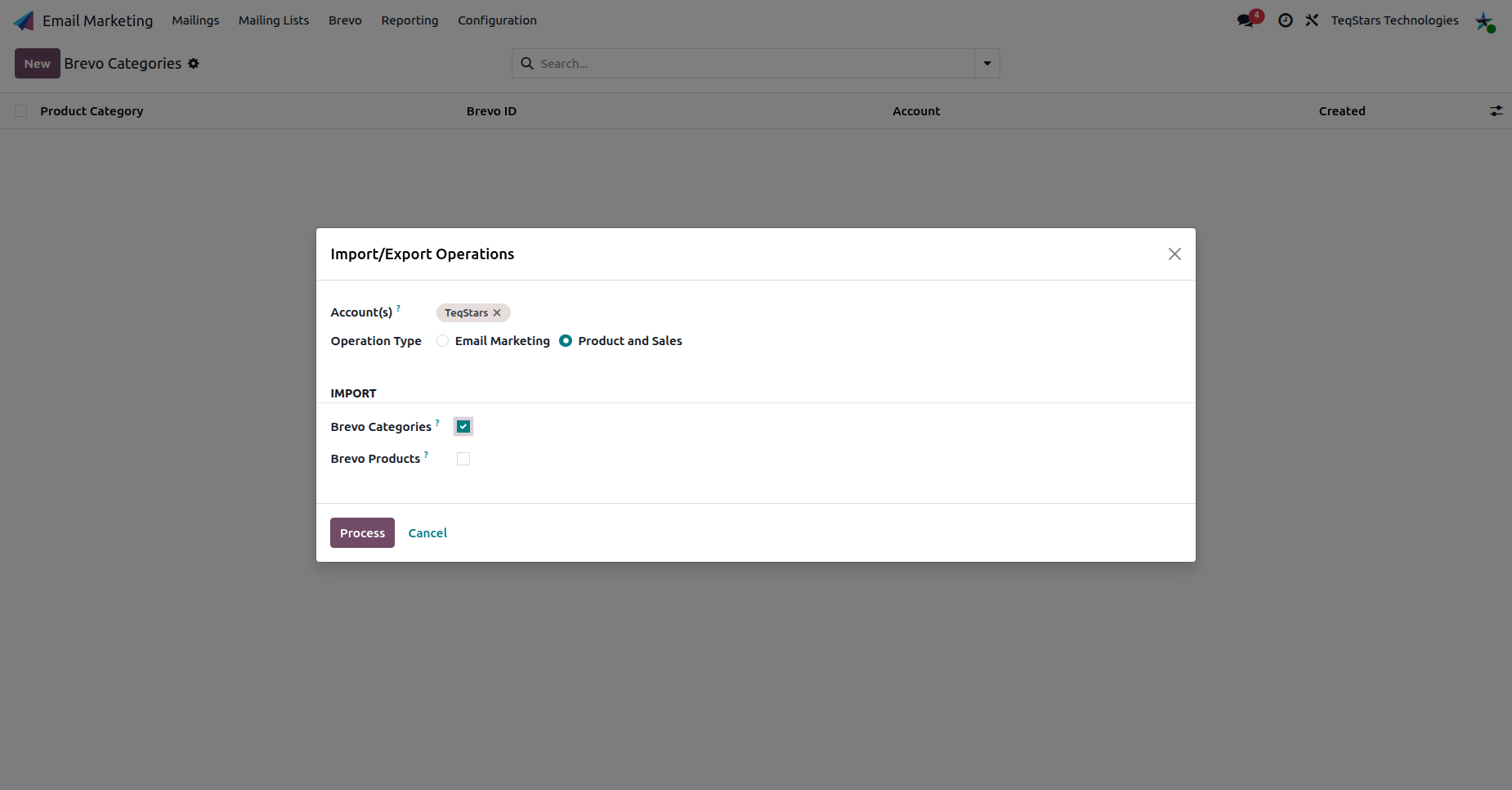
This pulls existing Brevo categories into Odoo for matching.
Export Categories
You can export or update your Odoo product categories to Brevo using the Export/Update To Brevo action.

Note
Export categories before products so each product can be filed under an existing category in Brevo.