
Update Stock & Prices In Etsy
Update Stock & Prices sends the current quantity and price from Odoo to your Etsy listings, keeping your Etsy shop in sync with your Odoo stock and pricing.
On Etsy, stock and price are updated together in a single inventory call per listing, so each listing that is sent gets both the quantity and the price of every variant refreshed.
A run does not resend everything: a listing is sent when one of its variants had a stock move since Last Stock & Price Updated On, or when a pricelist rule that applies to it changed since then. The first run (no date yet) sends every listed listing. This applies to the manual operation and to the scheduled action alike.
Note
Stock Based On instance configuration will be used while exporting inventory.
The Export Odoo Product’s Sale Price? setting in Product Configurations is used when exporting prices.
The standard behavior is to export the prices based on the pricelist configured in the Instance. However, if you want to export the product’s sale price directly, bypassing the pricelist, you can customize the export functionality by enabling this option.
There are two ways to run Update Stock & Prices from Odoo to Etsy:
Method - 1: Manual Export
Go to the menu in Odoo.
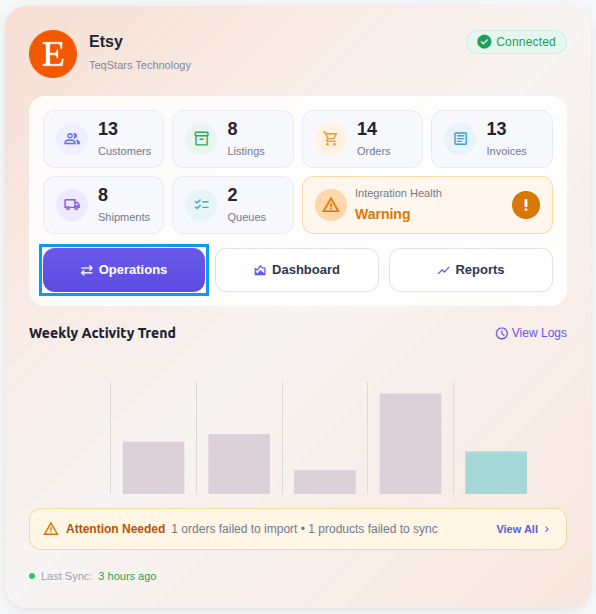
Click on the Operations button from the instance record.
Select Export as the operation type and then choose Update Stock & Prices.
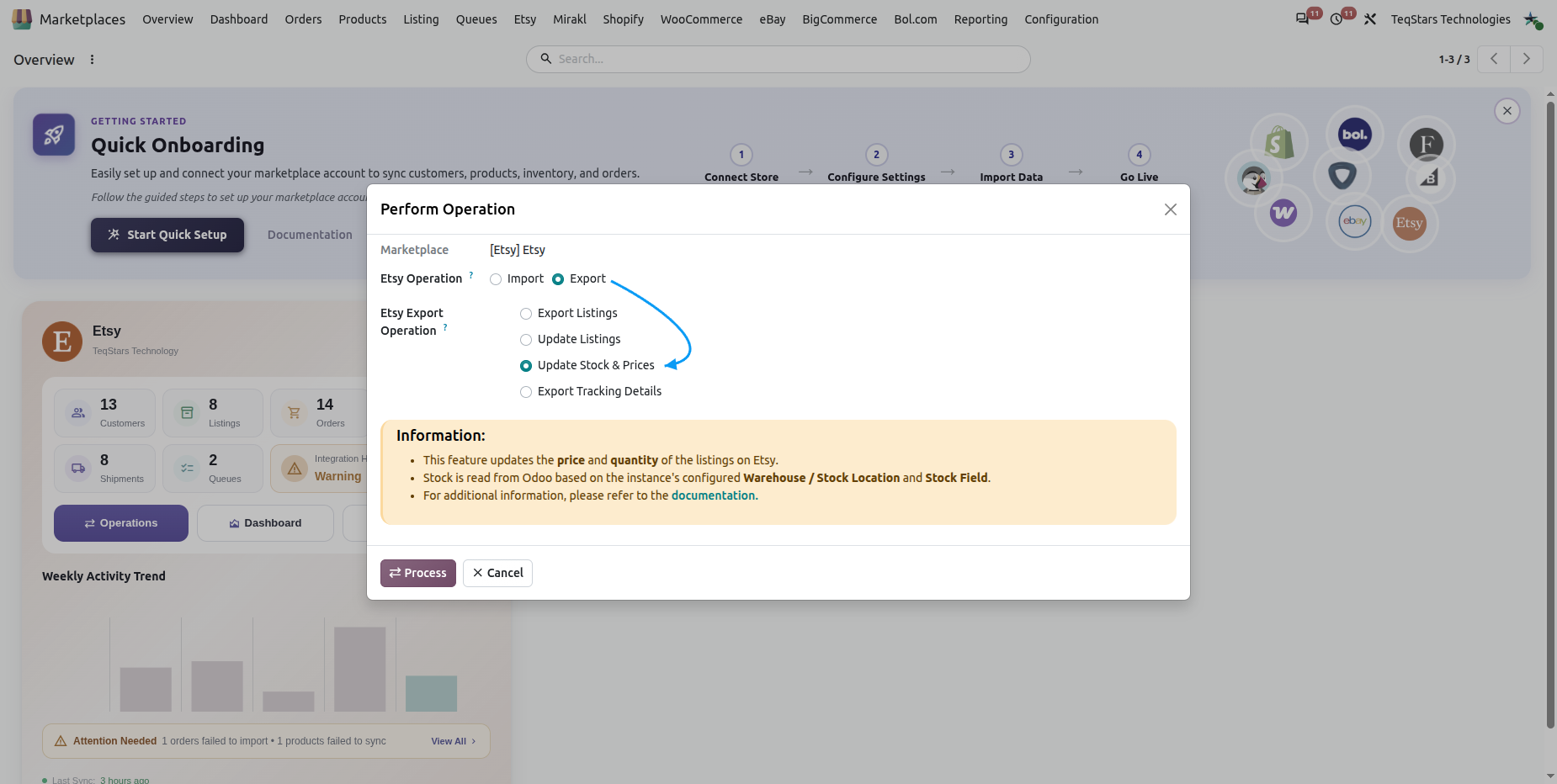
Press the Process button to push the current stock and prices from Odoo to Etsy.
Method - 2: Automatic Export
The Update Stock & Prices operation can be automated using the Scheduled Action, which runs at a predefined interval and updates Etsy listings without manual work.
Go to your Etsy instance by navigating to .
Open the Automatic Jobs tab. Configure the Update Product’s Stock and Prices scheduled action by setting Interval Number, Interval Unit, and Active.
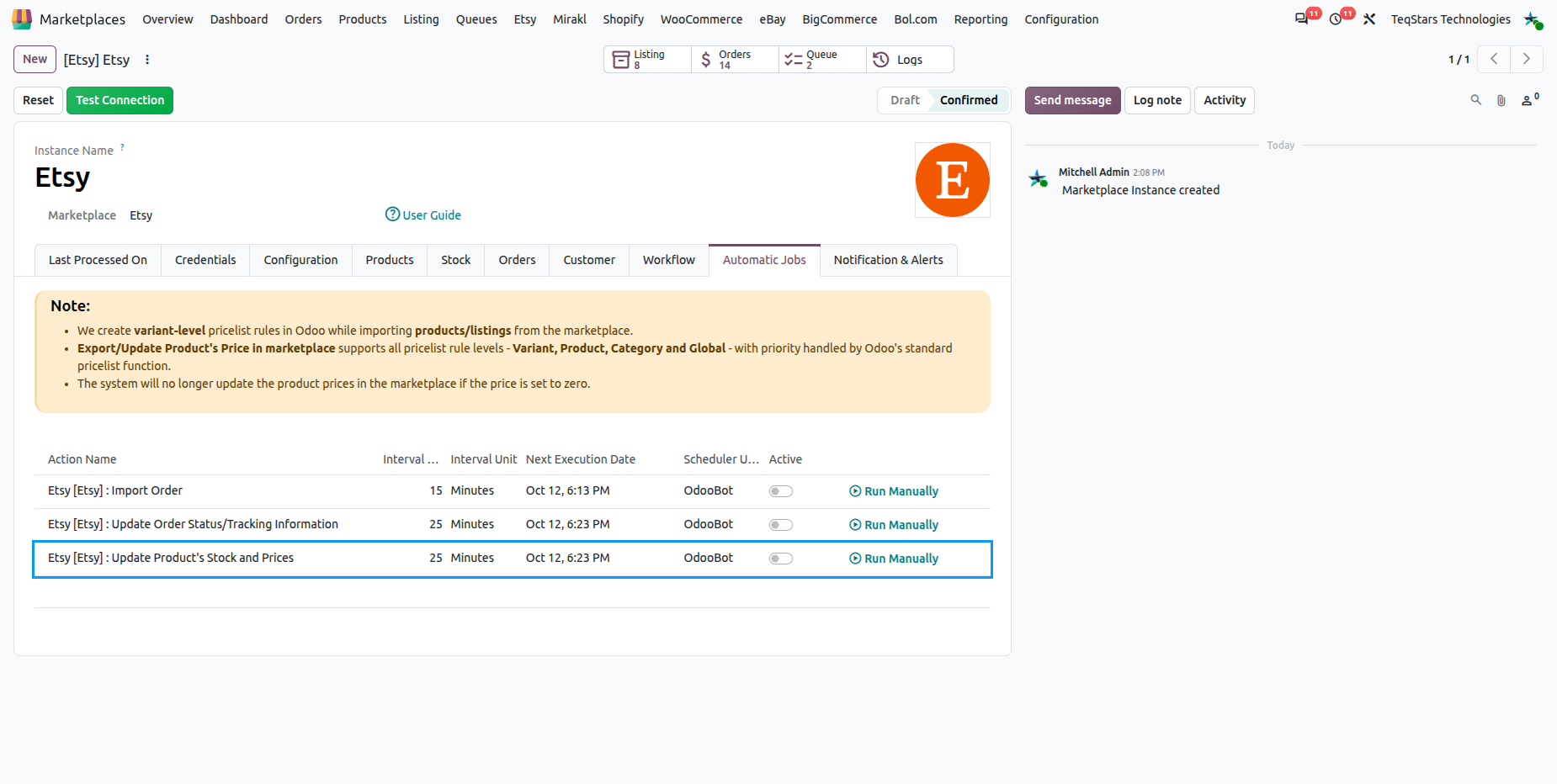
Once the scheduled action is active, Odoo automatically pushes the current stock and prices to Etsy at the configured interval. The instance’s Last Stock & Price Updated On field is updated after a successful run completes with no errors.
Important
When a variant’s price is zero, no price is sent for that variant, so the connector never publishes a zero-priced offer. Etsy’s API reference lists the price of an offering as required, so such a listing may be rejected by Etsy and logged as an error; give the product a price in the instance pricelist.
Only listings that already exist on Etsy (have an Etsy Listing ID stored in Odoo) are updated by this operation.
Last Stock & Price Updated On is only advanced when the run finished without errors; after an error the same changes are sent again on the next run.
The quantity sent is never negative, and offerings are sent as enabled. Etsy’s rate limit (HTTP 429) is handled as described in the FAQ.
See also